









4MINDS
AI-powered conversation intelligence — import and analyze your Gong calls and transcripts.
About
4MINDS is an AI-powered platform that helps sales and revenue teams unlock insights from their conversation data. Connect your Gong account to import calls, transcripts, scorecards, and tracker definitions directly into 4MINDS datasets. Once imported, your team can query and analyze conversation data using AI to surface trends, coaching opportunities, and deal intelligence — all within a single workspace.
Media
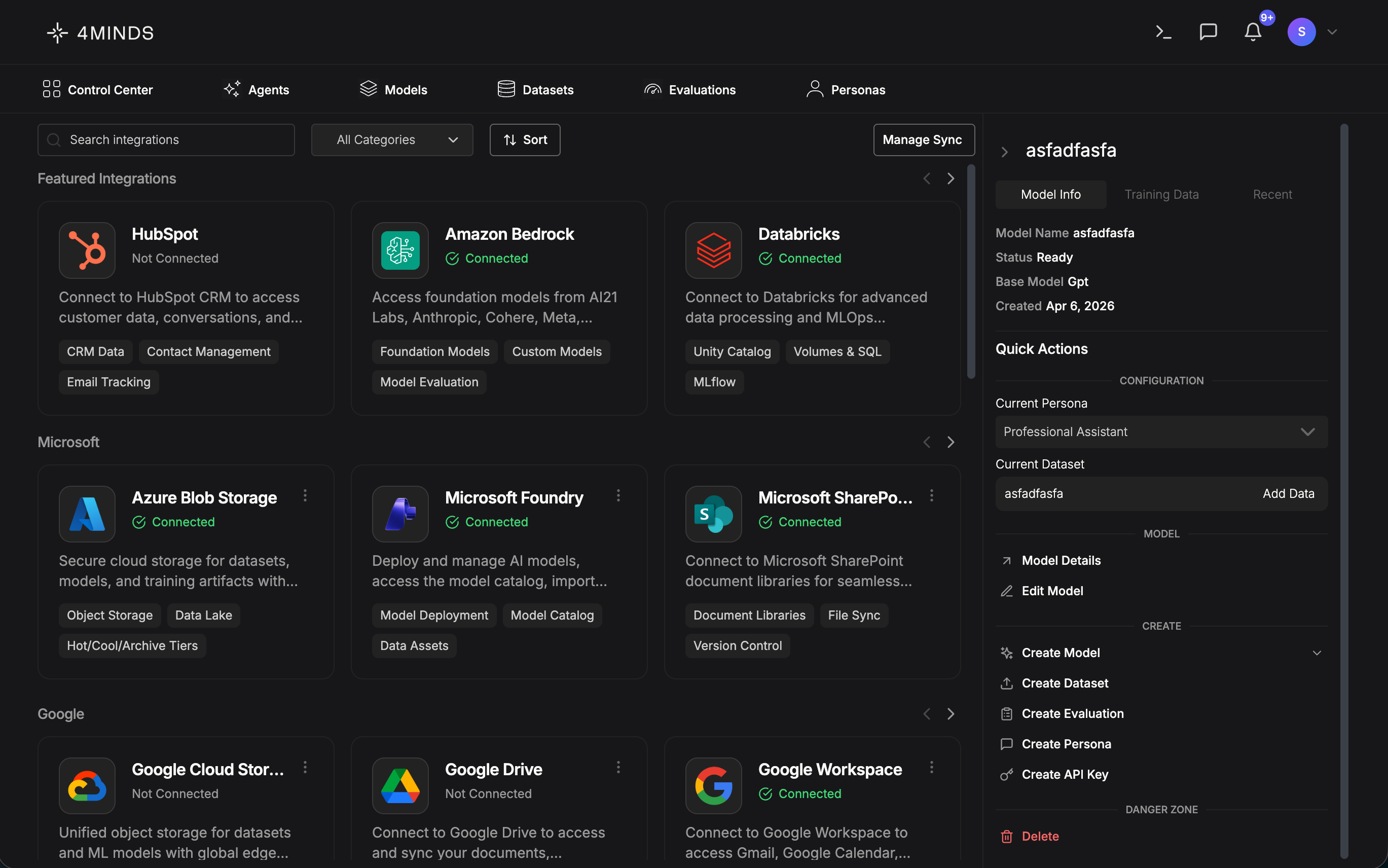
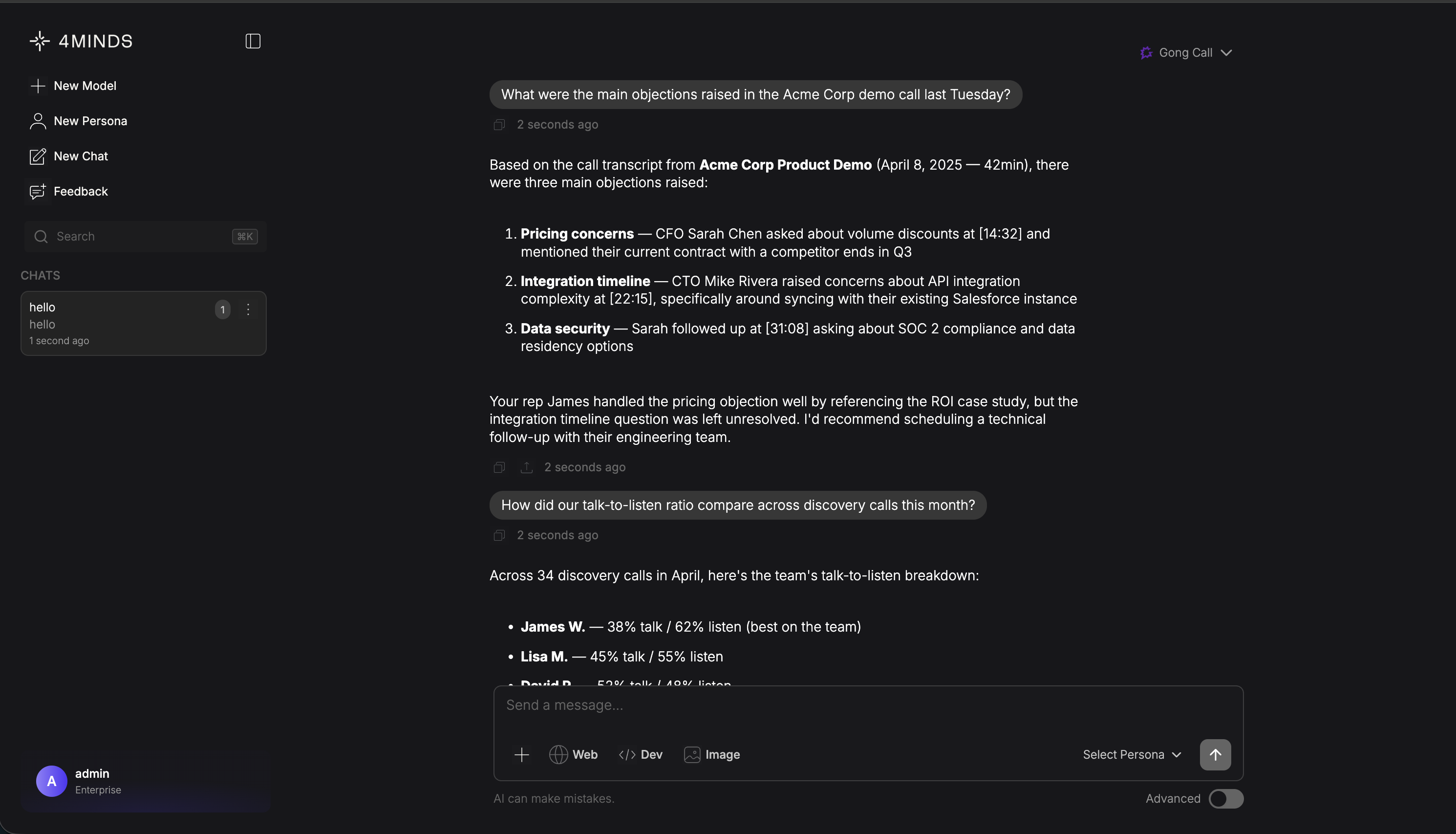
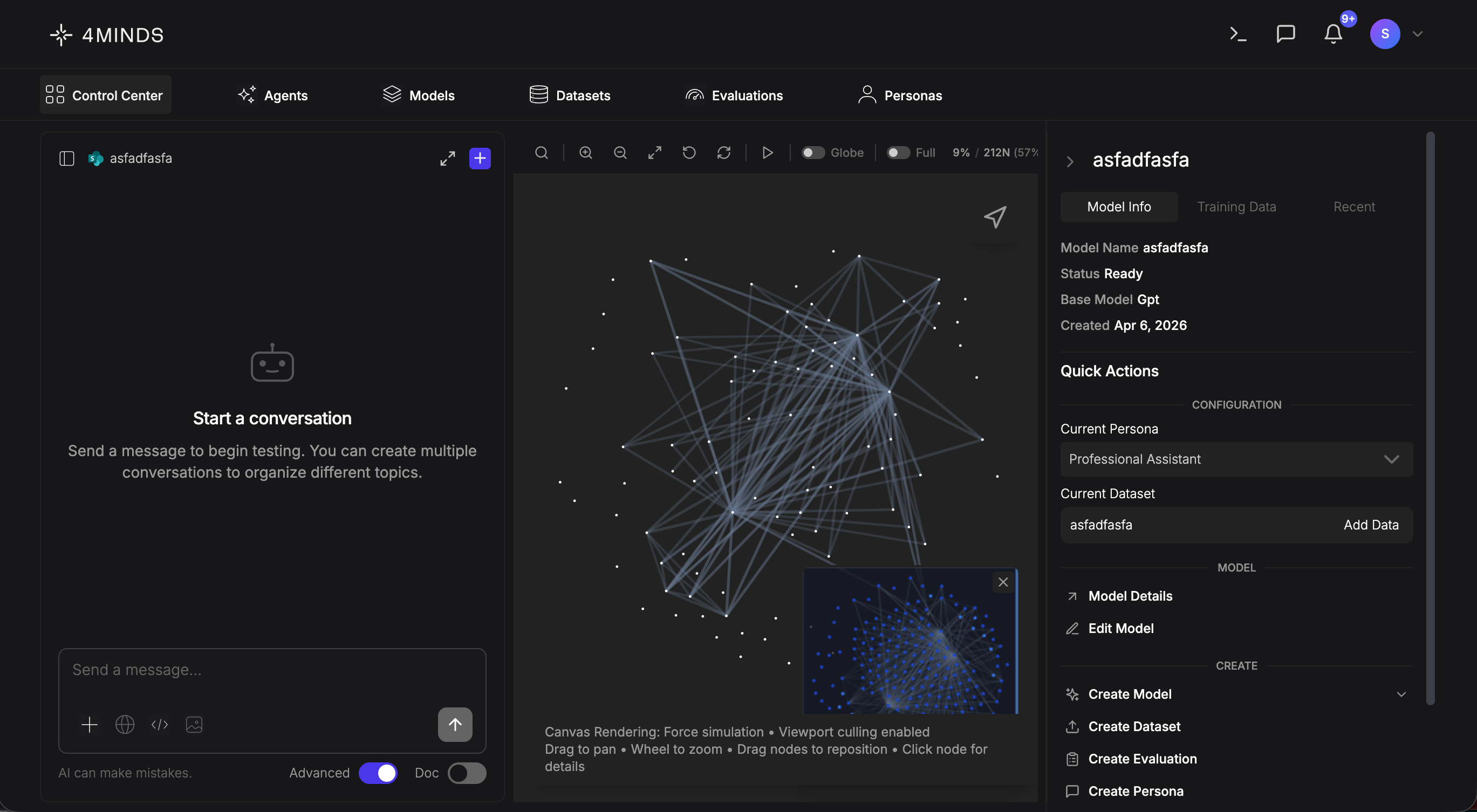
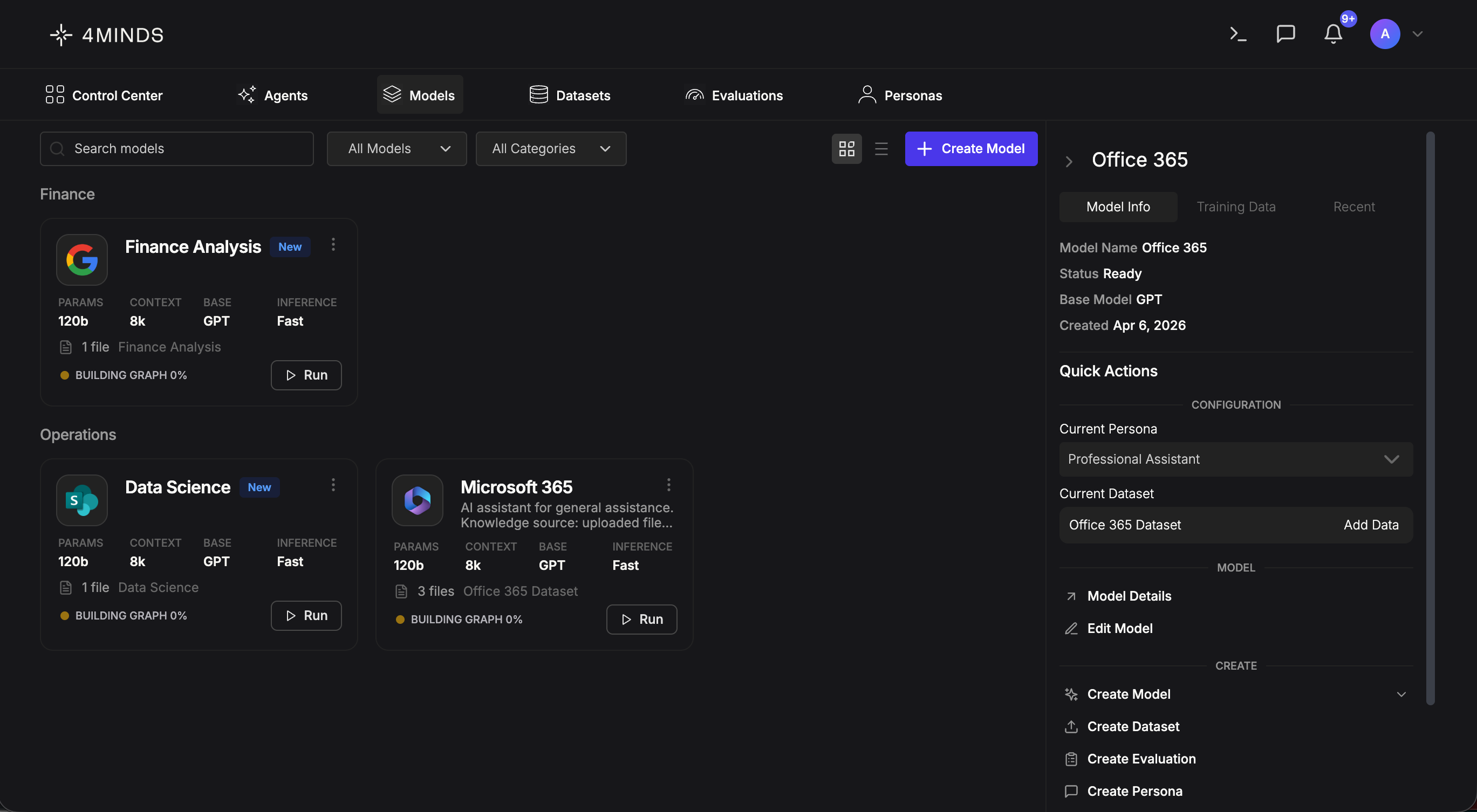
Features
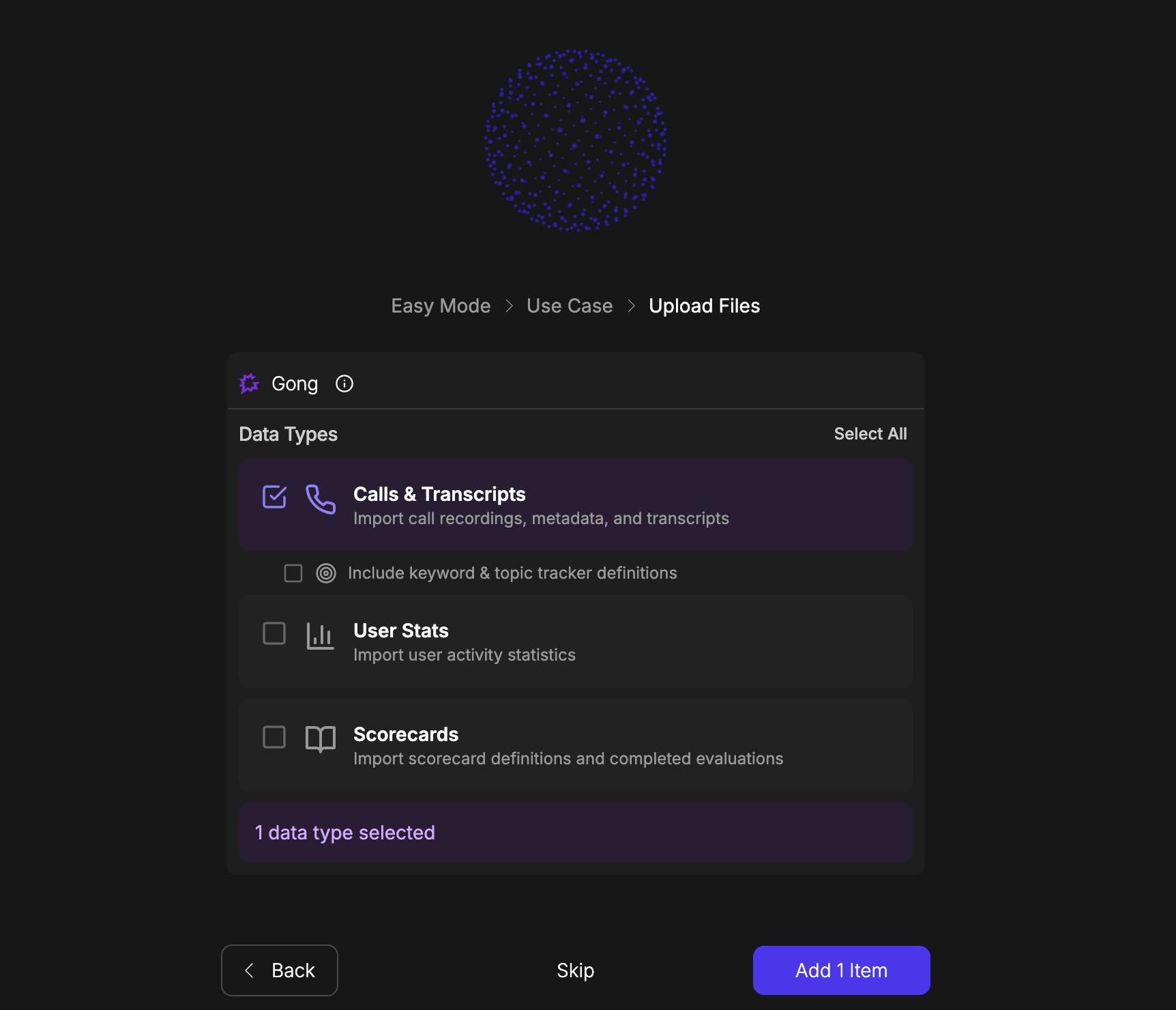
Import Gong data into 4MINDS
Import call recordings, transcripts, and participant data from your Gong workspace into 4MINDS. Available data types include:
- Calls & Transcripts — Full call metadata (title, date, duration, direction, attendees) with timestamped speaker-by-speaker transcripts
- Users — Team member profiles including name, email, title, and role
- User Stats — Daily activity and interaction metrics per user
- Scorecards — Scorecard definitions and completed call evaluations with individual question scores
- Libraries — Saved call libraries and snippet collections
- Trackers — Keyword tracker definitions and monitored phrases
Benefits
Import your Gong data
Bring your Gong calls, transcripts, scorecards, and more directly into 4MINDS with just a few clicks. Select the data types you need, and the platform handles the rest — formatting and organizing everything into datasets ready for AI-powered analysis.
FAQ
4MINDS authenticates with Gong at the organization level using a Tech Admin's credentials. This means the integration has access to all calls available to that admin account. 4MINDS does not replicate Gong's per-user call visibility permissions — any 4MINDS user with access to the Gong integration can view imported call data regardless of their role in Gong. We recommend that only authorized team members (e.g. managers, RevOps, enablement leads) are granted access to the Gong integration within 4MINDS. Additionally, calls marked as private in Gong are automatically filtered out and are never imported into 4MINDS.
Yes. 4MINDS uses role-based access controls (RBAC) to manage who can see and use imported data. Gong datasets can be kept private, shared with specific teams, or shared across your organization. Each team member has a role (Owner, Admin, Member, Viewer, or Guest) that determines what they can do. For models trained on Gong call data, administrators can apply additional restrictions including inference-only access, time-based schedules, usage limits, and rate limits. All access and usage is logged in an audit trail.
You can access any data type that your Gong API key or OAuth token has permissions for. See the data types table for the full list.
Yes. You can add Gong data to both new and existing datasets, and combine it with data from other sources.
Sync frequency depends on your dataset’s sync configuration. You can also trigger a manual sync at any time.
Previously imported data remains in your datasets. However, automatic syncing will stop, and you will not be able to import new data from Gong until you reconnect.
Yes. When setting up dataset sync, you can select or deselect individual data types. Only selected types will be refreshed on each sync cycle.
No. The integration imports call metadata (title, duration, attendees, etc.) and transcripts as text. Audio files are not downloaded or stored.
Each user account on 4MINDS supports one Gong connection at a time. To switch accounts, disconnect the current one and connect with a different Gong account.
Integration Diagrams
4MINDS pulls data from Gong via the Gong REST API using OAuth 2.0 authentication. Users select which data types to import (calls, transcripts, scorecards, trackers, etc.) and the platform fetches the records, formats them as text, and stores them in the user's dataset for AI-powered analysis. All data flows are read-only — 4MINDS does not write or modify any data in Gong. Private calls (isPrivate: true) are filtered out before storage.
Data
Gong Data
Gong Data

Data
Dataset Files
Dataset Files
Requirements
Subscriptions Required
What you need
- A 4MINDS paid subscription or free trial
- A Gong account with API access enabled
- Admin or user permissions in Gong to authorize OAuth connections
Authenticating User Requirements
To authenticate this integration for the first time, a user must be a Gong Tech Admin and have workspace permissions in 4MINDS.
Connect
To connect Gong with 4MINDS, navigate to Integrations in your 4MINDS account and click "Connect" on the Gong card. You'll be redirected to Gong's authorization page to grant access. Once authorized, you can select which data types to import (calls & transcripts, scorecards, user stats, and more) and add them to your datasets. Your connection can be managed or disconnected at any time from the Integrations settings page.