








Atlassian_Rovo_Banner
Atlassian provides collaboration, development, and issue tracking software for teams.
About
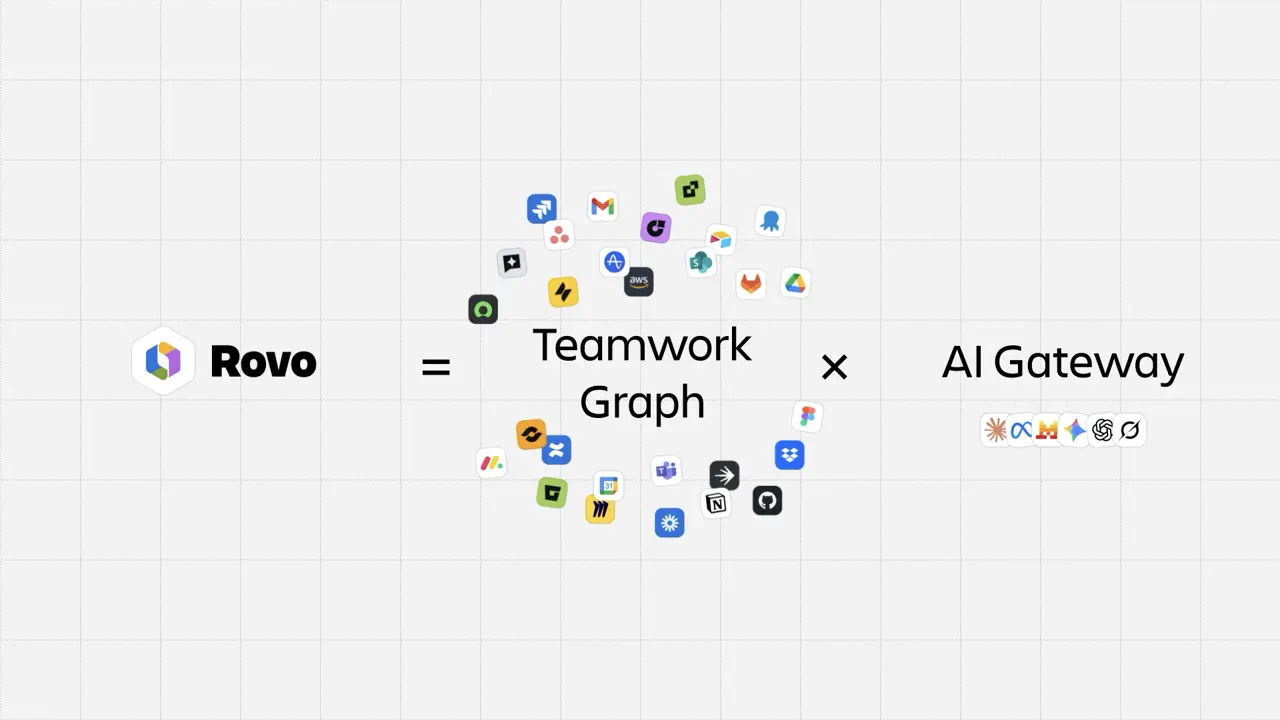
Connect Gong to Atlassian Teamwork Graph to bring Gong calls, transcripts, folders, and workspaces into Rovo Search, Chat, and Agents. Get contextualized, personalized results in one place, while respecting each user’s Gong permissions.
Media
Features
Use Gong Data in Atlassian
Bring Gong call data into the Atlassian Teamwork Graph to enhance Rovo Agents, Search, and Chat with context from your work in Gong, alongside your Atlassian work.
Benefits
Ingested data
See our support documentation for more details.
FAQ
Rovo synchronises with access controls and permission settings from connected third-party apps and your Atlassian apps. This helps ensure that users only see content they have access to.
We ‘listen’ for permission changes, and update the Rovo index with changes. More about permissions
Integration Diagrams
Sync Gong Call Data into Atlassian Teamwork Graph
Data
Gong Call Data
Gong Call Data

Data
Atlassian Teamwork Graph
Atlassian Teamwork Graph
Requirements
Authenticating User Requirements
To authenticate this integration for the first time, a user must be a Gong Tech Admin and have Org admin permissions in Atlassian.
Subscriptions Required
Must have Atlassian Rovo.
Connect
Follow the directions in admin.atlassian.com, or review the setup guide at https://support.atlassian.com/organization-administration/docs/connect-gong-to-teamwork-graph/