








Learn More
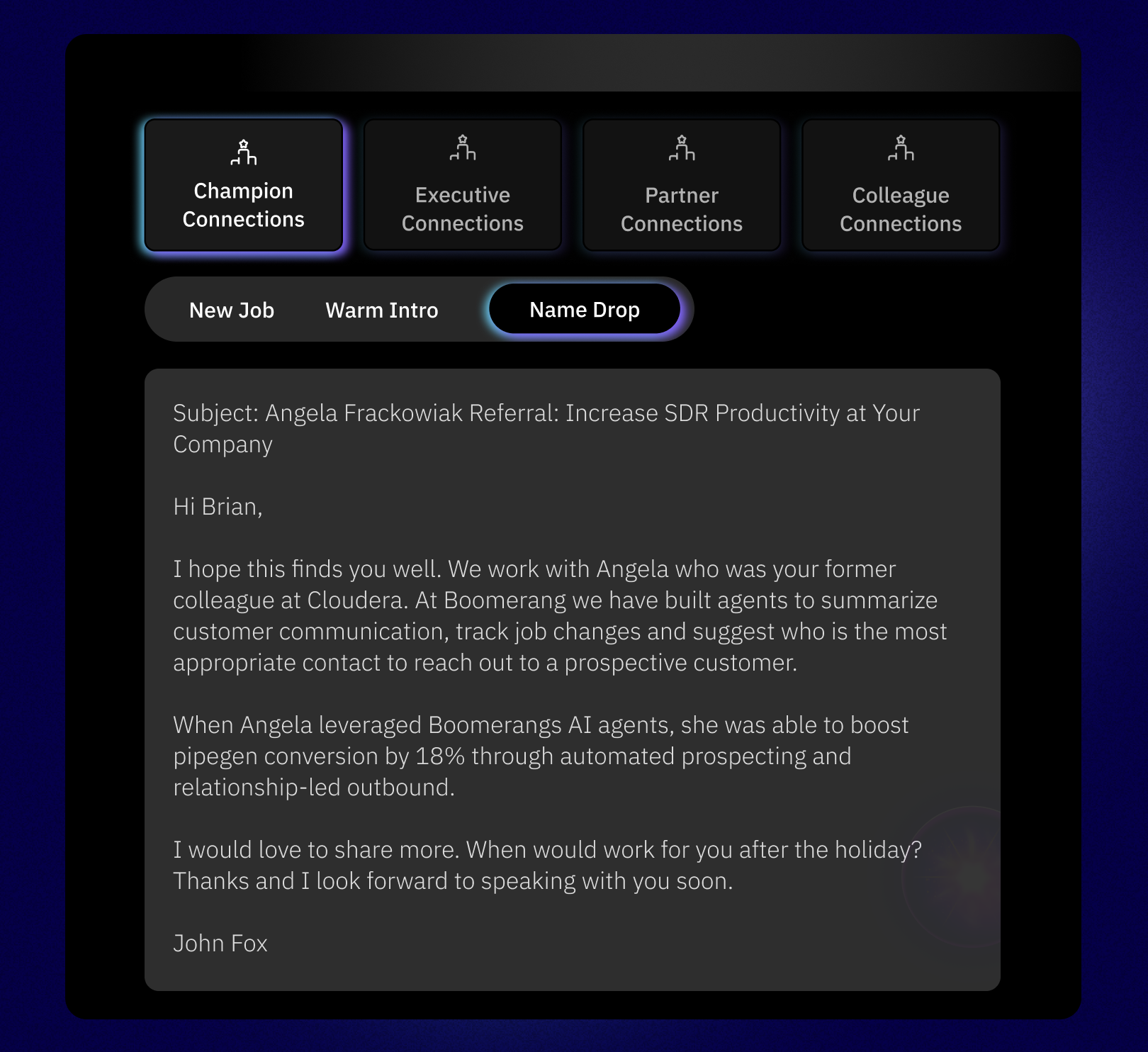
Deliver the best repeat buying experience for your champions, effortlessly. Boomerang's AI agents handle the entire process. They identify your most valuable champions by analyzing your calendars, emails, and Gong recordings, and then track their job changes for you. With personalized follow-ups and automated CRM data management, your champions consistently receive a premium experience, which leads to stronger relationships and more repeat business.
About
Boomerang is a relationship intelligence platform that uses your champion and executive relationship data, combined with AI, to create high-converting outbound plays.
Our powerful Gong integration automatically extracts critical intelligence from call recordings—including next follow-up actions, buyer sentiment, new buyer names, competitive insights, and ideal timing—to power a highly intelligent re-engagement process.
Media
Features
Use Gong Data in Boomerang
Boomerang analyzes previous comments and key moments, like "We need to revisit this in Q2," to tell you precisely who to re-engage, when, and why. This lets you turn valuable tidbits—like new hires, budget freezes, or internal approvals—into timely and scalable sales plays.

Add Contacts from Boomerang to Engage Flows
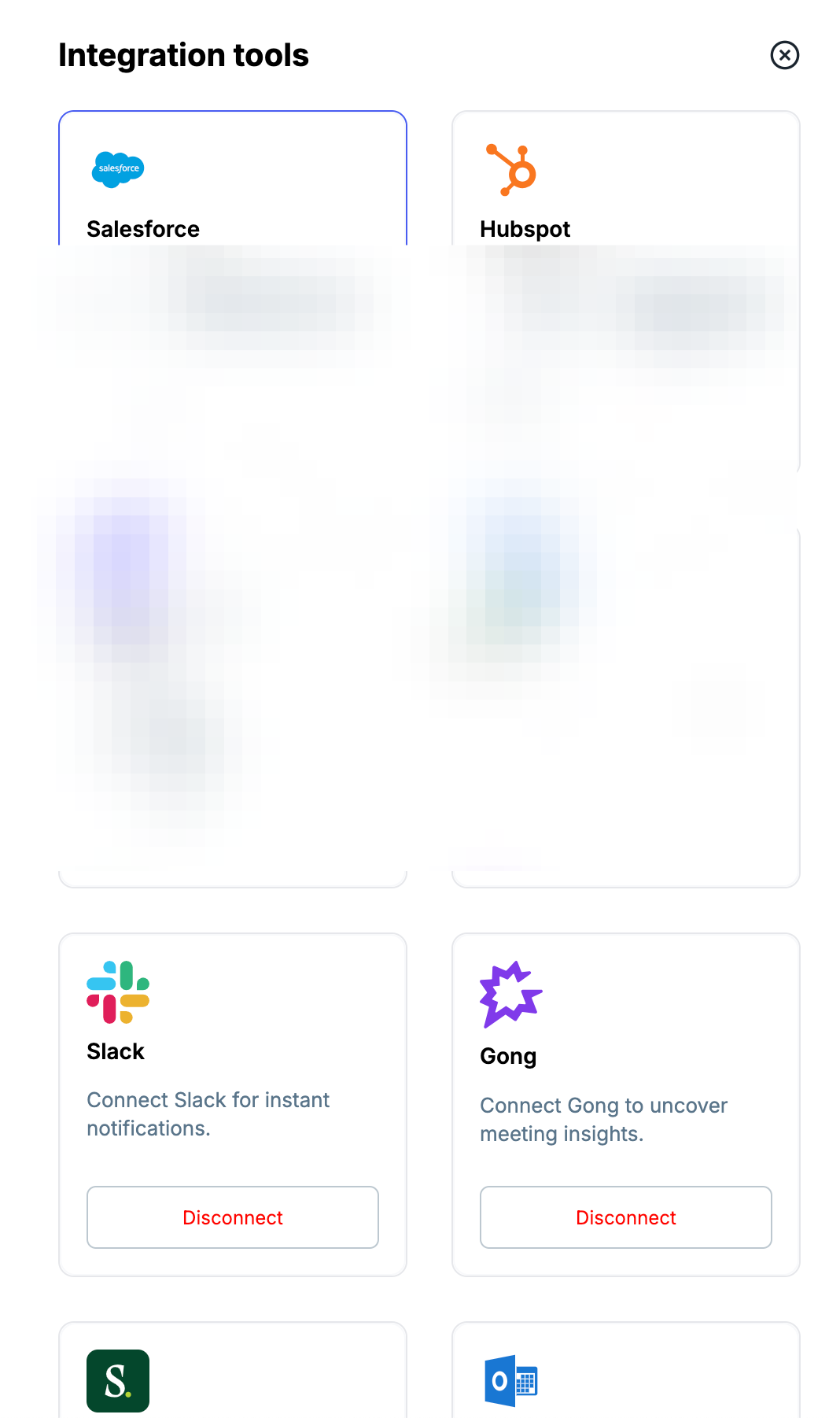
Boomerang bridges the gap between intelligence and outbound action. When our platform identifies a key signal—such as a champion changing jobs or specific conversational context in a call recording—we trigger an automated process. The right contacts are immediately added to a targeted Gong Engage flow, ensuring your team can execute intelligent, timely re-engagement plays at scale.
Benefits
Boomerang is your end-to-end AI agent for champion re-engagement.
Forget manual review and constant oversight. Our AI agent automates the entire process from start to finish, orchestrating a premium repeat-buying experience for your champions. From identifying key contacts in your calendars and Gong recordings to tracking their career paths or requests to re-engage on a future date, Boomerang handles everything. It even delivers personalized follow-ups via Gong Engage sequences and manages your CRM data—all without a single manual step.

Uncover and Engage Your Buying Committee
Our platform identifies key people mentioned in your calls, revealing their specific roles and responsibilities to help you build powerful relationship maps. We then enrich these contacts with LinkedIn, title, and email data, making multi-threading effortless. Finally, you can easily add these contacts to Salesforce and Gong for accurate forecasting and a view of the buying committee.
FAQ
Integration Diagrams
Data
Gong Calls & Activity Timelines
Gong Calls & Activity Timelines

Data
Boomerang Contacts & Engagement Events
Boomerang Contacts & Engagement Events
Requirements
Authenticating User Requirements
To authenticate this integration for the first time, a user must be a Gong Tech Admin and have admin permissions in Boomerang
Subscriptions Required
This integration is available to all Boomerang users.
Connect
- In Boomerang, click Integrations -> Gong
- Confirm that you are an admin then click Authenticate account
- Select the options you would like enabled for your integration
- Complete your setup!