








Take the work out of connecting with others and accomplish more.
Calendly + Gong: Easily book every meeting to fill your pipeline and move to closed won
About
Calendly connects the entire meeting workflow — scheduling, payments, meeting notes, contacts and more — and handles the work before, during and after meetings. With Calendly Routing and scheduling automations, teams eliminate manual scheduling and fill pipeline faster.
Use Calendly’s scheduling automation directly in Gong to easily share your availability in Gong Engage emails and capture every meeting opportunity.
Media
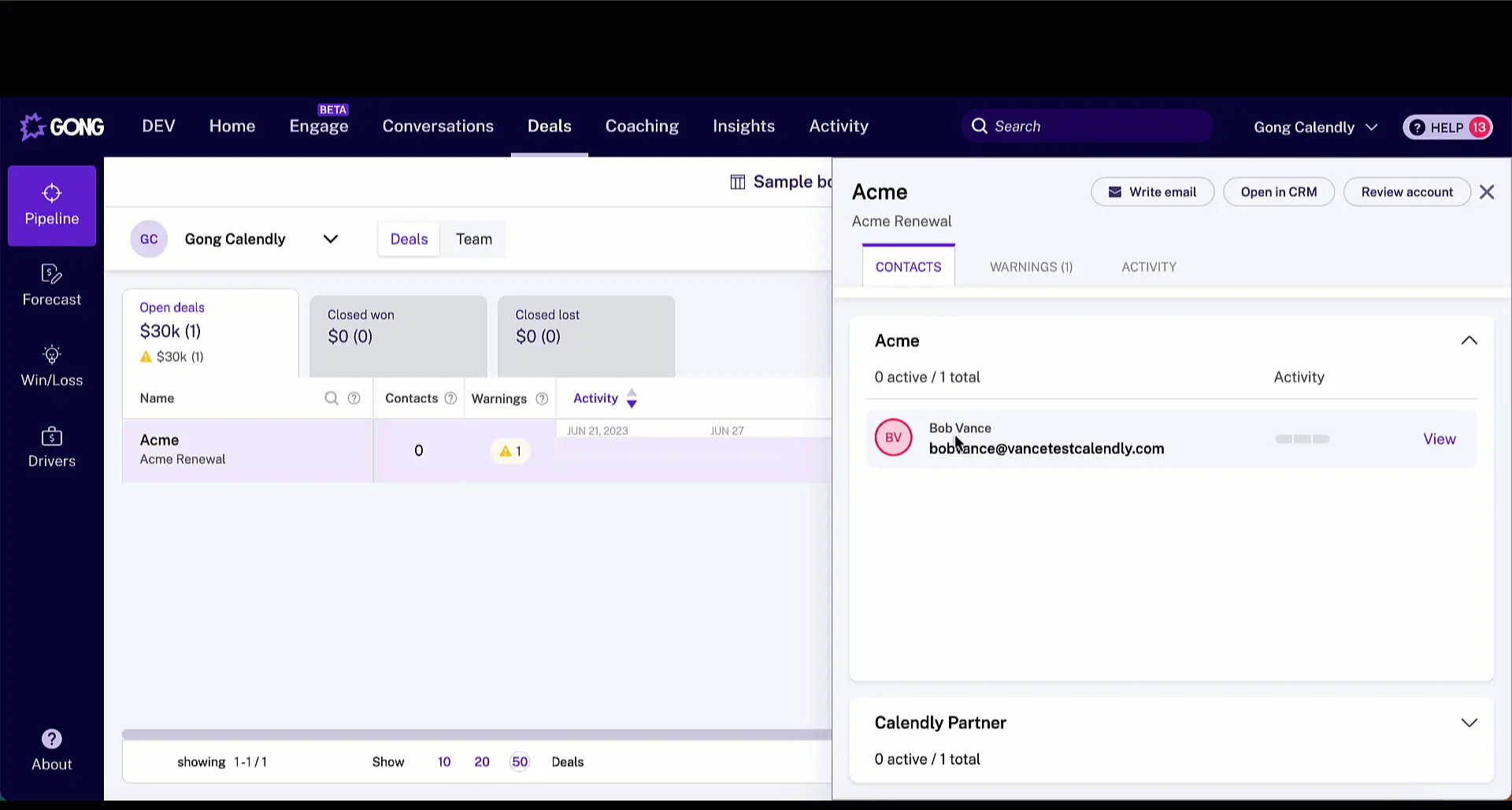
Features
Insert Calendly Availability from the Gong Email Composer
- Access your Calendly event types from the Gong Email Composer
- Add open meeting times directly into your email
- Send a meeting poll to find time that works for everyone
Benefits
Schedule meetings directly from Gong
Access your Calendly event types as you email in Gong — right from your compose window.
Delight your prospects with simpler scheduling
Add open meeting times directly into your email so leads can scan & select a time with a single click.
Take advantage of advanced scheduling features
Send a meeting poll to find time that works for everyone, or a one-off link when you need extra control & flexibility.
Integration Diagrams
Data
Gong Emails & Templates
Gong Emails & Templates

Data
Calendly Availability
Calendly Availability
Requirements
Subscriptions Required
Must have any Calendly subscription
Subscriptions Required
Must have Gong Engage subscription
Connect
- Download a Calendly browser extension (Chrome, Safari, Firefox, or Edge)
- From the extension, select Integrations
- Select the toggle switch for Gong
- Allow Gong permissions to connect with Calendly
- You will find the Calendly button in the Gong Engage email composer.