









Calven: Turn Gong calls into battle cards and messaging
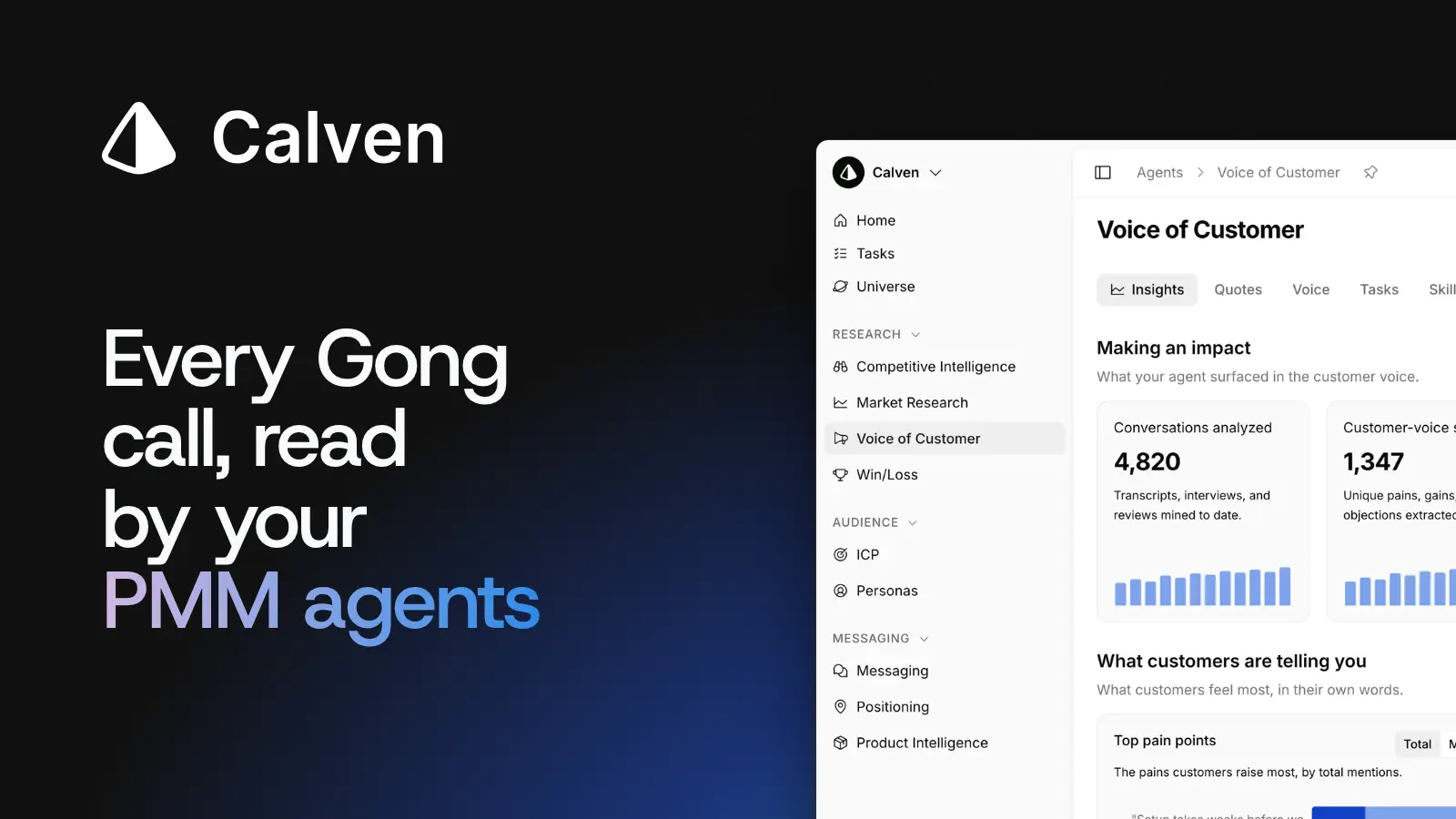
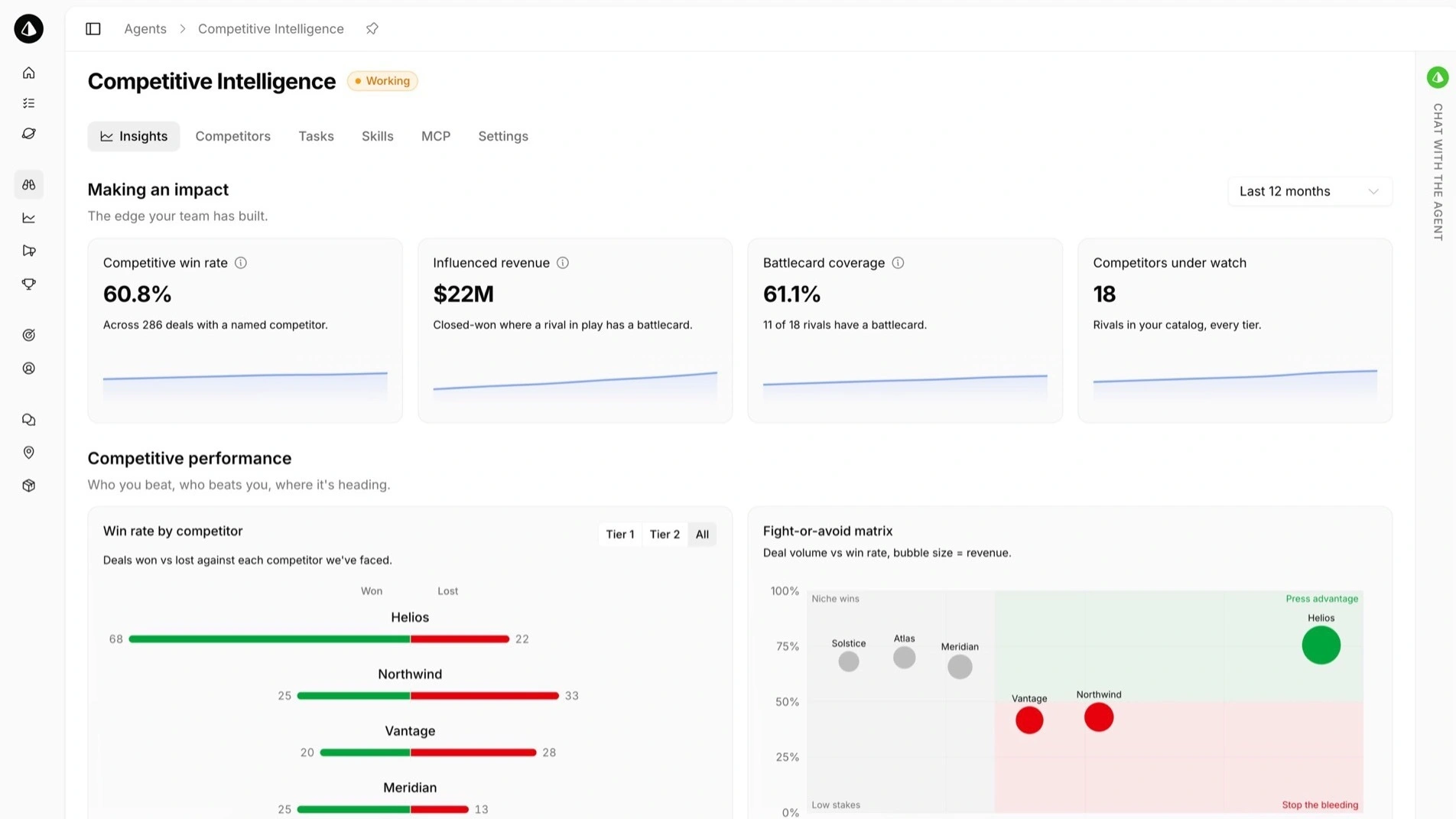
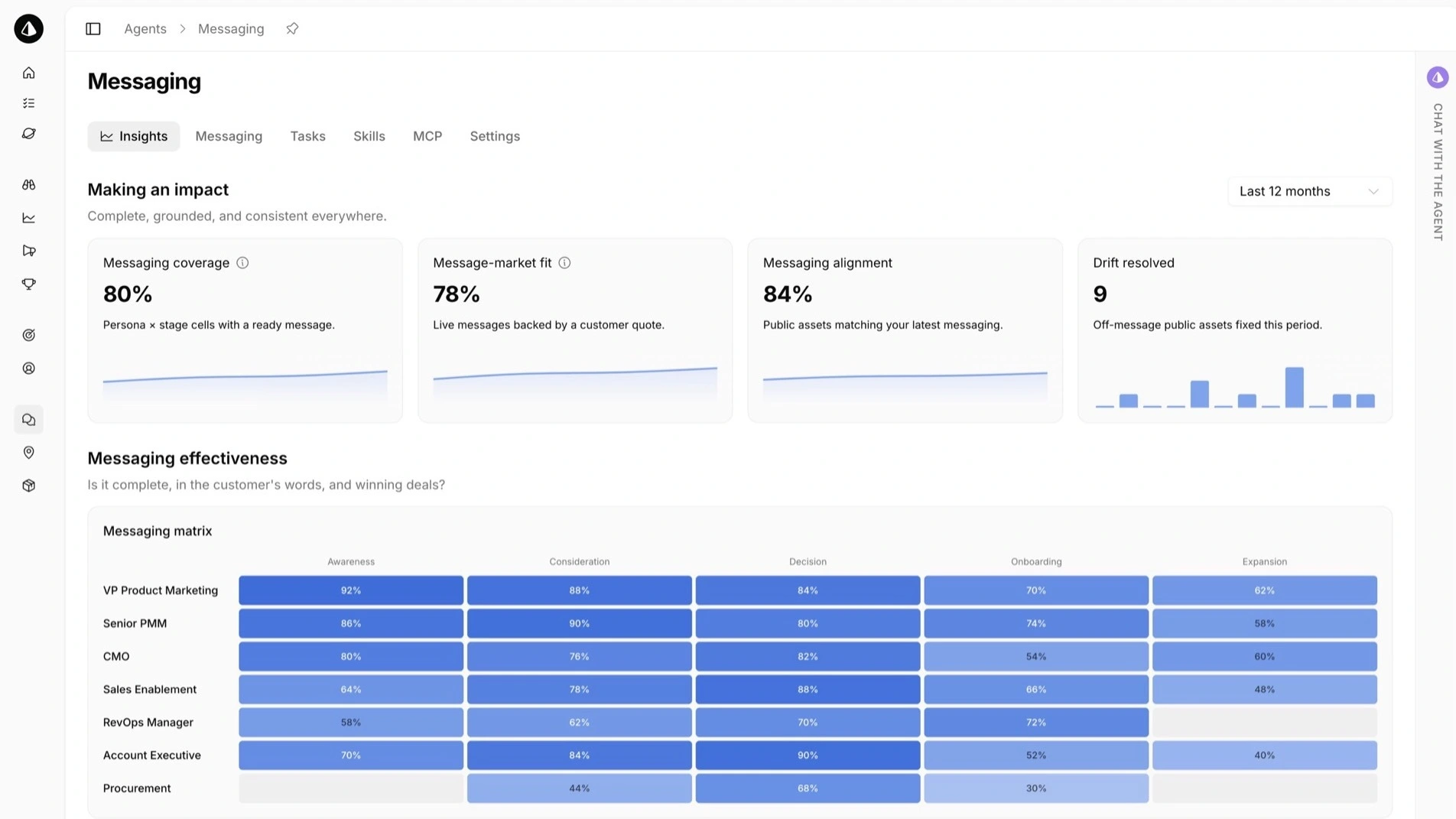
Calven's AI agents read your Gong calls and turn what buyers say into battle cards, win/loss analysis and messaging.
About
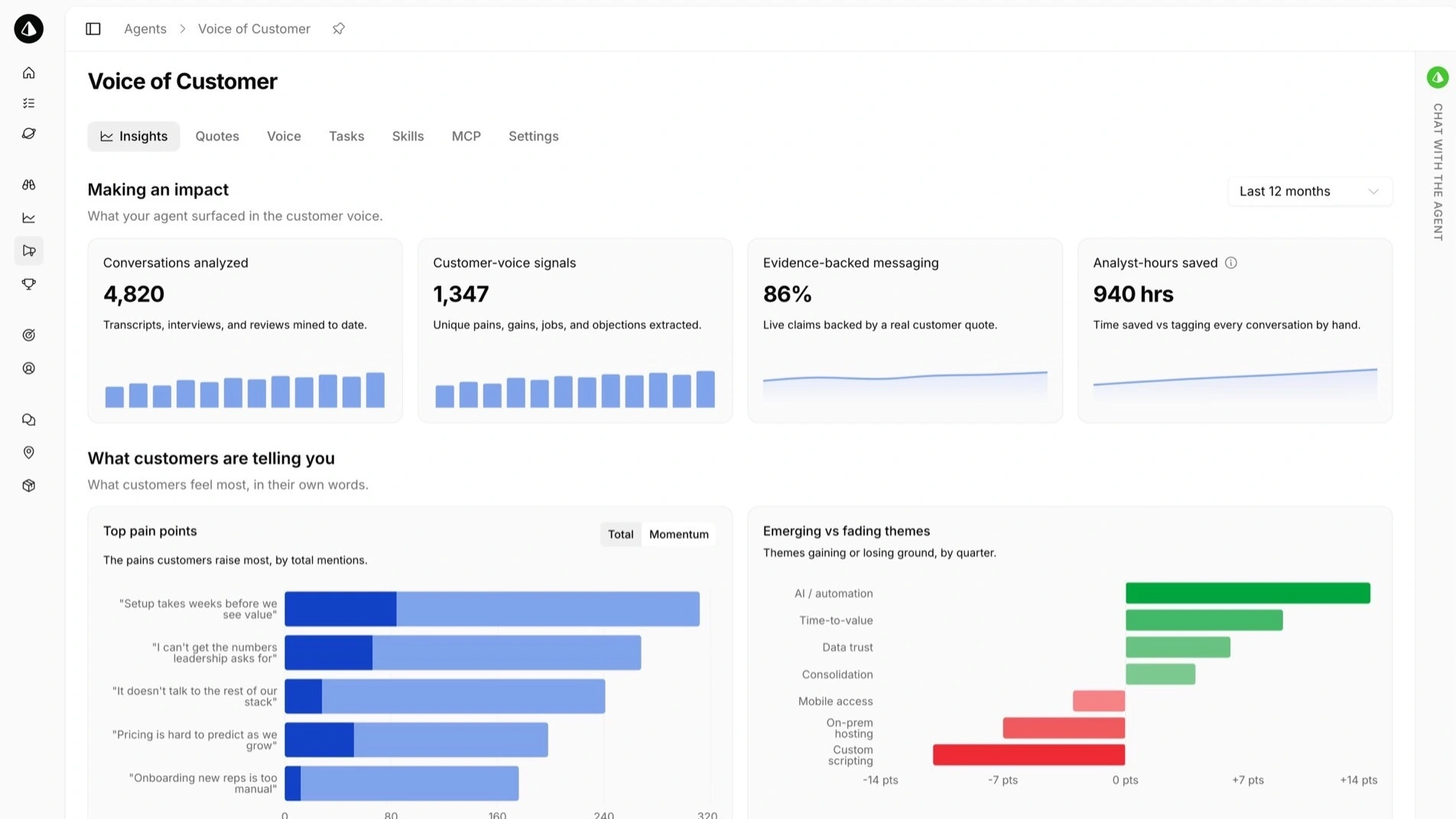
Calven is an AI product marketing platform. Connect Gong and Calven's agents read your call transcripts for competitor mentions, objections, pains and the exact words buyers use. They turn what they find into battle cards, Voice of Customer insights and messaging your team reviews and approves, each linked back to the call it came from.
Media
Features
Use Gong Data in Calven
Calven's agents read every Gong call for you and turn what buyers say into battle cards, win/loss insights and messaging in their own words. Your PMM team gets the voice of the customer without listening to hours of recordings.
Benefits

Product marketing hears every imported call
Objections, competitor mentions and buyer language land with product marketing instead of sitting in the call library. Battle cards pair that call evidence with live competitor research, and messaging uses the phrases buyers actually say.

No manual call review
Nobody re-listens to calls, exports transcripts or tags them by hand. Calven's agents read every new call and turn what buyers said into insights your product marketing team can act on.
Every claim traced to a call
Battle card updates and customer insights link to the call they came from, so sales and PMM can check the source in one click.
FAQ
Call transcripts from the Gong workspaces or call-library folders you choose. Each transcript keeps its speaker labels. By default Calven imports external calls of 5 minutes or longer, and you can also import the last 90 days. Access is read-only.
Read-only scopes: api:workspaces:read, api:library:read, api:calls:read:basic, api:calls:read:extensive and api:calls:read:transcript. Nothing that writes to Gong.
No. Calven always skips private calls, whatever workspaces or folders you select.
People your admin has given access to your Calven workspace, plus the Calven agents working in it.
No. Calven reads transcripts. It never writes to Gong.
Professional and Enterprise. There's no Gong-specific fee.
You can disconnect anytime. New imports stop, and transcripts already imported stay in your Calven workspace until you delete them.
In the EU, on Microsoft Azure. Calven doesn't use customer content to train AI models.
Integration Diagrams
Calven connects to Gong through OAuth with read-only access. About every 15 minutes it imports speaker-attributed transcripts from the workspaces or call-library folders you choose, and it always skips private calls. Each transcript lands as a document in your Calven workspace, where Calven's agents read it for objections, competitor mentions, win/loss reasons and buyer language. Nothing is written back to Gong.
Data
Call transcripts
Call transcripts
Call participants
Call participants
Workspaces
Workspaces
Call-library folders
Call-library folders

Data
Workspace documents (VoC evidence)
Workspace documents (VoC evidence)
Speaker-attributed quotes
Speaker-attributed quotes
Import scope you control
Import scope you control
Requirements
Subscriptions Required
Gong is included in the Calven Professional and Enterprise plans at no extra cost.
Authenticating User Requirements
A Calven workspace admin starts the connection, and a Gong Tech Admin authorizes Calven's read-only access the first time.
Connect
- Click Connect Gong and sign in to Calven as a workspace admin.
- Sign in to Gong and authorize Calven's read-only access.
- A Gong technical admin approves the access. If that isn't you, loop them in before you start.
- Choose the Gong workspaces or call-library folders to import.
- Check the defaults for each workspace: external calls of 5 minutes or longer. Turn on the last 90 days if you want history from day one.
- Done. Calven checks for new calls about every 15 minutes and adds each transcript to your Calven workspace as a document.
Requires a Calven Professional or Enterprise plan. No Gong-specific fee.