








ChurnZero
ChurnZero is a real-time Customer Success platform that helps subscription businesses fight customer churn.
About
ChurnZero is a real-time Customer Success platform that helps subscription businesses fight customer churn.
This integration pulls Gong AI meeting summaries and recording links and maps them to customer meetings on the ChurnZero account timeline.
This integration pulls Gong AI meeting summaries and recording links and maps them to customer meetings on the ChurnZero account timeline.
Media
Features
Embed Gong Calls in ChurnZero
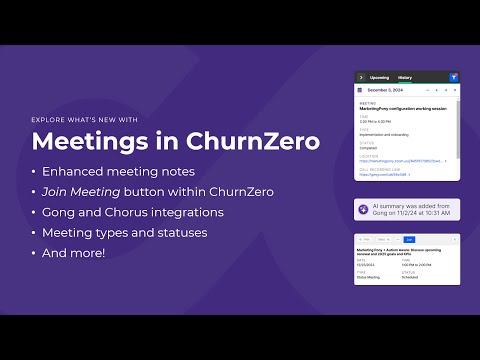
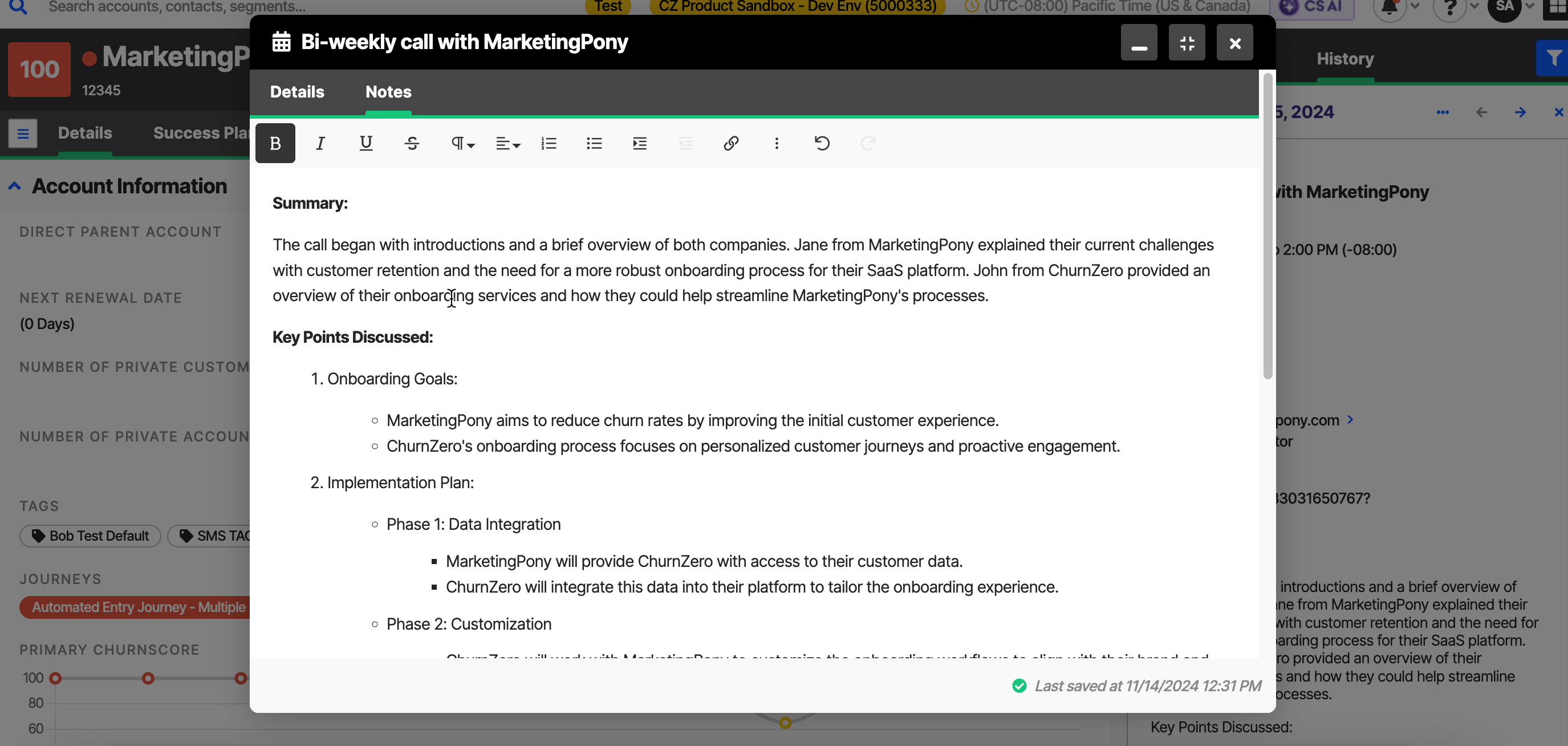
- Send Gong calls automatically to be displayed as meeting activities on the account profile timeline in ChurnZero.
- Automatically mark scheduled ChurnZero meetings as "Complete".
- Sync Gong summaries and action items added automatically to meeting notes.
- Easily access Gong call recording link within ChurnZero.
Use Gong Data in ChurnZero
- Automatically supplement meeting notes with Gong AI summaries and action items.
- Use Gong call data in Segments, Playbooks, and ChurnScores for more robust automation and reporting.
Benefits

Enriched insights
Prepare for or debrief after customer calls with supplemental insights on each account's current standings. Understand customer health, sentiment, adoption, and Journey experiences to create meaningful and relevant conversations driven by insights.
Create efficient workflows
Once a meeting is completed, sending Gong call recording data over allows Customer Teams to leverage ChurnZero's powerful automation and reporting tools to create streamlined processes and workflows for proactive follow-ups, re-engagements, and other initiatives.
Unify customer data
Capturing Gong call recordings and notes in ChurnZero allows Customer Teams to easily access the complete record of customer interactions that is already tracked in ChurnZero's account profiles, making it easy to identify recent and historic events for a complete holistic picture of customer engagements.
Integration Diagrams
Data
Gong Call Data
Gong Call Data

Data
Churn Zero Timelines & Account Profiles
Churn Zero Timelines & Account Profiles
Requirements
Authenticating User Requirements
To authenticate this integration for the first time, a user must be a Gong Tech Admin and have the "Integrations" user permission in ChurnZero.
Subscriptions Required
Available for all editions of ChurnZero
Connect
- Navigate to the Integrations Hub located in the Admin section of your ChurnZero tenant
- Find the Gong integration tile and click "View Details"
- Click "Authorize" on the top right of the screen
- This will take you to Gong to authorize the connection