








Cleanlist AI
Bring your Gong calls into Cleanlist. Clu, your AI GTM assistant, answers account questions and drafts follow-ups from what was said on every call.
About
Cleanlist is a B2B data and prospecting platform. Teams use it to find, verify and enrich contacts, and to research and qualify accounts with Clu, Cleanlist's AI GTM assistant.
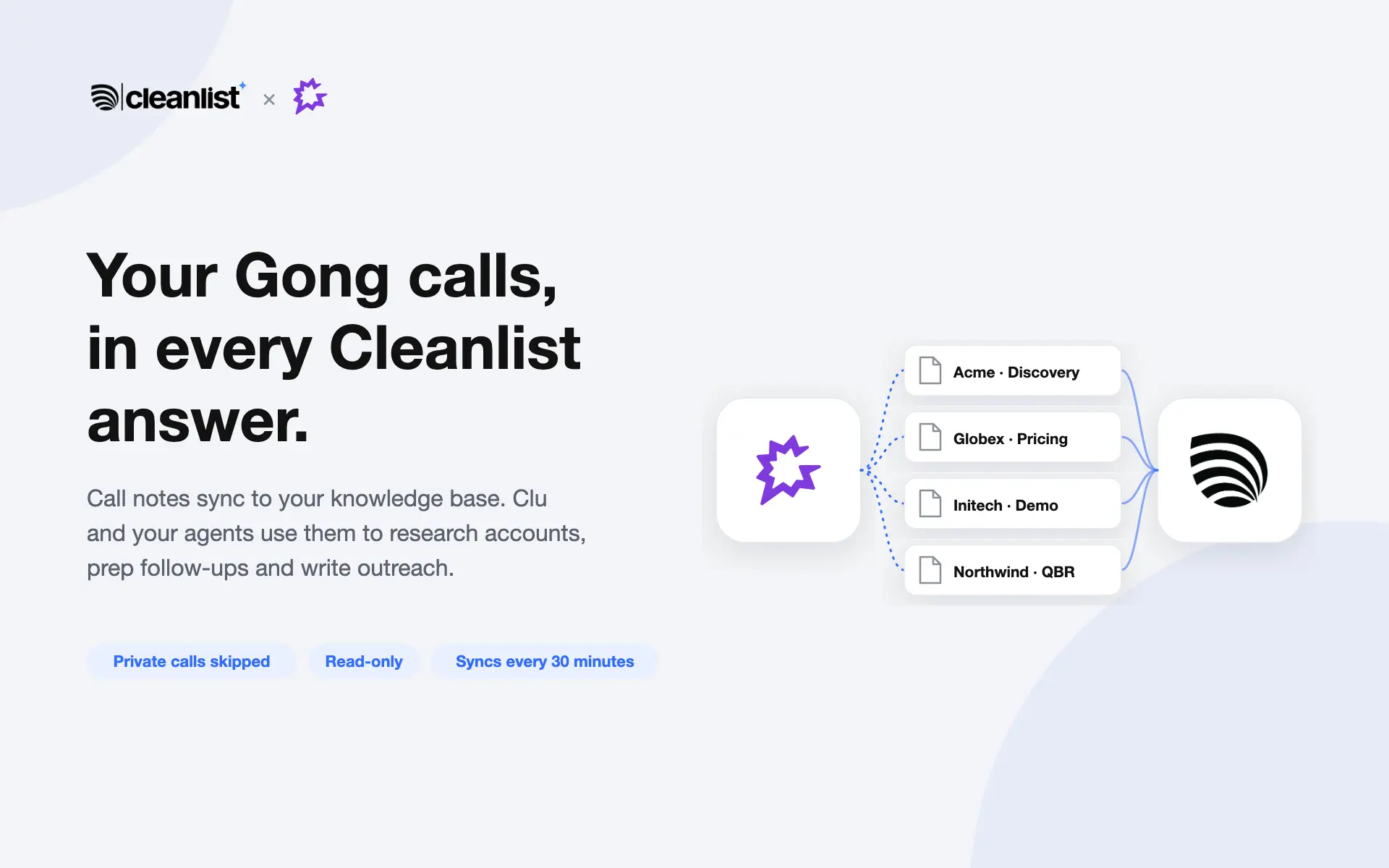
The Gong integration brings your team's Gong calls into Cleanlist's knowledge base. Clu and your Cleanlist agents can then answer account questions, prepare follow-ups and personalize outreach from what was actually said on the call, with a link back to the call in Gong.
Media
Features
Use Gong Data
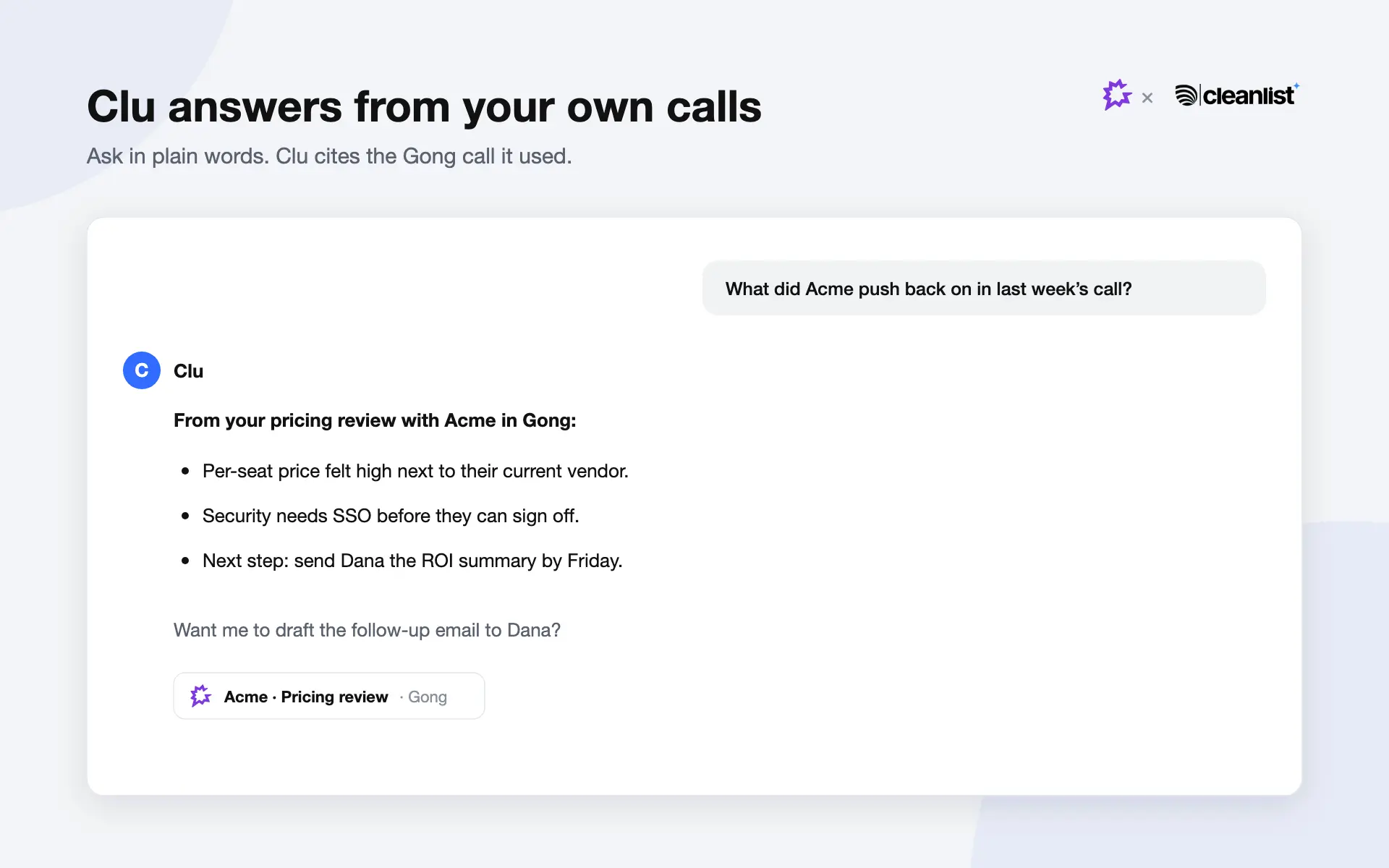
Cleanlist reads each call's brief, key points, next steps, outcome and participants, and stores them as a searchable document in your organization's knowledge base. Clu and your Cleanlist agents use those notes when they research accounts, answer questions and write follow-ups, and Clu links back to the Gong call it used.
Benefits
Answers grounded in real conversations
Ask Clu "what did we discuss with Acme?" and get an answer built from your Gong calls, with a link to the call it came from. No more digging through recordings before a meeting.
Sharper follow-ups and outreach
Clu and your Cleanlist agents use what the buyer actually said (objections, next steps, stakeholders) when they research accounts and draft follow-up emails.
Private and read-only
Cleanlist only reads from Gong and never stores calls marked private. Synced calls are visible only to your organization, and disconnecting removes them all.
FAQ
For each call: the date, title, duration and link, the participants, and Gong's AI notes (brief, key points, highlights including next steps, call outcome and topics). Cleanlist does not download recordings, media or transcripts.
No. Calls marked private in Gong are skipped during every sync and never stored in Cleanlist.
Only members of your Cleanlist organization. Synced calls stay in your organization's knowledge base and are never shared with other Cleanlist customers. Workspace admins choose whether a source is available to the whole team or only to specific agents.
No. The integration is read-only.
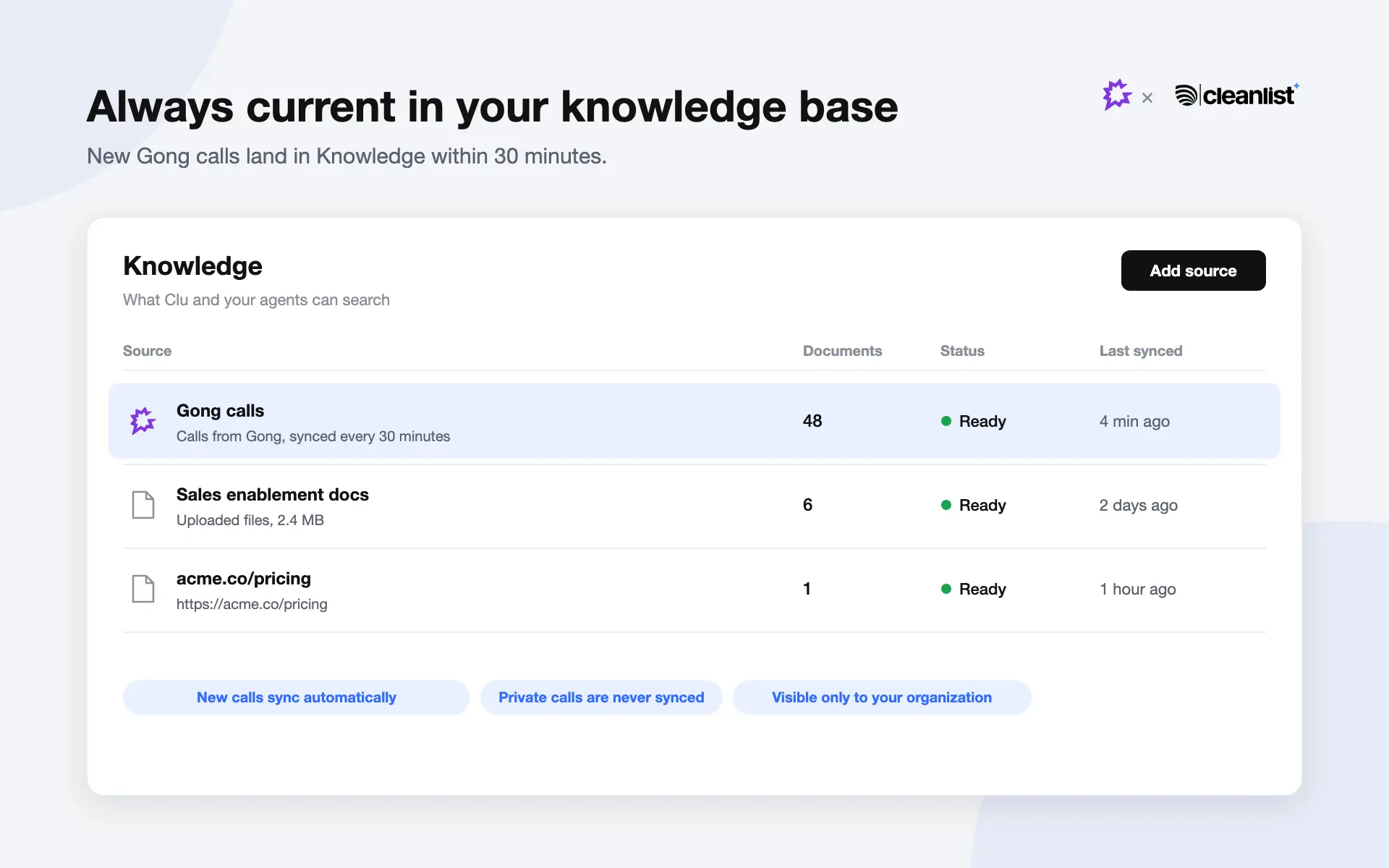
On connect, Cleanlist imports the last 30 days of calls. After that it checks for new calls every 30 minutes, within Gong's API rate limits.
Click Disconnect on the Gong card in Cleanlist's Integrations page. Syncing stops, the connection's tokens are deleted, and every synced Gong call is removed from Cleanlist. A Gong administrator can also uninstall Cleanlist from Gong's settings.
Cleanlist connects with Gong's OAuth, so no Gong passwords or API keys are shared. OAuth tokens are encrypted at rest and only ever sent to your company's Gong API host.
Integration Diagrams
Cleanlist connects to Gong with OAuth, approved once by a Gong technical administrator for the whole company. Every 30 minutes Cleanlist reads the calls that took place since the last sync and stores each call's notes as one document in your organization's Cleanlist knowledge base, with a link back to the call in Gong.
The integration is read-only: Cleanlist never writes to Gong and never downloads recordings, media or transcripts. Calls marked private in Gong are skipped and never stored.
Data
Calls (brief, key points, highlights, outcome, topics)
Calls (brief, key points, highlights, outcome, topics)
Call participants
Call participants
Users
Users

Data
Knowledge base documents (one per call)
Knowledge base documents (one per call)
Call attendees and host on each document
Call attendees and host on each document
Call host name
Call host name
Requirements
A Cleanlist account
You need a Cleanlist workspace. Sign up at cleanlist.ai. Any member of the workspace can connect Gong; the member who connected it or a workspace admin can disconnect it.
A Gong technical administrator
Gong integrations are approved per company, so a Gong technical administrator signs in and approves Cleanlist once for your whole Gong account.
Connect from Cleanlist
In Cleanlist, open Integrations and click Connect on the Gong card. Your calls from the last 30 days appear in the Knowledge tab within minutes.
Connect
- In Cleanlist, open Integrations and click Connect on the Gong card in the Knowledge section.
- Sign in to Gong as a technical administrator and approve Cleanlist for your company.
- Cleanlist imports your calls from the last 30 days, then syncs new calls every 30 minutes. They appear in Cleanlist's Knowledge tab as "Gong calls".
To disconnect, click Disconnect on the Gong card. Cleanlist stops syncing and removes every synced call. A Gong administrator can also uninstall Cleanlist from Gong's settings.