









Coffee CRM
Coffee is an AI-First CRM for small and medium businesses. Use it as a standalone CRM, or in conjunction with existing CRMs, like Salesforce and Hubspot.
About
Coffee CRM brings Gong call activity into Coffee so teams can keep conversations connected to their workflow. After a one-time Gong Automation Rule setup, new calls appear in Coffee and are matched to the right records. A scheduled backfill helps ensure calls aren’t missed, and private calls are not stored. Coffee CRM’s proprietary AI helps generate summaries, action items, and follow-ups directly in Coffee.
Media
Features
Embed Gong Calls in Coffee CRM
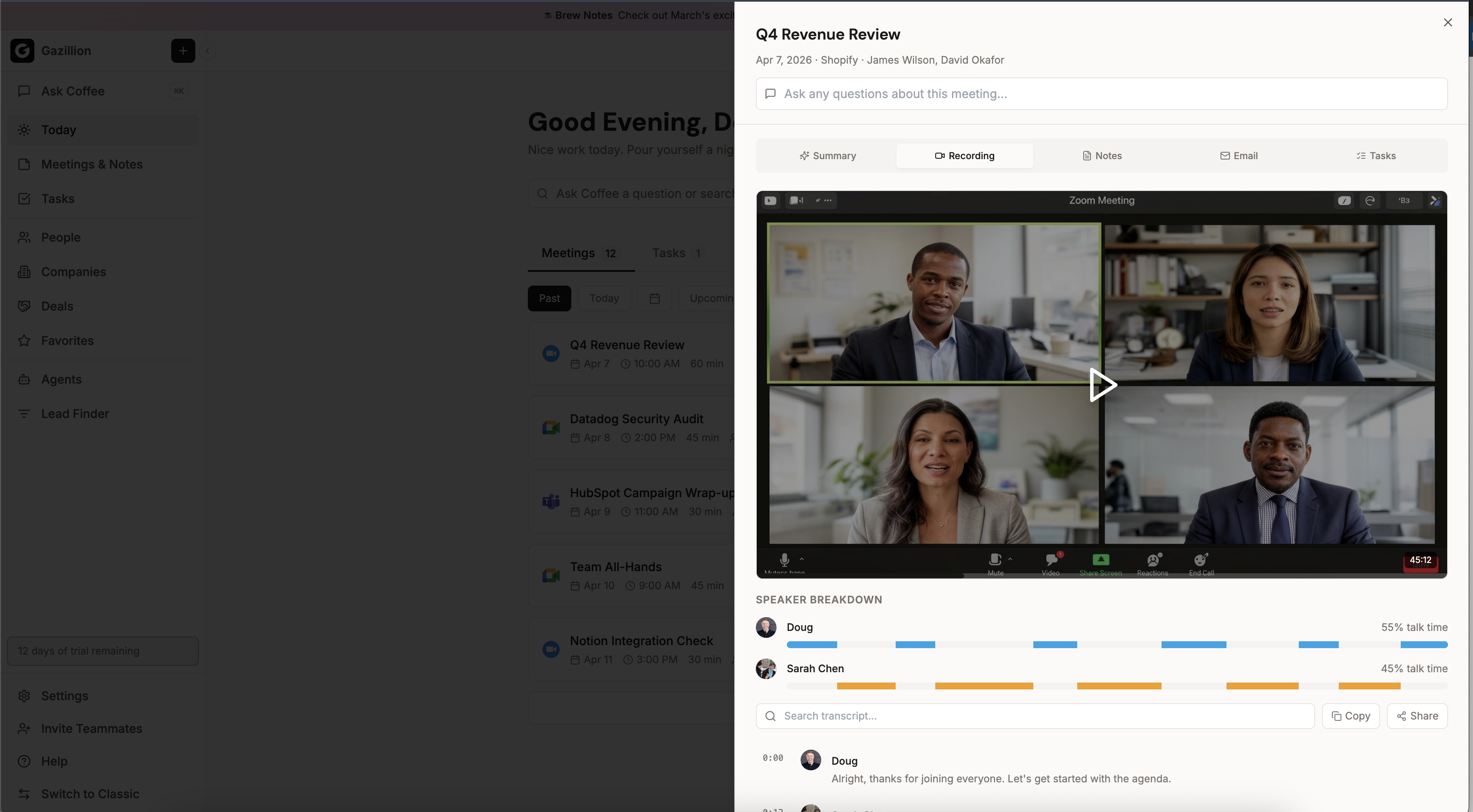
Once a Gong Automation Rule is configured, call recordings, transcripts, and metadata sync into Coffee CRM and link to the corresponding contacts and accounts. This is the initial release of the integration; a deeper, native experience that lets Gong customers register Coffee CRM as their connected CRM is planned for Q3 2026.
Coffee CRM's proprietary AI generates post-call summaries that highlight key insights, action items, and follow-ups — all visible directly on the contact and account timeline. Private calls are excluded and never stored.
Benefits
Real-Time Call Sync
Once a Gong Automation Rule is configured, every new call recording flows into Coffee CRM in real-time — no manual data entry or CSV exports needed. A scheduled backfill ensures no calls are missed.
Proprietary AI Call Summaries
Each synced call is analyzed by Coffee CRM's proprietary AI to generate summaries with key insights, action items, and follow-ups — surfaced directly on the contact and account timeline.
Smart Contact & Account Linking
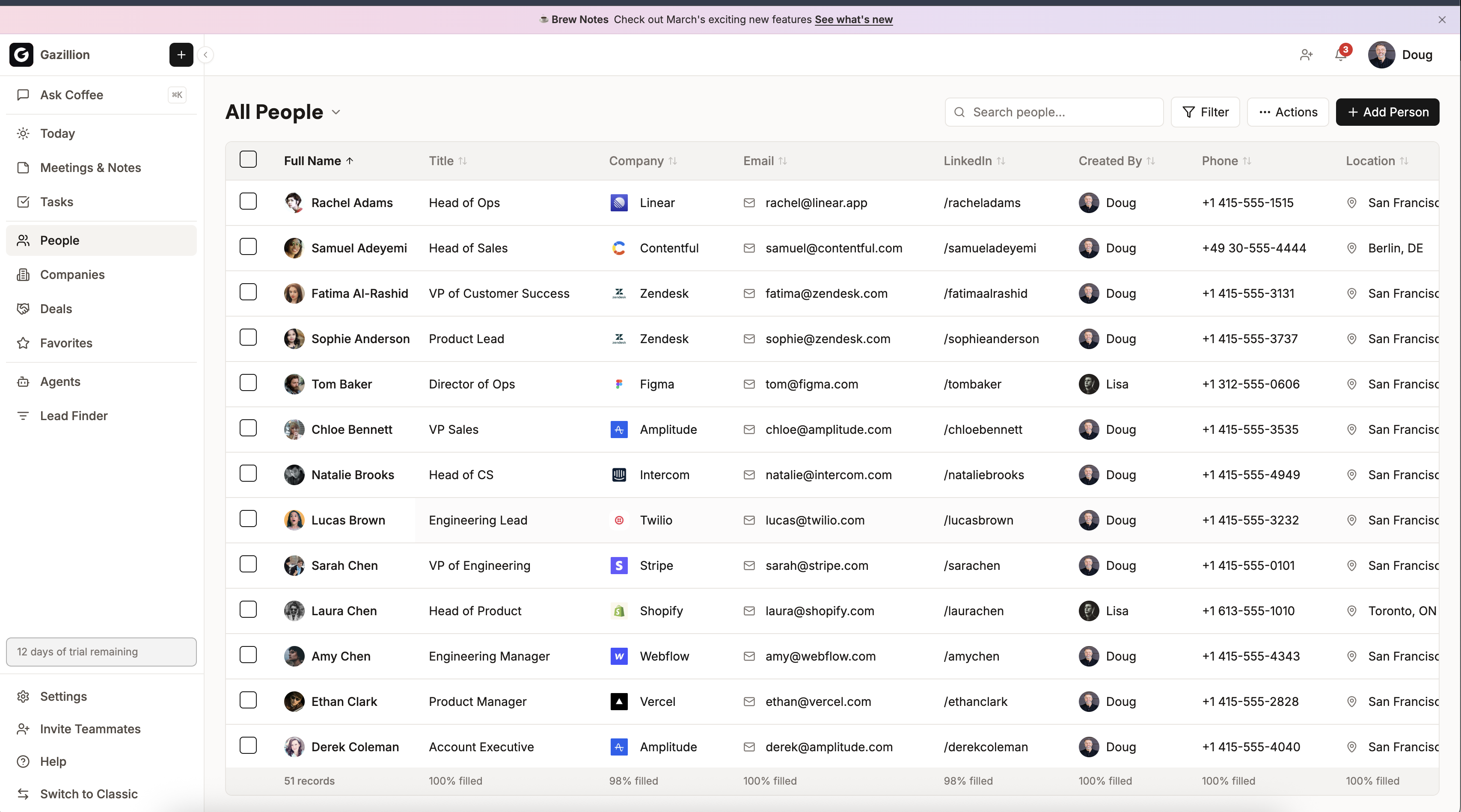
Call participants are matched to existing contacts and accounts in your CRM using email and participant data, keeping your engagement history complete and accurate.
Integration Diagrams
When a new Gong call recording is ready, a webhook triggers Coffee CRM to pull the call metadata — including title, duration, start time, meeting URL, and participants. The call is deduplicated against existing engagements using calendar event ID, title + time window, or meeting URL matching, then upserted as an engagement record linked to the relevant contacts and accounts.
Data
Calls
Calls

Data
Engagements
Engagements
Requirements
Authenticating User Requirements
To authenticate this integration for the first time, a user must be a Gong Tech Admin and a workspace owner or admin in Coffee CRM. The connecting user authorizes OAuth2 access which grants Coffee CRM read-only access to calls, transcripts, media URLs, and user data. After authentication, the user must configure a webhook in Gong's Admin center under Ecosystem → Automation Rules to enable real-time call syncing.
Subscriptions Required
Must have Coffee CRM account (no specific subscription tier required)
Must have Gong account with API access enabled (check with your Gong admin for required subscription tier)
No separate subscription required — the integration is included with Coffee CRM
Must have Gong account with API access enabled (check with your Gong admin for required subscription tier)
No separate subscription required — the integration is included with Coffee CRM
Connect
To connect Gong with Coffee CRM:
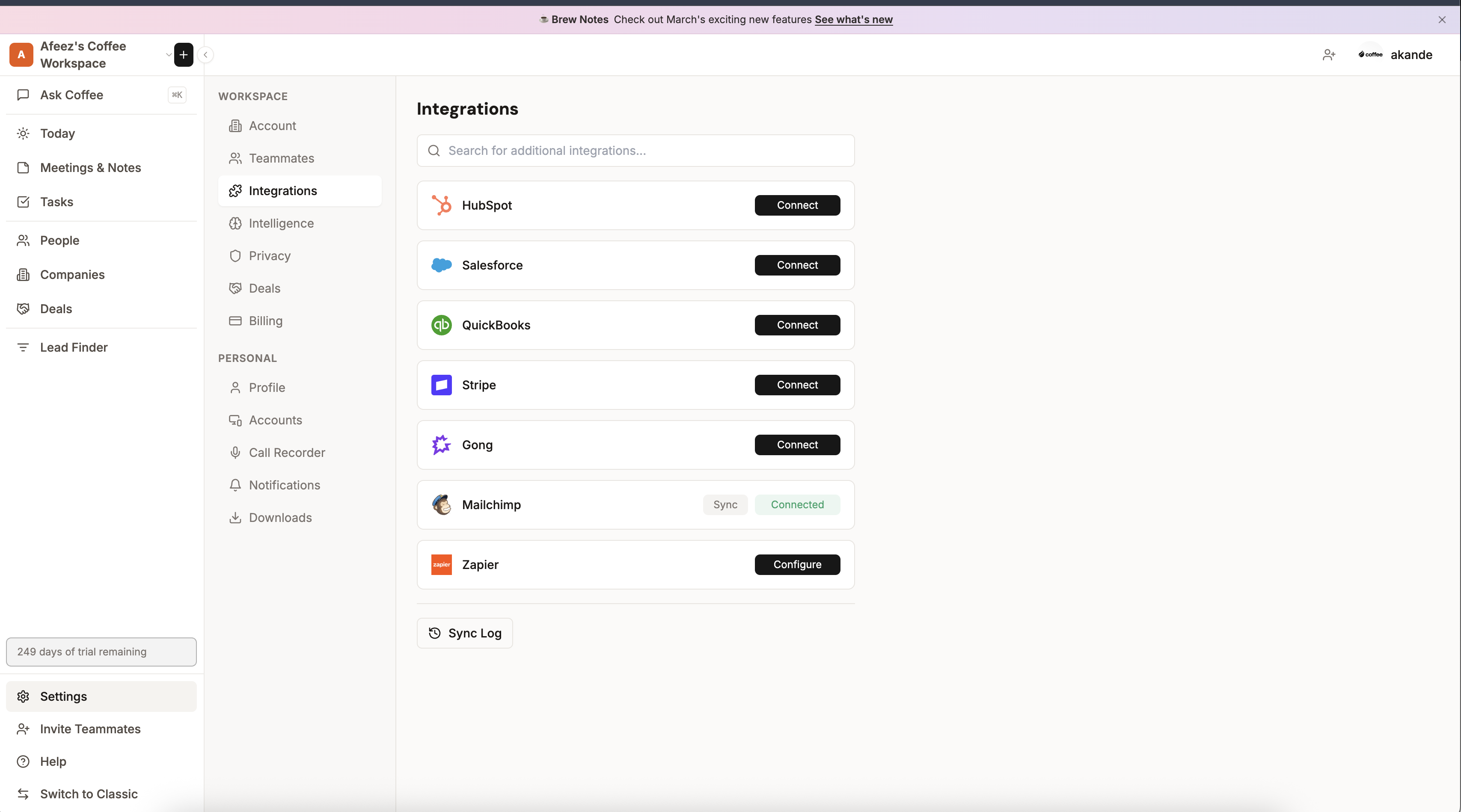
- In Coffee CRM, navigate to Settings → Integrations in your workspace.
- Click Connect Gong and authorize access in Gong. Coffee CRM requests read access to calls, transcripts, and users — no write permissions to Gong are requested.
- Once redirected back, click Configure on the Gong integration card and copy the webhook URL. The URL contains a workspace-specific authentication token — treat it as a secret and only paste it into Gong.
- In Gong, go to Admin center → Ecosystem → Automation Rules and click New rule.
- Set the trigger to "New call recording" and the action to "Fire webhook."
- Paste the webhook URL into the rule, select "URL includes key" as the authentication method, name the rule (e.g. "Coffee CRM call ingestion"), and enable it.
- By default, the rule applies to all new call recordings in your Gong workspace. Use Gong's filter options on the rule if you need to limit scope (e.g., specific teams or call types).
- Click Test on the rule to verify the webhook fires successfully (expect a 200 response), then make a test call and confirm it appears in your Coffee CRM timeline within ~1 minute.
Once the rule is enabled, Coffee CRM will receive new call recordings in real-time and sync them into your CRM.