









Day AI
CRM reimagined, with context to understand and agency to act
About
Gong captures the voice of your customer across every call and deal — and Day AI turns that signal into a living, always-current CRM. With this integration, every Gong conversation is automatically ingested into Day AI's context graph, enriching contact records, deal timelines, and account histories without any manual logging.
Your team gets the full picture of each relationship, grounded in what was actually said.
Your team gets the full picture of each relationship, grounded in what was actually said.
Media


Features
Use Gong data in Day AI
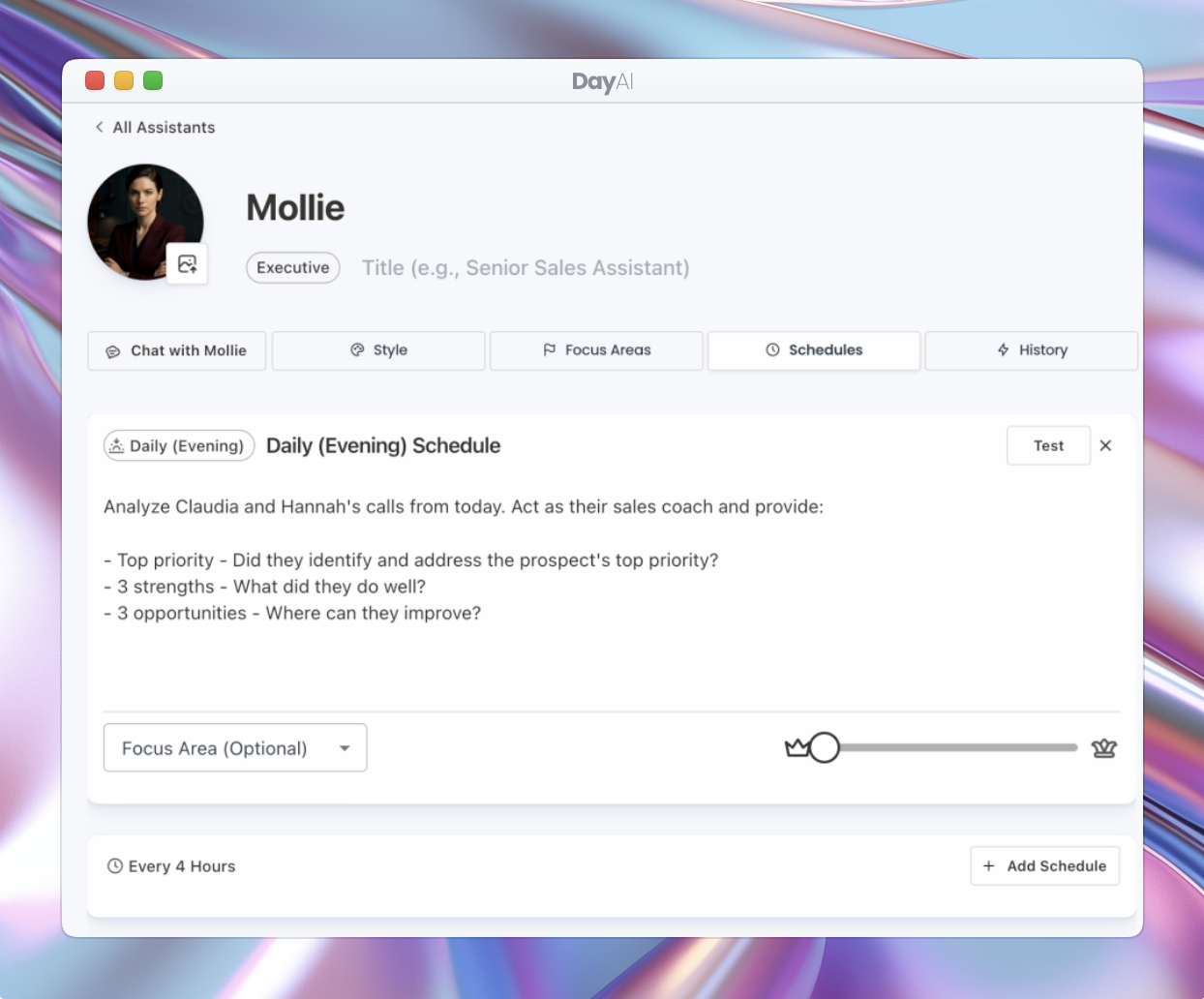
Sync Gong call transcripts and videos into Day AI, and use them to fill out structured property data on CRM records or trigger automatic follow up work using your Day AI Assistant.
Connect Gong calls to People, Organizations, and Opportunities
Sync the call attendees from Gong to connect transcript and video data to People, Organization, and Opportunity records in Day AI, bringing Gong conversations into Day AI's context graph.
Benefits
Getting a complete picture of your customer interactions
Unify Gong data with email, calendar, slack, and more in Day AI's context graph.
FAQ
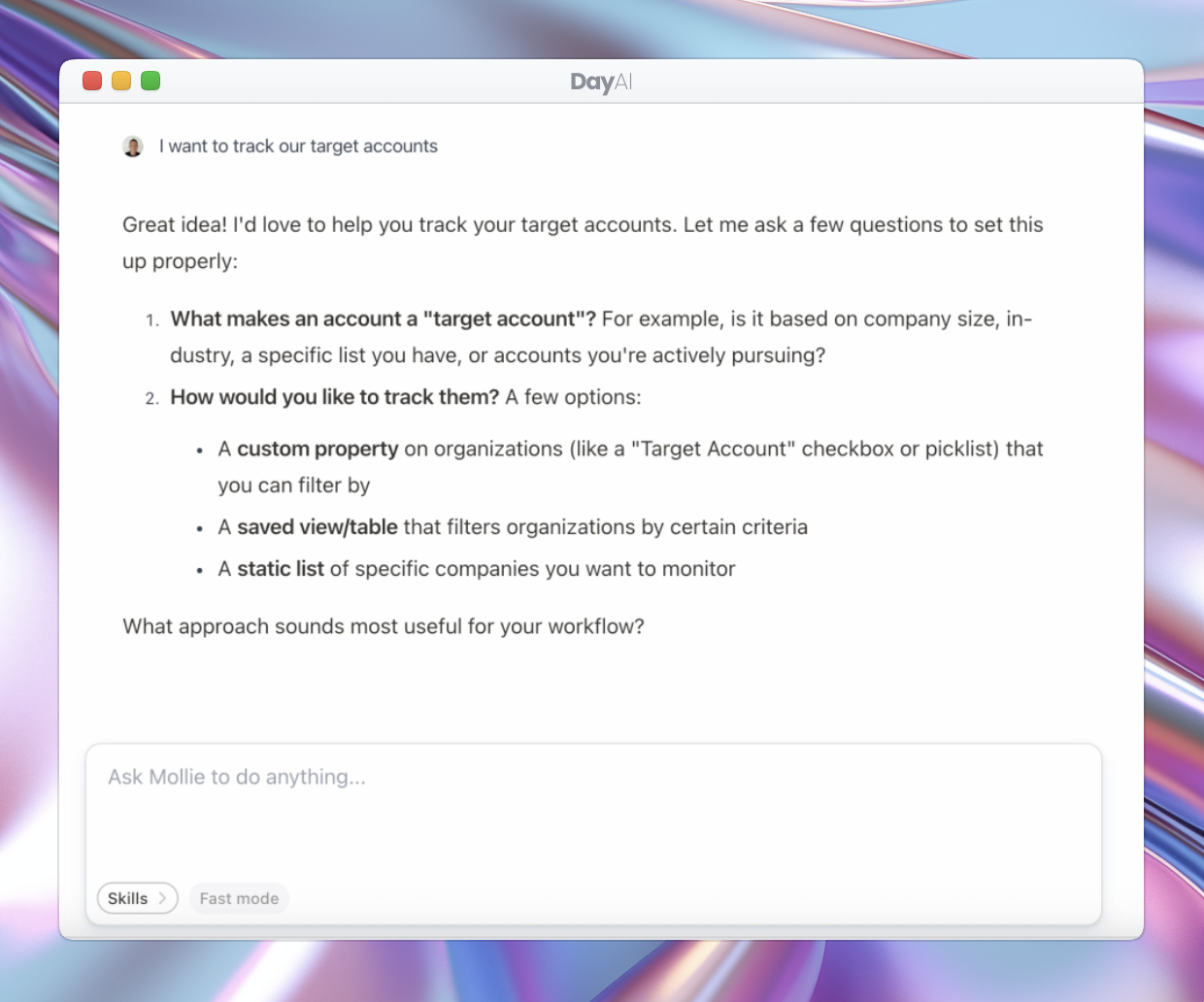
Use the chat box to ask a question about a customer, or click on the Recordings tab in the navigation.
Day AI provides two layers of control over permissions for your Gong call data:
1. Private call exclusion: Day AI only syncs calls that are not marked as private in Gong. Any call flagged as private in Gong is never pulled into Day AI.
2. Per-call permissions: for synced calls, Day AI offers visibility controls at the individual call level. Workspace members can restrict a call's access to only specific users, or make it visible to everyone in the Day AI workspace. This gives your team flexible control over who can see what, on a call-by-call basis.
1. Private call exclusion: Day AI only syncs calls that are not marked as private in Gong. Any call flagged as private in Gong is never pulled into Day AI.
2. Per-call permissions: for synced calls, Day AI offers visibility controls at the individual call level. Workspace members can restrict a call's access to only specific users, or make it visible to everyone in the Day AI workspace. This gives your team flexible control over who can see what, on a call-by-call basis.
Integration Diagrams
Data
Calls
Calls

Data
Meeting Recordings
Meeting Recordings
Requirements
Subscriptions Required
Must have Day AI subscription
Must have Gong subscription
Must have Gong subscription
Authenticating User Requirements
To authenticate this integration for the first time, a user must be a Gong Tech Admin and have Owner permissions in Day AI
Connect
- In Day AI, click on your company's name/logo and choose Settings > Integrations
- Click Connect
- When prompted, authorize Day AI to access Gong