









Deepdive
Single pane of glass for deep product insights
About
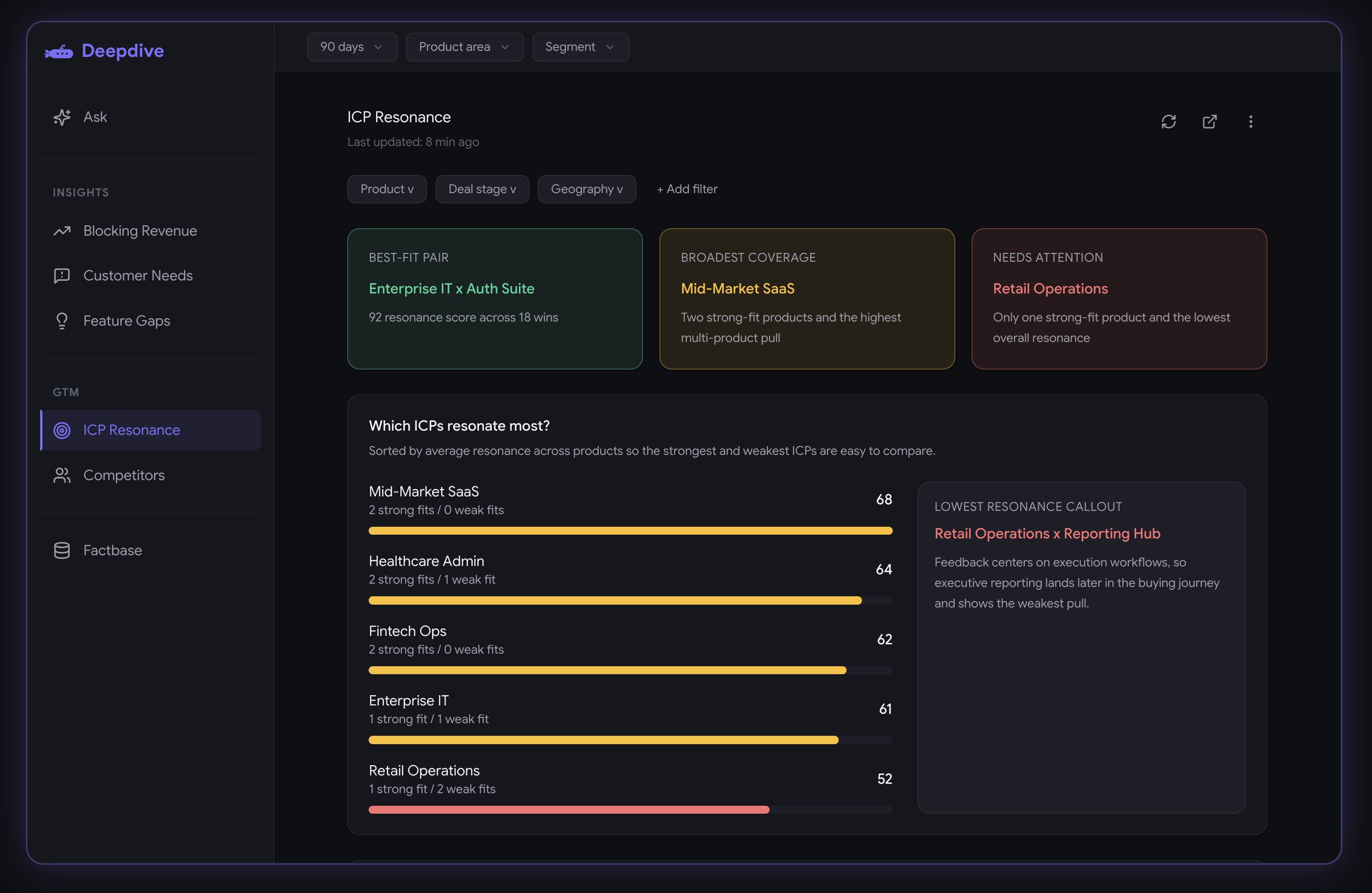
Deepdive connects Gong sales calls, customer discovery notes, CRM, and other signals into a single product intelligence layer — elevate your product team to build what drives business.
Media
Features

Embed Gong Calls in Deepdive
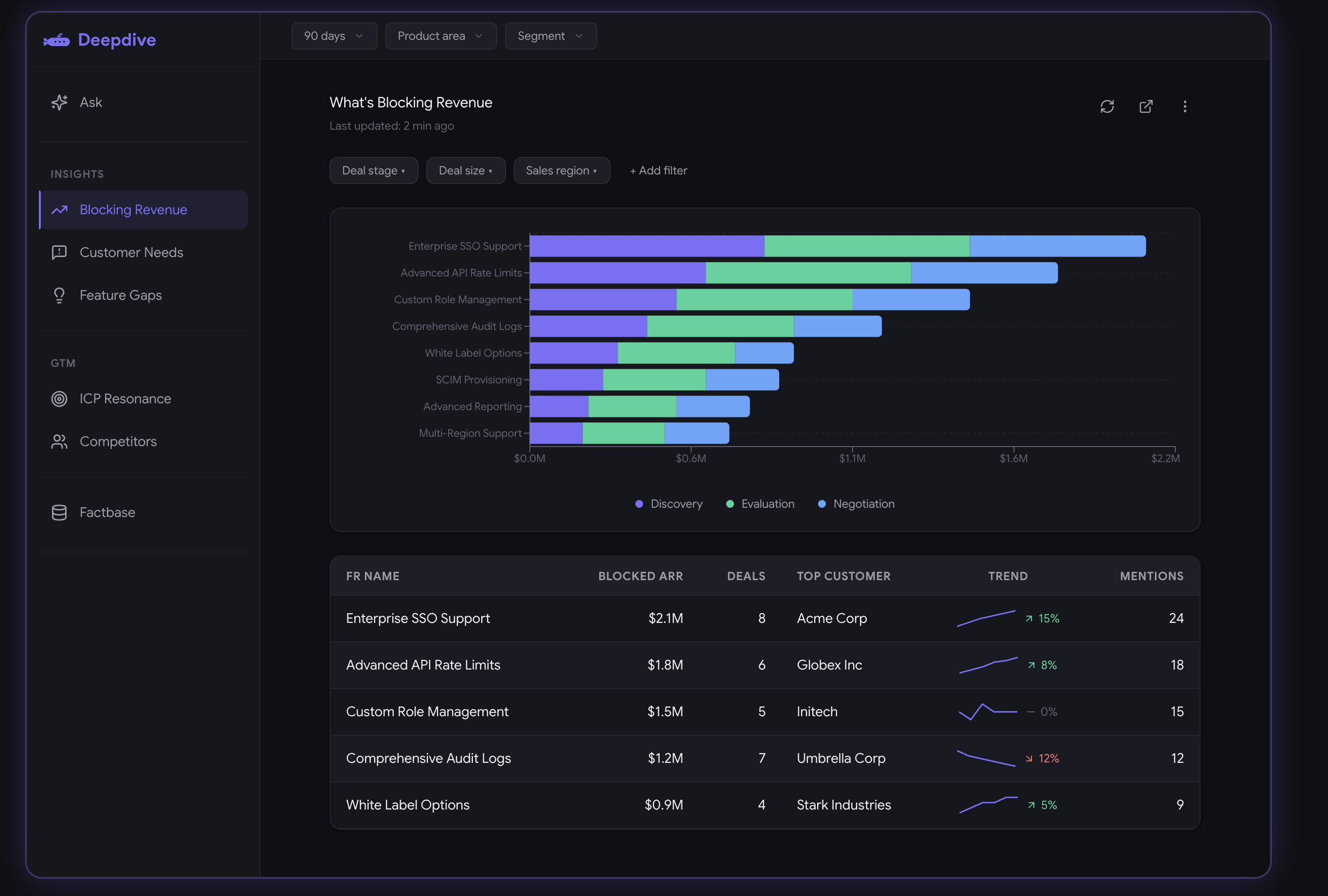
Deepdive's Gong integration provides product teams analyze customer conversations alongside CRM and support data for getting deep product insights. We use Gong data to help you identify customer needs, feature gaps and revenue blockers.
Benefits

Single Pane of Glass for Product Insights
Intelligent insights, that empower your product team. With Deepdive and Gong integration, go beyond the surface-level requests to understand customer problems based on volume and signal strength.
Integration Diagrams
Data
Gong Data
Gong Data

Data
Deepdive
Deepdive
Requirements
Authenticating User Requirements
To authenticate this integration for the first time, a user must be a Gong Tech Admin and have Admin permissions in Deepdive
Subscriptions Required
Must have Deepdive subscription
Must have Gong subscription
Must have Gong subscription
Connect
Step 1: Initiate the Connection in Deepdive
- Log in to your Deepdive admin dashboard.
- Navigate to Settings > Integrations.
- Locate the Gong integration tile and click Connect.
Step 2: Authorize Read-Only Access in Gong
- You will be seamlessly redirected to the Gong authorization page.
- Review the requested permissions. Deepdive requires read-only access to specific scopes to power your insights engine.
- Click Allow to grant access. You will be redirected back to Deepdive.