









Fill the gaps in seller knowledge with buyer insight.
Fill the gaps in seller knowledge with buyer insight.
About
GetWhys is a GTM platform powered by a proprietary buyer insights dataset.
Media
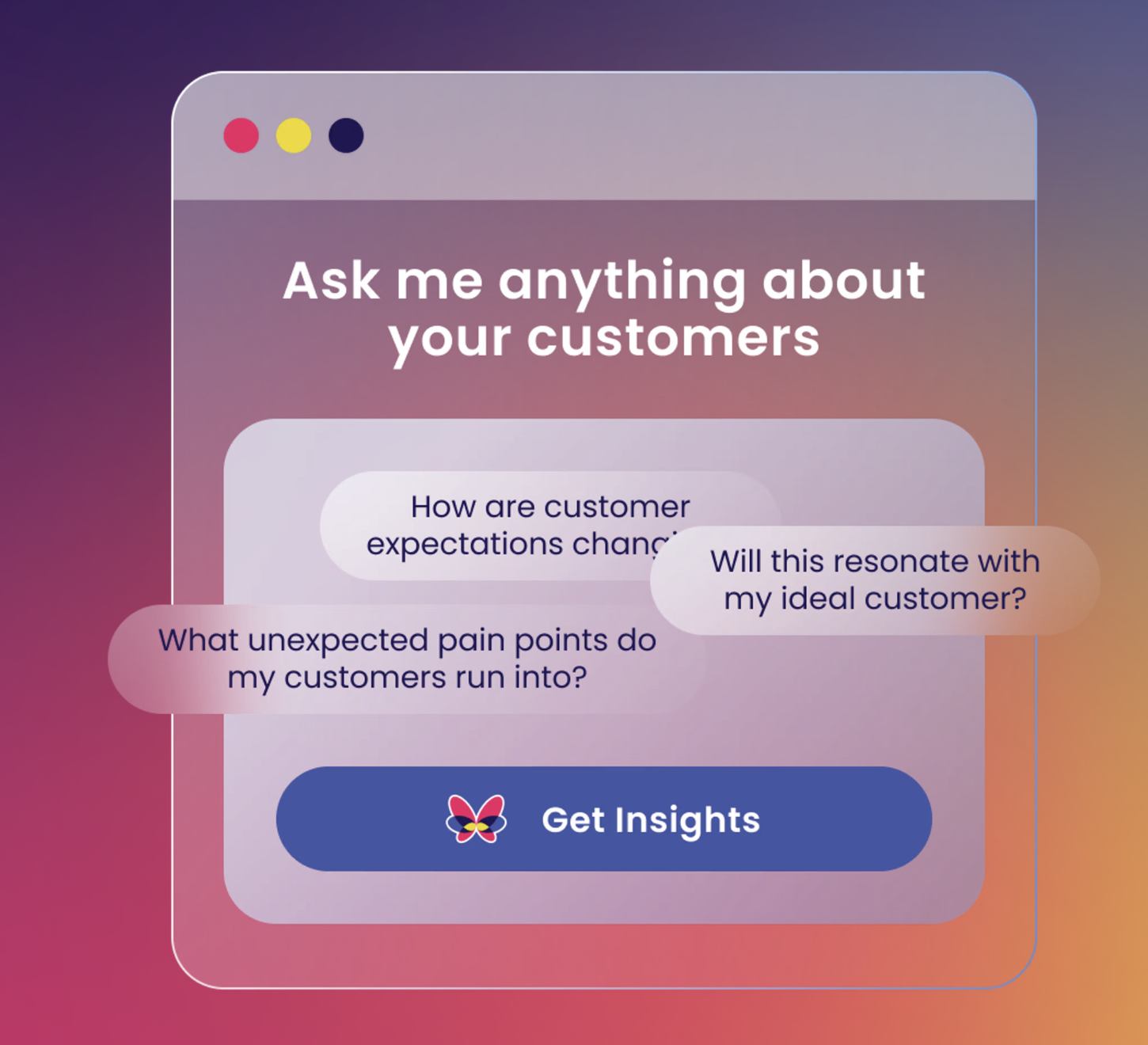
Features
Use Gong Data in GetWhys
We make that knowledge usable, searchable, and comparable across other sources, turning fragmented research into actionable insights.
Your company is likely already swimming in data—sales call transcripts, customer success notes, research decks, product docs, and so on.
We make that knowledge usable, searchable, and comparable across other sources, turning fragmented research into actionable insights.
Benefits
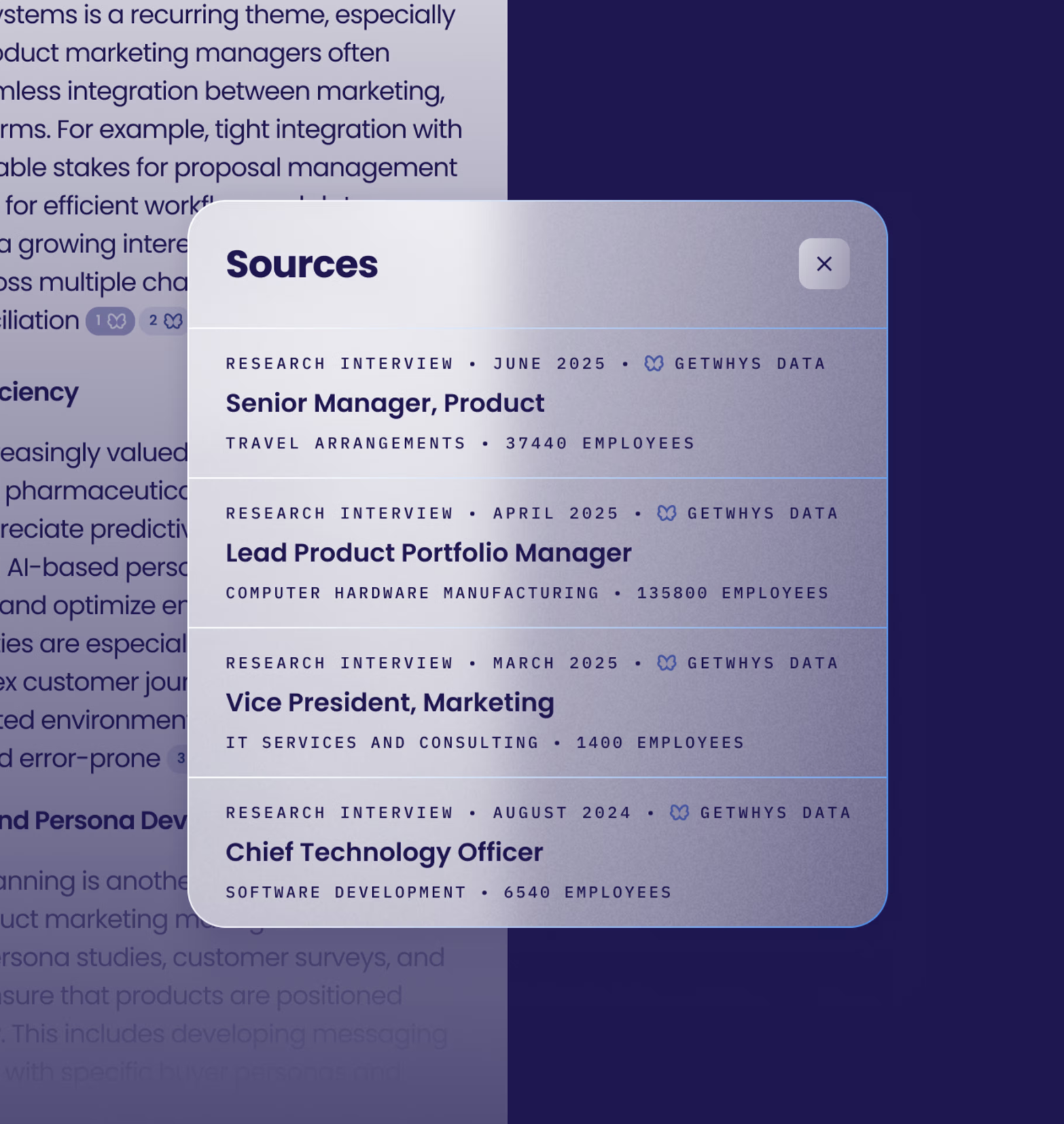
Unlimited qualitative market research
Get unlimited research interviews with your exact audience, including niche segments, without waiting on Research or begging Sales and Customer Success for “a customer intro.”
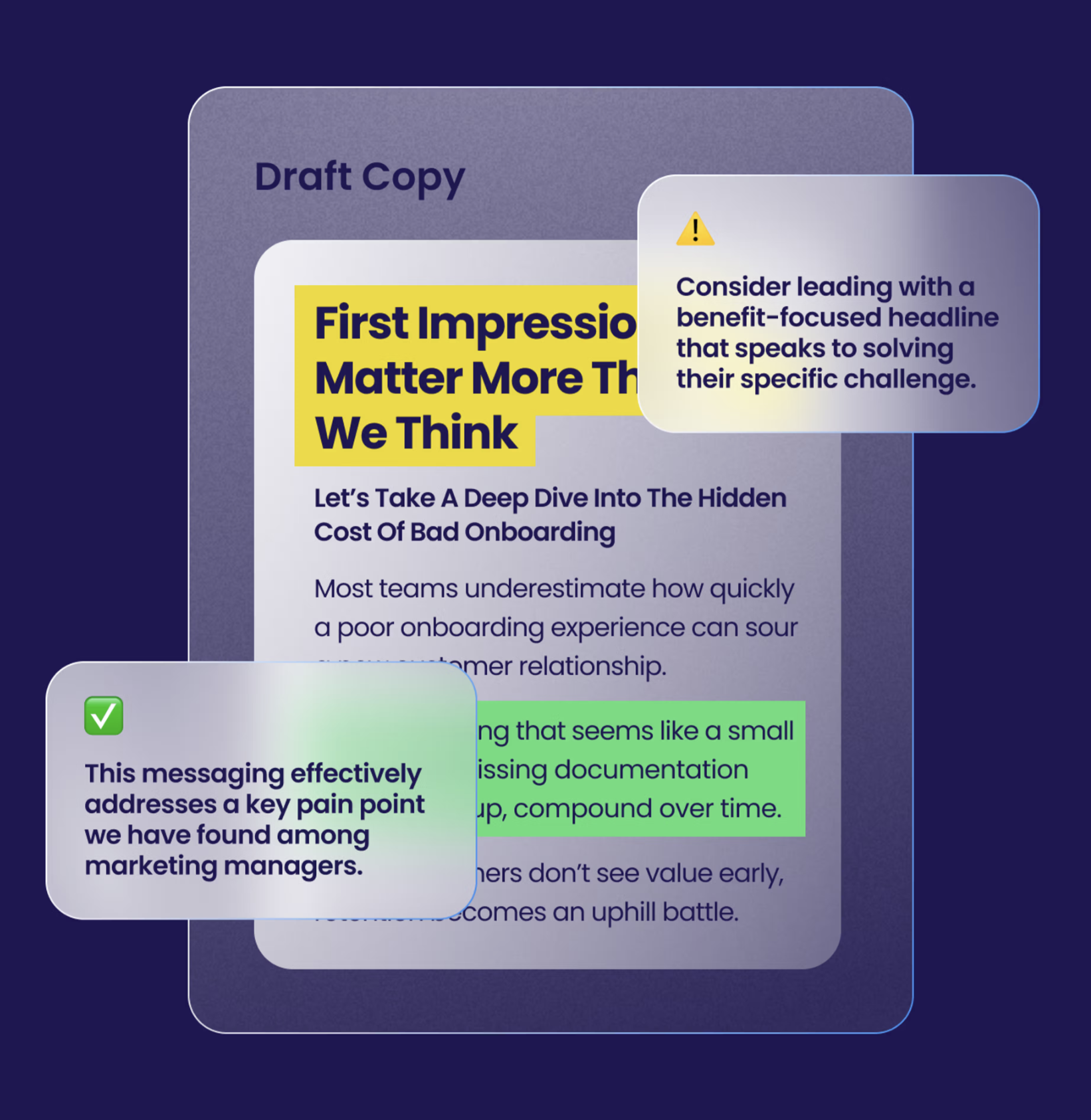
Content creation based on real market insights
Know what lands with buyers before you launch the product or the campaign. Paste content, pick a persona, get what will/won’t resonate and why, tied back to real research.
FAQ
GetWhys connects to Gong using a single admin-level API authentication. Gong does not currently support per-user OAuth for this integration.
GetWhys applies a controlled access model
- Only calls explicitly approved by an admin are eligible for processing
- Admins define automation rules to determine which calls are included
- If a call is not approved, it is never accessed or processed by GetWhys
Admins are responsible for defining which calls are shared with GetWhys. This ensures that only appropriate and intended data is included.
Integration Diagrams
Data
Gong Call Data
Gong Call Data

Data
GetWhys Insights Retrieval
GetWhys Insights Retrieval
Requirements
Subscriptions Required
Must have GetWhys subscription
Subscriptions Required
Must have GetWhys subscription
Connect
You must be an admin in both Gong and GetWhys to connect Gong to GetWhys.
1. In GetWhys, navigate to **Integrations**.
2. In the Gong integration card, click **Connect Gong**. You will be redirected to Gong and asked to authorize the connection.
3. Sign in to your Gong account, if prompted.
4. In the permission request page, review the requested access and click **Allow** to give GetWhys access to Gong.
5. You're redirected back to the GetWhys **Integrations** page. Your Gong account is now connected to GetWhys.
Contact [email protected] with any support needs.
1. In GetWhys, navigate to **Integrations**.
2. In the Gong integration card, click **Connect Gong**. You will be redirected to Gong and asked to authorize the connection.
3. Sign in to your Gong account, if prompted.
4. In the permission request page, review the requested access and click **Allow** to give GetWhys access to Gong.
5. You're redirected back to the GetWhys **Integrations** page. Your Gong account is now connected to GetWhys.
Contact [email protected] with any support needs.