








Iris | AI-Native RFP & Security Questionnaire Automation
Transform RFP management with Iris. Draft winning responses and complete security questionnaires in minutes—not weeks. Empower your team with AI-native software built to close deals faster and with confidence.
About
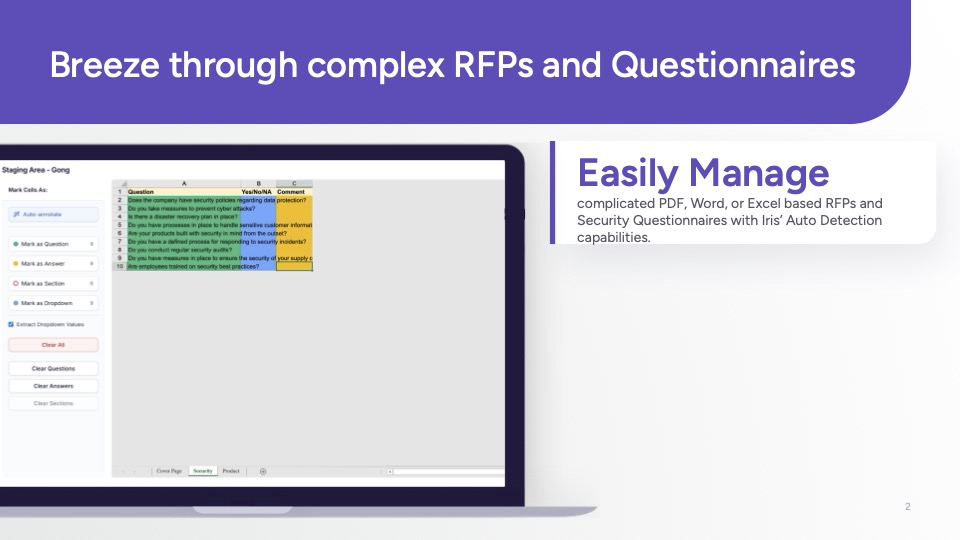
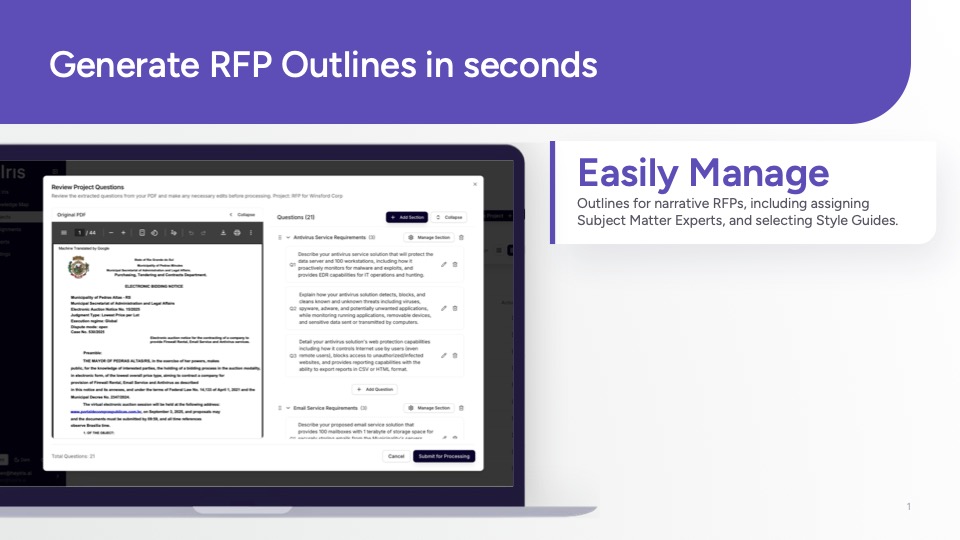
Iris is an AI-native platform that automates RFPs, security questionnaires, and due diligence requests of any size or industry. By embedding directly into Slack, Teams, and Chrome, Iris ensures sales and solutions teams can respond faster, more accurately, and with less manual effort.
Connecting Gong call transcripts to Iris enriches your knowledge base with real customer language. That means every RFP or questionnaire answer is grounded in the conversations your team is already having—helping you win more deals with consistent, high-quality responses.
Media
Features

Use Gong Data in Iris
Extract relevant information from Gong Transcripts to enhance the Iris response generation and search capabilities.
Seamlessly import Gong call transcripts into your Iris Knowledge Map. Iris instantly learns from every conversation—analyzing, contextualizing, and making that knowledge available the moment you need it. Equip your team to answer questionnaires, RFPs, and customer questions faster, with responses grounded in real data, not guesswork.
Seamlessly import Gong call transcripts into your Iris Knowledge Map. Iris instantly learns from every conversation—analyzing, contextualizing, and making that knowledge available the moment you need it. Equip your team to answer questionnaires, RFPs, and customer questions faster, with responses grounded in real data, not guesswork.
Benefits
Enhance Deal Velocity
Implement Iris and achieve up to a 90% reduction in time spent on RFPs and Security Questionnaires within weeks of onboarding.
Surface your best insights
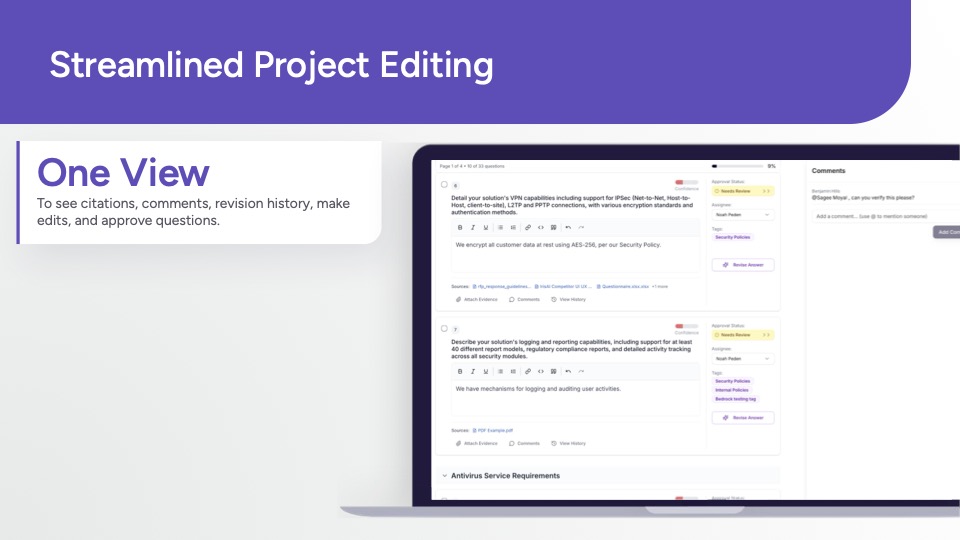
Enrich the Iris knowledge map with powerful insights from Gong Transcripts directly in Slack or Teams, in our web app, or as a portal extension.
Integration Diagrams
Seamlessly import Gong call transcripts into your Iris Knowledge Map. Iris instantly learns from every conversation—analyzing, contextualizing, and making that knowledge available the moment you need it. Equip your team to answer questionnaires, RFPs, and customer questions faster, with responses grounded in real data, not guesswork.
Data
Gong Transcripts
Gong Transcripts

Data
Iris Knowledge Map
Iris Knowledge Map
Requirements
Authenticating User Requirements
To authenticate this integration for the first time, a user must be a Gong Tech Admin and have and have client admin permissions in Iris AI.
Subscriptions Required
Must have Iris subscription
Must have Gong subscription
Must have Gong subscription
Connect
Connect Iris with Gong
- In the Iris Dashboard, go to Settings (top-right corner) and select Integrations.
- Find Gong and click Connect to Gong.
- Sign in to your Gong account (Tech Admin required) and approve the requested permissions.