









Journal for Gong
Turn your Gong calls and transcripts into searchable, AI-ready meetings in Journal
About
Journal is an AI work companion that turns your team's meetings, tools, and knowledge into a single searchable memory you can ask questions of. Connect Gong and every call automatically becomes a first-class Journal meeting — fully transcribed, summarized, speaker-attributed, and available as context to Journal's AI agent. Instead of scrubbing through recordings, your team can ask Journal what was said, what was decided, and what to do next across all of your revenue conversations.
Media
Features
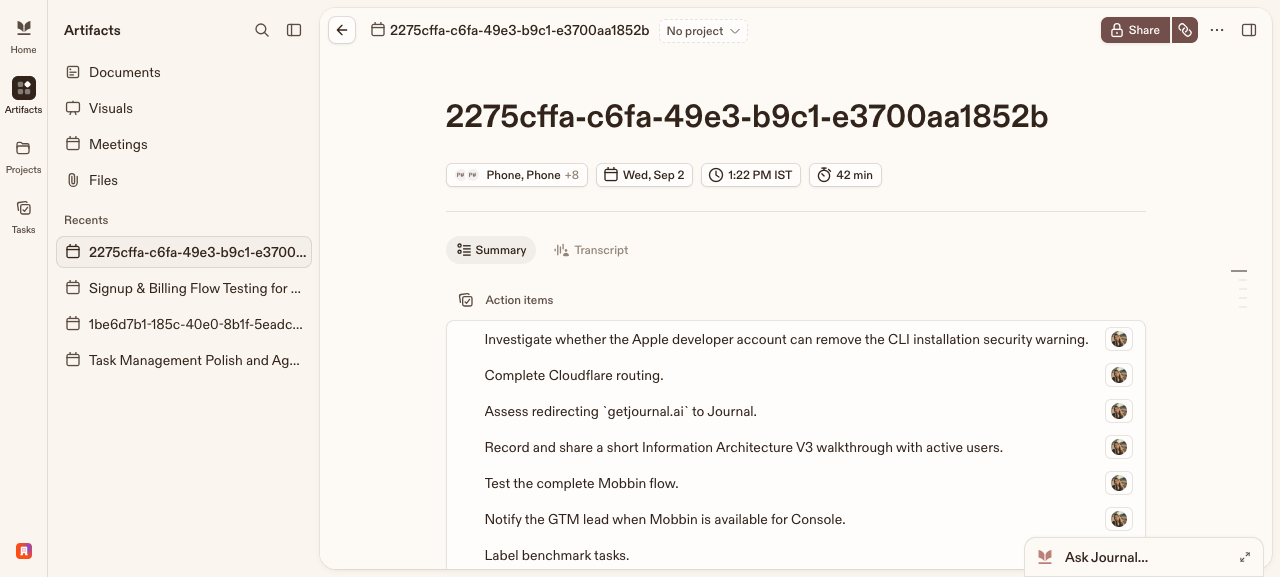
Embed Gong Calls in Journal
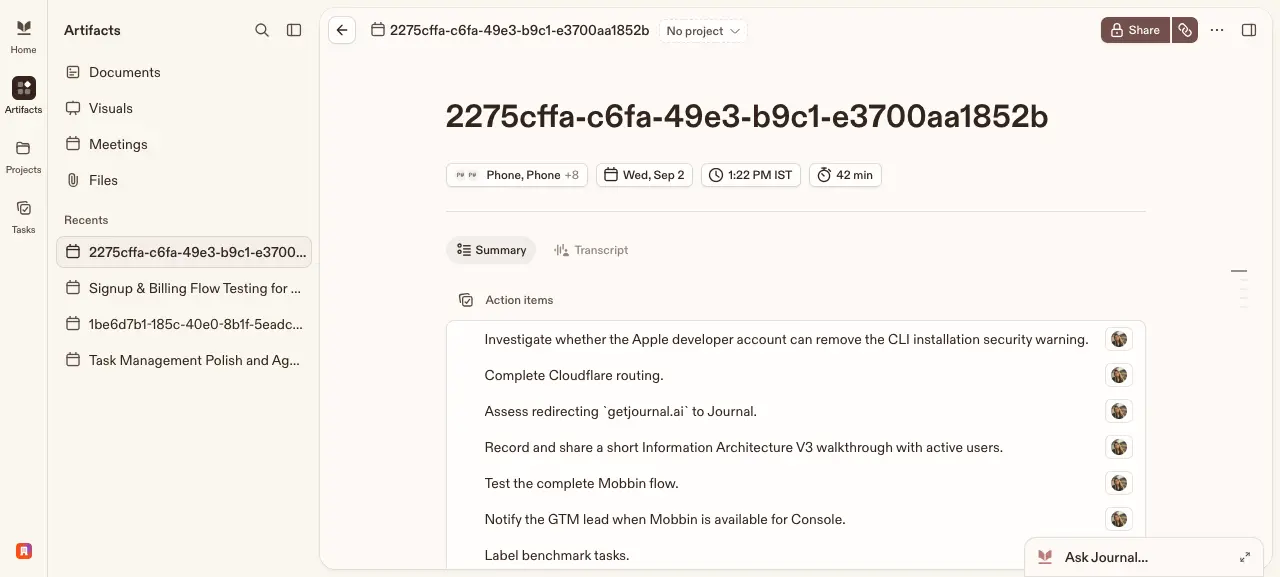
Every Gong call is automatically imported into Journal as a native meeting — no manual export. Titles, participants, timing, and the full transcript come across so your calls live alongside the rest of your team's work.
Benefits
Stop re-watching calls
Ask Journal what happened on any Gong call instead of scrubbing recordings. Summaries, action items, and full transcripts are ready the moment a call syncs.
One searchable source of truth
Your Gong conversations live alongside the rest of your team's meetings, docs, and knowledge in Journal — so context from a sales call is one search away, not locked in a separate tool.
FAQ
Journal connects to Gong once, at the organization level, authorized by a Gong administrator. This single connection is used only to import calls and transcripts for the organization. Authorizing the connection does not grant the administrator access to any call they would not otherwise be able to see — they manage the connection, not its content.
At import, only its attendees who are Journal members can see it. If none of the attendees are Journal members, the call is not imported.
At import, access is granted per call and is never organization-wide: Journal grants access only to the call's attendees who are active Journal members (matched by email), and the administrator who connected Gong is not granted access on that basis. After a call is imported it becomes a Journal meeting, so members who have access can then share it with others, like any Journal meeting.
The same rule applies. It is shared only with the attendees who are Journal members — it is not made visible to the whole organization.
Disconnecting stops further imports. Meetings already imported into Journal remain, governed by the same per-call access described above.
Integration Diagrams
Data
Calls
Calls

Data
Meetings
Meetings
Requirements
Subscriptions Required
Must have Journal an active subscription
Must have Gong an API-enabled subscription
Requires a separate subscription from Journal (journal.one)
Must have Gong an API-enabled subscription
Requires a separate subscription from Journal (journal.one)
Authenticating User Requirements
To authenticate this integration for the first time, a user must be a Gong Tech Admin and have organization admin permissions in Journal
Connect
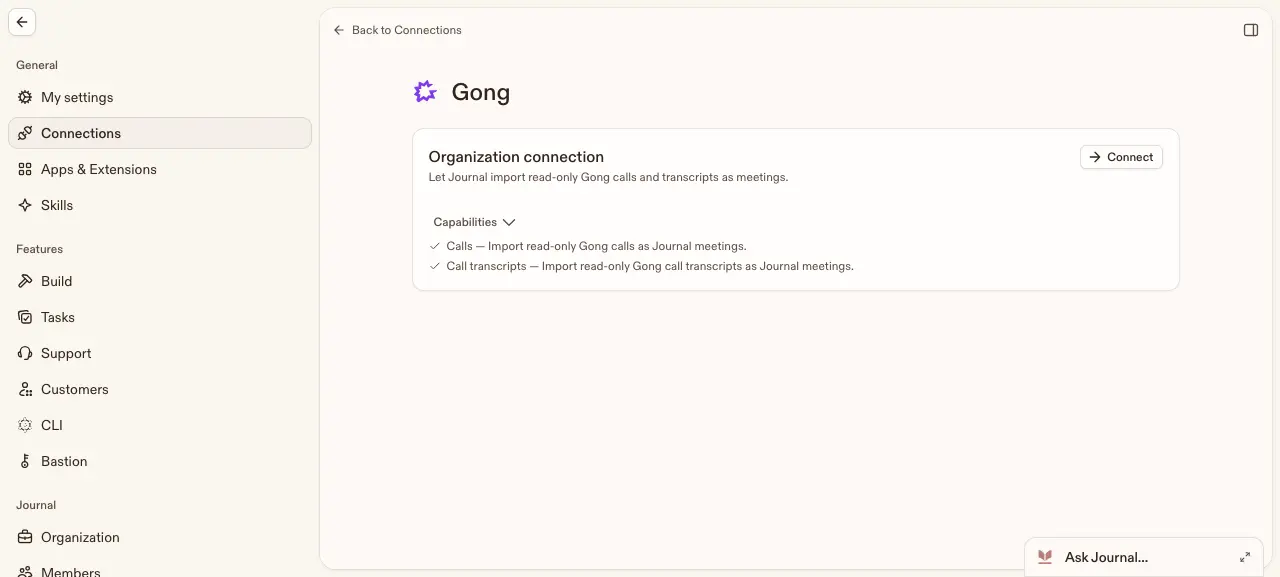
Connecting Gong to Journal is a one-click OAuth flow, managed securely on Journal's side. Once an organization admin enables Gong import, Journal backfills the last 30 days of calls and keeps syncing new calls hourly. Each Gong call and its transcript is imported read-only as a Journal meeting, then summarized and made searchable. Journal only reads calls and transcripts — it never writes anything back to Gong, and audio and video are never imported.