









JumpCloud SaaS Management
JumpCloud makes it simple to manage Windows, Apple, Linux, and Android devices and to deliver secure access with SSO, MFA, Zero Trust, RADIUS, and more.
About
JumpCloud SaaS Management's Gong integration helps you with visibility Gong accounts in your organization. We periodically poll your organization to check the current accounts within.
Media
Features

Use Gong Data in JumpCloud SaaS Management
The Gong Connector retrieves user and workspace lists and data from the Gong API. It captures new users and login events via periodic polling for real-time updates. This connector also ensures data integrity and security because it is configured via OAuth with read-only permissions.
Benefits

Uncover all your Gong accounts in JumpCloud
This connector ensures data integrity and security because it is configured via OAuth with read-only permissions.
Integration Diagrams
Data
User
User

Data
Account
Account
Requirements
Subscriptions Required
Must have JumpCloud SaaS Management enabled for your Organization. No additional subscriptions required from the Gong side.
Authenticating User Requirements
To authenticate this integration for the first time, a user must be a Gong Admin and have admin permissions in JumpCloud SaaS Management
Connect
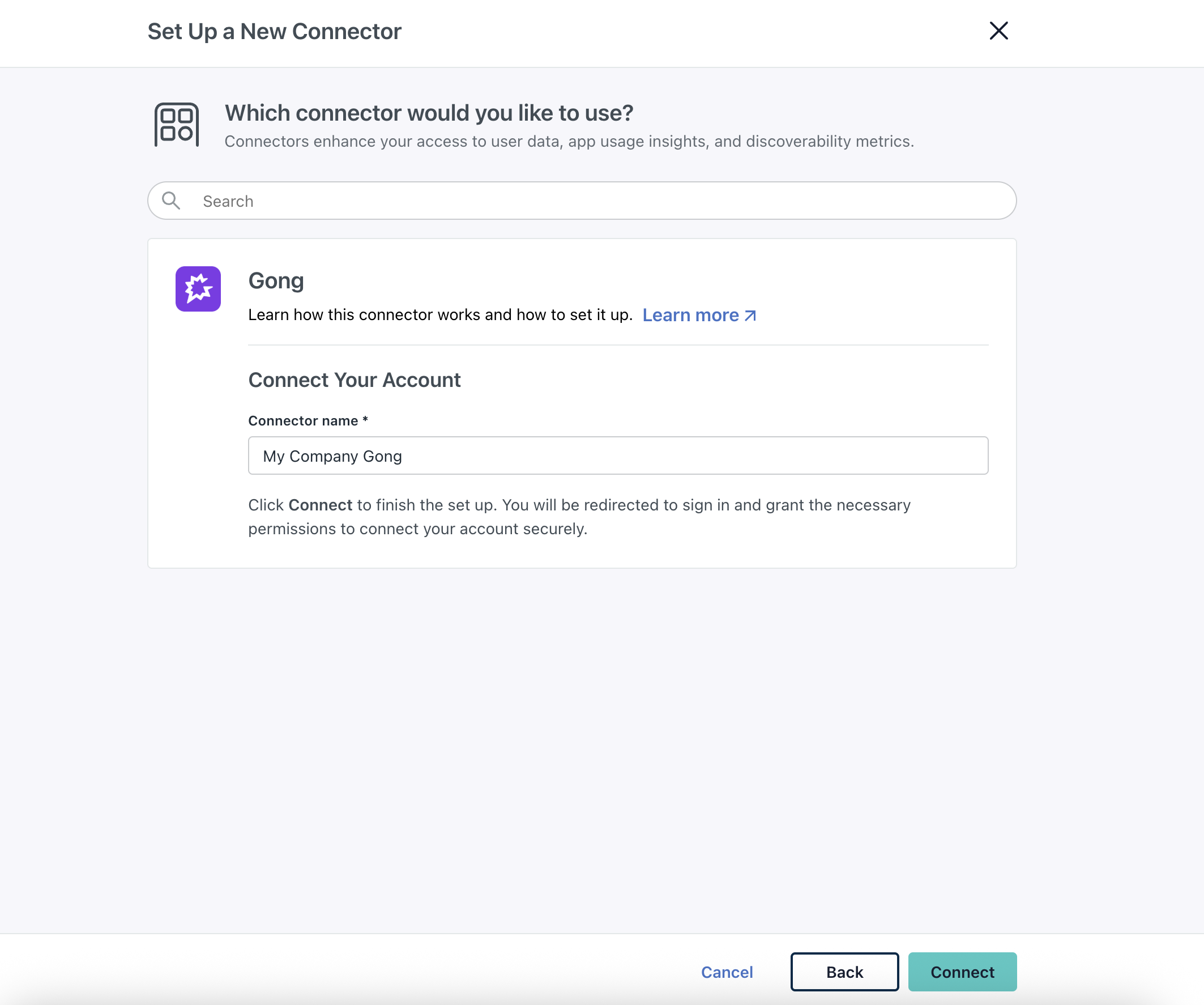
Connecting JumpCloud SaaS Management with Gong is really easy, here are the few steps required to connect:
- Log in to the JumpCloud Admin Portal.
- Go to SECURITY MANAGEMENT > SaaS Management.
- In SaaS Management settings, go to the Connector tab and select + Add Connector.
- Select Gong and click Connect.
- Enter a name and click Connect.
- Follow the redirect prompt from Gong by clicking Allow.
- Enter your Gong credentials and Sign In.
- Click Allow to grant JumpCloud access.
- You’ll see Gong in the list of Connectors.