








Minoa MCP Server
Turn every Gong conversation into a defensible business case with Minoa's AI Value Engineer.
Enrich Gong Agents
Minoa is the value intelligence layer that makes every deal go further.
Gong knows what was said. Minoa knows what it is worth. Connecting Minoa gives your Gong agents the quantified value layer behind every conversation: the business case for the deal, the ROI math your team actually uses, what comparable closed-won accounts quantified, and the buyer language that moved them.
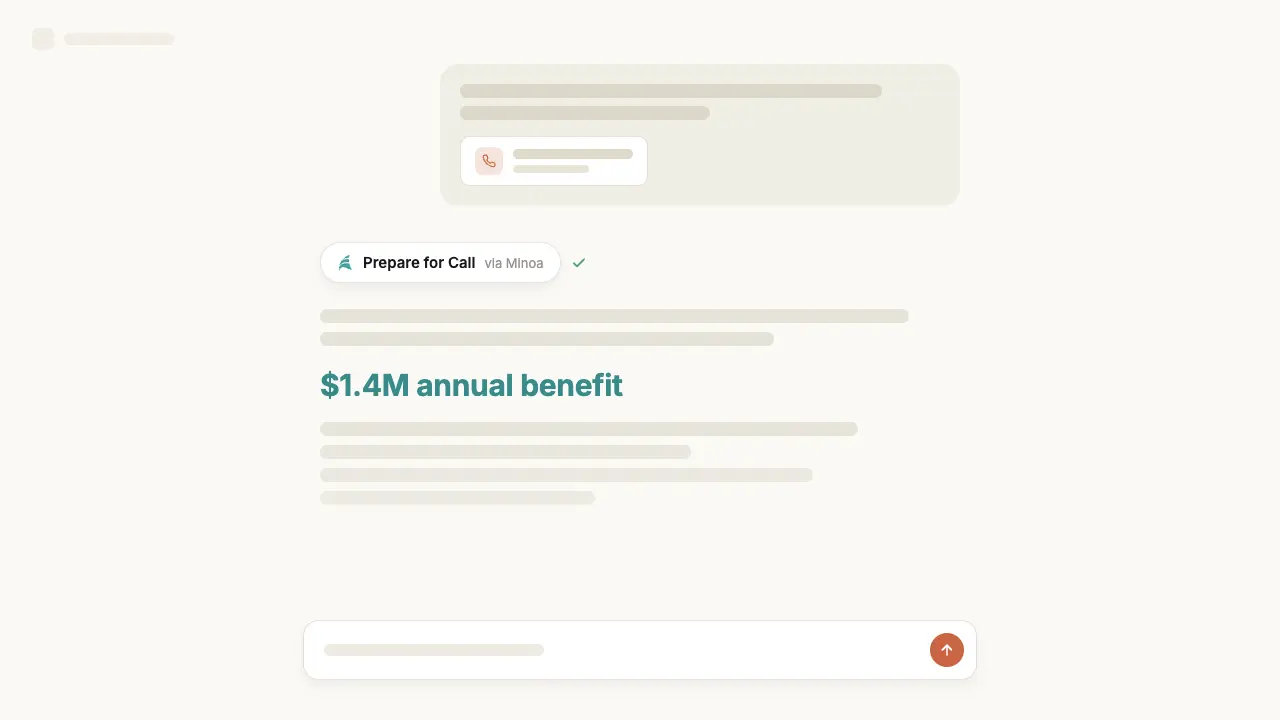
Minoa is already deeply integrated with Gong. Calls, transcripts, and participants flow into Minoa, are matched to the right account and opportunity, and are mined for value signals: the pains and desired outcomes buyers raise, the metrics they care about, and verbatim Value Moments worth quoting back. The MCP connection closes the loop, so a Gong agent can turn a call it just analyzed into a quantified business case, or open the next call with the numbers from the last one.
With Minoa connected, your Gong agents can:
- Brief a rep with a point of view, not just a recap. Which value drivers win in comparable accounts, what those deals quantified, and what people in the attendees’ roles historically prioritize.
- Turn discovery into a number. Build or update a business case from what was said on the call, with the customer’s own inputs and your company’s validated calculation logic.
- Ground every claim in evidence. Median and quartile benefits from your closed-won deals, real input values from similar accounts, and customer quotes captured from calls.
- Keep value alive after the signature. Compare what was promised at close with what was realized, so renewal and expansion conversations start from proof rather than from scratch.
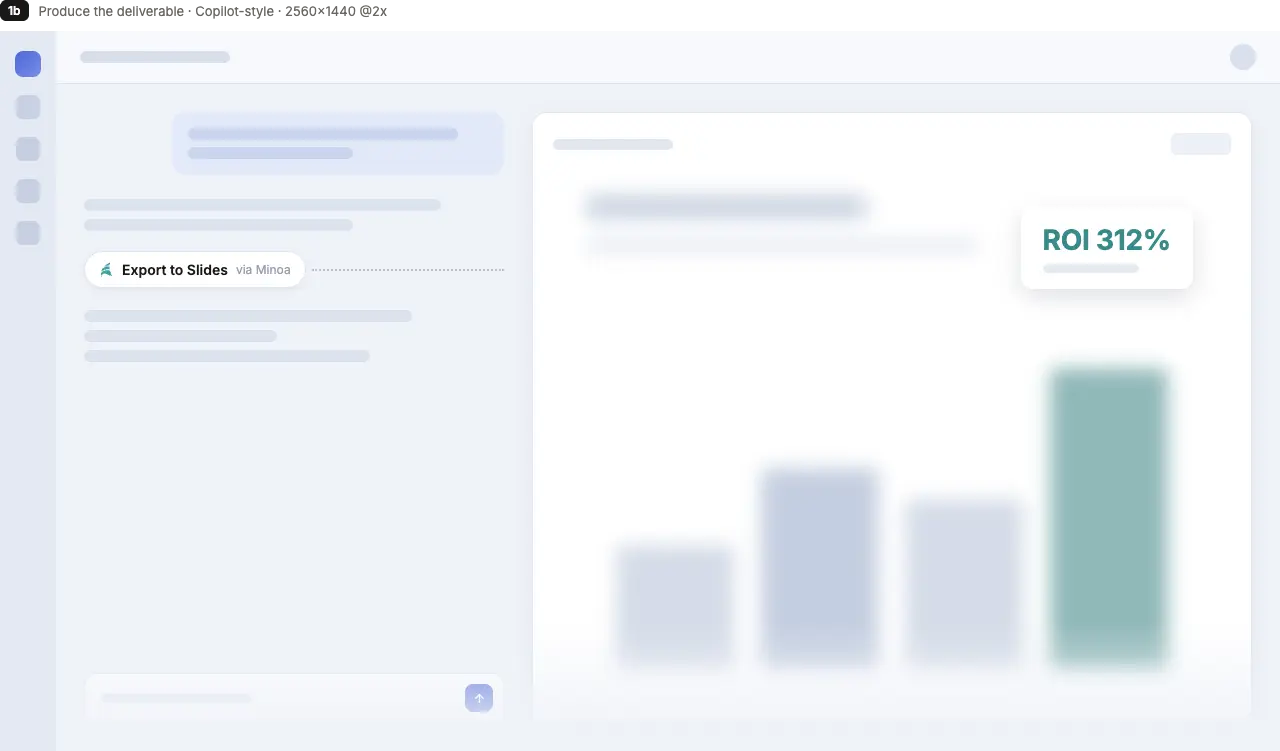
- Produce something the buyer can take internally. Export a business case to Slides, PDF, or PowerPoint, or invite the champion in to co-build it.
Minoa naturally extends the rep’s capabilities across the whole lifecycle: discovery, qualification, scoping, negotiation, renewal, and expansion, on net new, renewal, and expansion deals alike.
Media
Available Tools
Minoa exposes a full read and write toolset over your workspace’s value data. Every call runs as the signed-in user with that user’s permissions, so an agent can reach exactly what that person can reach in the app, and nothing more.
- Prepare and research (read). Brief a rep for any call, including at companies Minoa has never seen. Pull evidence behind specific value drivers, and search verbatim customer quotes captured from calls.
- Read business cases (read). List and open business cases with scenarios, inputs, calculations, ROI, investment, and executive summary. Browse the value framework, your validated library of value drivers.
- Create and edit. Create a business case pre-populated from what Minoa knows, add or remove value drivers, record customer inputs, build calculations, set investment and timeline, and write the executive summary.
- Benchmarks and analytics (read). Pipeline metrics and win rates, plus how each value driver performs across the portfolio.
- Export and collaborate. Export to Google Slides, PDF, or PowerPoint, invite a teammate or champion, attach supporting research, and link the case to its CRM opportunity.
- Author the value framework (admins only). Edit library value drivers and shared benchmarks through a private draft, review, and explicit approval flow.
Beyond individual tools, Minoa ships guided workflows your agent can run end to end, including deal preparation, business case review, value story building for a specific audience, and QBR generation.
What You Can Do with this MCP Connection
In Gong today, this connection powers the AI Briefer. A technical admin adds a Minoa section to an account brief template, and every brief generated from that template includes an account summary drawn live from your Minoa workspace:
- Where value stands on the account. The business cases in play and what they quantify.
- What tends to land here. The value drivers that work at comparable accounts, and what closed-won deals quantified.
- Evidence to open with. Benchmarks from your own deals and verbatim customer quotes.
The section is read-only and scoped to your workspace, so briefs reflect what your team has already built in Minoa.
Example Prompts
- “I have a discovery call with acme.com tomorrow, CFO and VP Engineering attending. What should I lead with?”
- “Pull the evidence behind our top three value drivers for a 2,000-person logistics company.”
- “Based on this call, create a business case for Acme with the drivers we discussed and the numbers they gave me.”
- “Update the Acme inputs with the volumes they confirmed today. What does that do to payback?”
- “Acme wants 20% off. Show me ROI at list versus discounted, and what similar deals settled at.”
- “Export the Acme business case to Google Slides and invite their VP of Ops.”
- “The Acme renewal is in 60 days. Compare what we promised at close with what they realized.”
- “Which value drivers do we win with most often, and where is realized value falling short?“
FAQ
No. You sign in through OAuth and approve the connection. Tokens refresh silently in the background.
Yes. The connection authenticates as you, so you need a user in an active Minoa workspace.
Exactly what you can see and change in the Minoa app. Editing a business case depends on your role on that specific deal, so an agent cannot reach into a colleague’s deal on your behalf.
Only if you are a workspace admin, and never directly. Changes stage in your private draft, and publishing requires an explicit review where you approve each use case by name.
Yes. Call preparation falls back to comparable-account intelligence, so a first-touch account still gets a briefing.
Yes. If your workspace has the Gong integration enabled, calls and transcripts sync into Minoa, are matched to accounts and opportunities, and feed value signals and customer quotes.
The same server works with any MCP-compatible client, so Gong agents and your other tools read the same value data.
Disconnect the server in your client, or have an admin remove the user’s access in Minoa. Access ends immediately.
Connect
Server URL: https://mcp.minoa.io
Authentication: OAuth 2.0 with PKCE. You sign in with your own Minoa account and approve access. No API keys or shared service accounts.
Requirements: An active Minoa workspace and a user account in it. Not a customer yet? Visit minoa.io.
Security: Every request is scoped to your workspace and runs as you, inheriting your role. Admin-only capabilities are not even offered to a non-admin’s client. All connections use TLS, and access can be revoked at any time by disconnecting.