






Oblique Security
Oblique is identity governance for small teams with a lean IT department. Onboarding, offboarding, access requests, and access reviews, all in one place.
About
Oblique is identity governance for small teams without an IT department. Connect the apps you use, and Oblique shows you what access everyone actually has, down to the role, and lets you change it.
Media
Features
Sync users, roles, and permissions
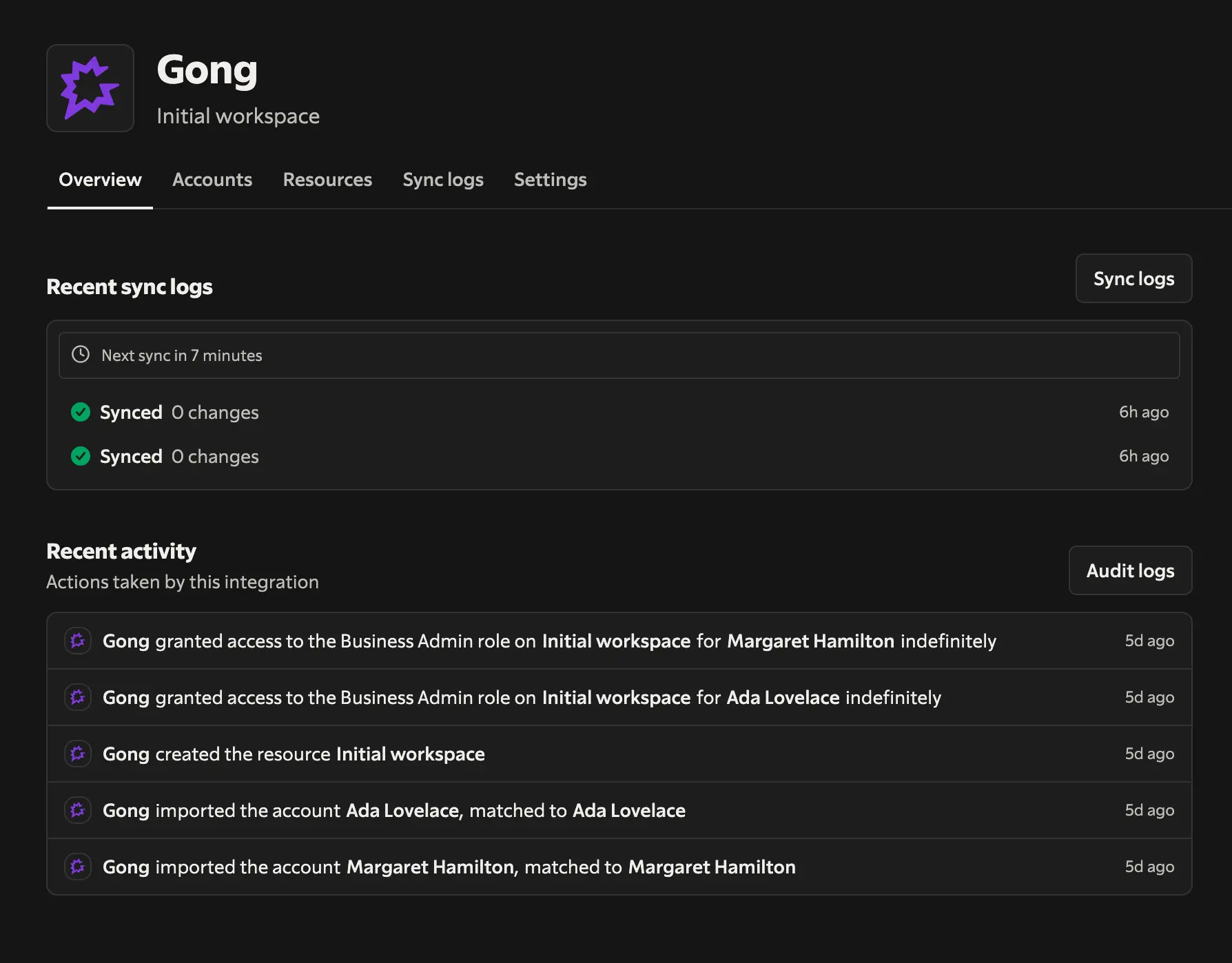
Any changes made in Gong will be automatically synced to Oblique with no further actions needed from you.
Import Gong users to Oblique
All active users in Gong will be imported to Oblique and matched to their profiles in other business applications so that your end users can see at a glance what they have access to.
Benefits
Keep access current
Define access by team once. When someone changes managers, projects, or teams, Oblique updates their access automatically and consistently, without you touching it.
See what users can actually do
Not just who’s in an app, but with what role, and how and when they got that access — including access granted via a group or added directly in the app.
Let users get the access they need
Users can see their own access and request what they need, within guardrails you set. You're not the bottleneck for granting, approving, or debugging.
FAQ
No, the Gong integration is available to all Oblique customers.
Integration Diagrams
Data

Data
Oblique
Oblique
Requirements
You must be an Oblique admin
Only Oblique admins can connect new integrations.
You must be a Gong Tech admin
Users must have at least Gong Tech Admin permissions to authorize a new integration.
Connect
To add a Gong integration to your Oblique instance, follow these steps.