









Onoff Business
The innovative telephony solution for your business
About
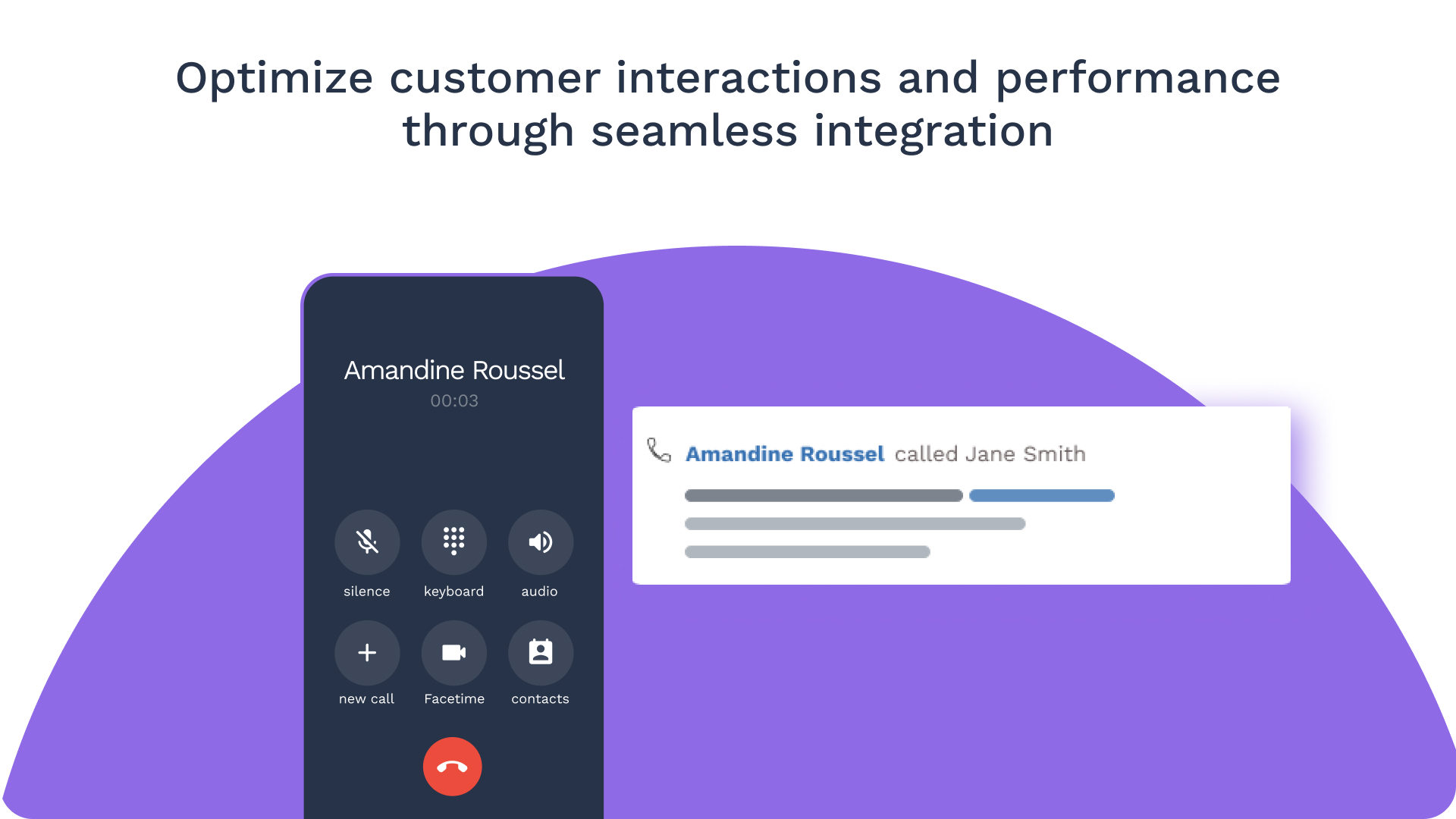
Forget a second phone or another SIM card for professional calls. With Onoff Business, employees only need to download an application to use a professional phone number.
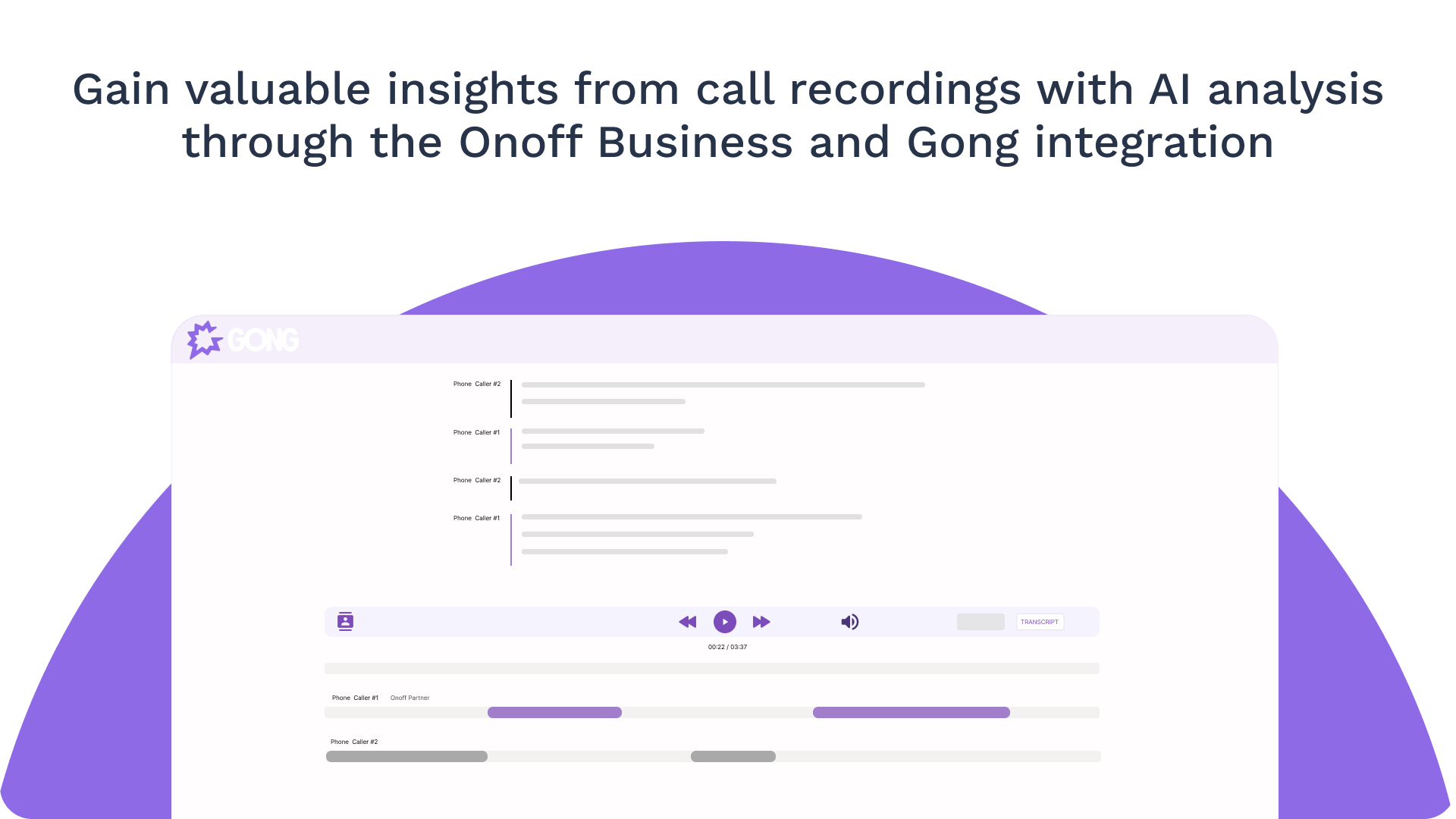
This integration pushes calls from Onoff Business to Gong for powerful AI-driven insights that unlock valuable business intelligence from call recordings.
This integration pushes calls from Onoff Business to Gong for powerful AI-driven insights that unlock valuable business intelligence from call recordings.
Media
Features

Import Onoff Business Calls
Send recordings from Onoff Business to Gong as soon as a call ends, allowing users to analyze conversations without manually uploading recordings, and helping teams to quickly gain insights and improve their strategies.
Benefits

User-friendly Setup
Easy to configure with minimal setup, Onoff Business ensures users can quickly start benefiting from automated call recording transfers to Gong for analysis.
FAQ
Yes, during the integration setup process, you can select which user call recordings are sent to Gong.
Recordings are sent to Gong as soon as a call ends. The process is automatic once the integration is set up, ensuring that all recorded calls are transferred to Gong without manual intervention.
Integration Diagrams
Data
Gong
Gong

Data
Onoff Business Calls
Onoff Business Calls
Requirements
Subscriptions Required
Must have Onoff Business Advanced or Max plan.
Authenticating User Requirements
To authenticate this integration for the first time, a user must be a Gong Tech Admin and have admin permissions in Onoff Business.
Connect
- Log in to Onoff Business with an admin account
- Find Gong on the Integrations Dashboard
- Click the Integrate button
- Allow Onoff Business to sync data with Gong
- Select users whose call recordings you want to send to Gong
Alternatively, find Onoff Business from Telephony Systems in Gong Company Settings.