









Qwilr
Use your Gong call transcripts to automatically and accurately personalize your Qwilr proposals
About
Qwilr helps sellers create deal-winning, error-free proposals without letting reps go rogue.
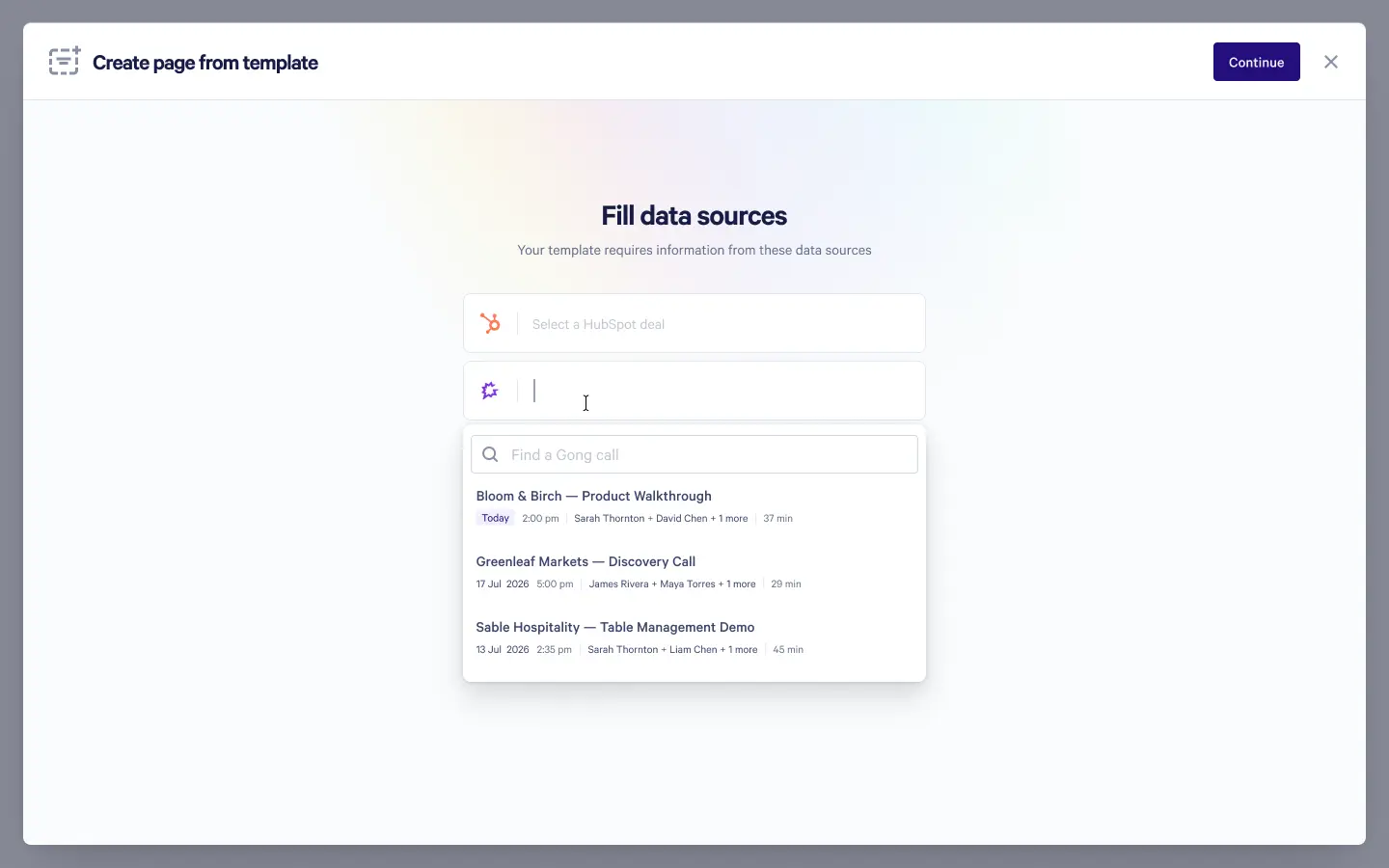
Use your Gong call transcripts to automatically and accurately personalize your proposals.
Use your Gong call transcripts to automatically and accurately personalize your proposals.
Media
Features
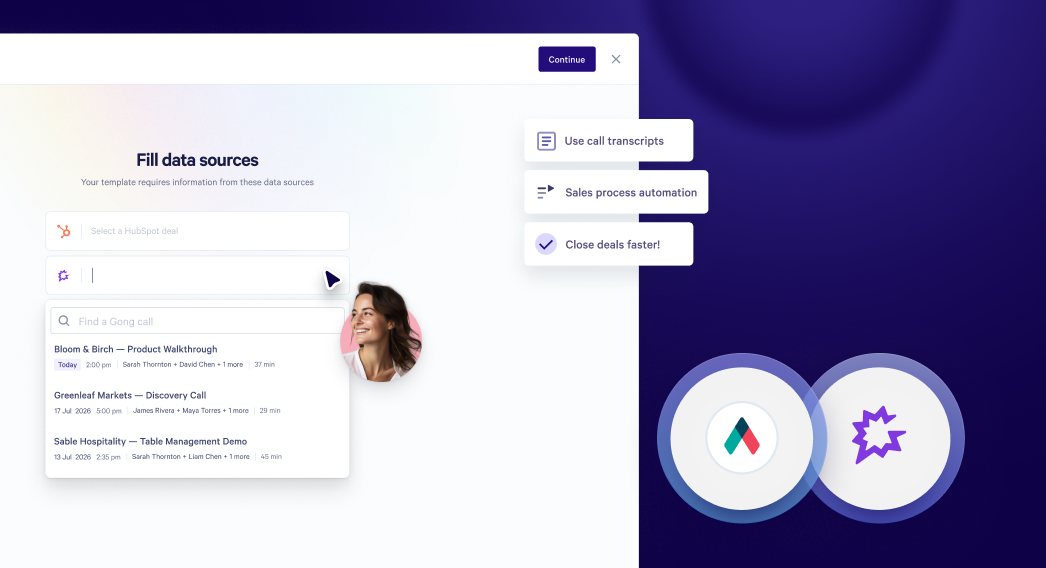
Embed Gong Calls in Qwilr
Use your Gong calls to automatically personalize your proposals
- Automatically fill proposal template placeholder - like replacing {Company Name} with the buyer's actual company name - using details pulled straight from your Gong calls
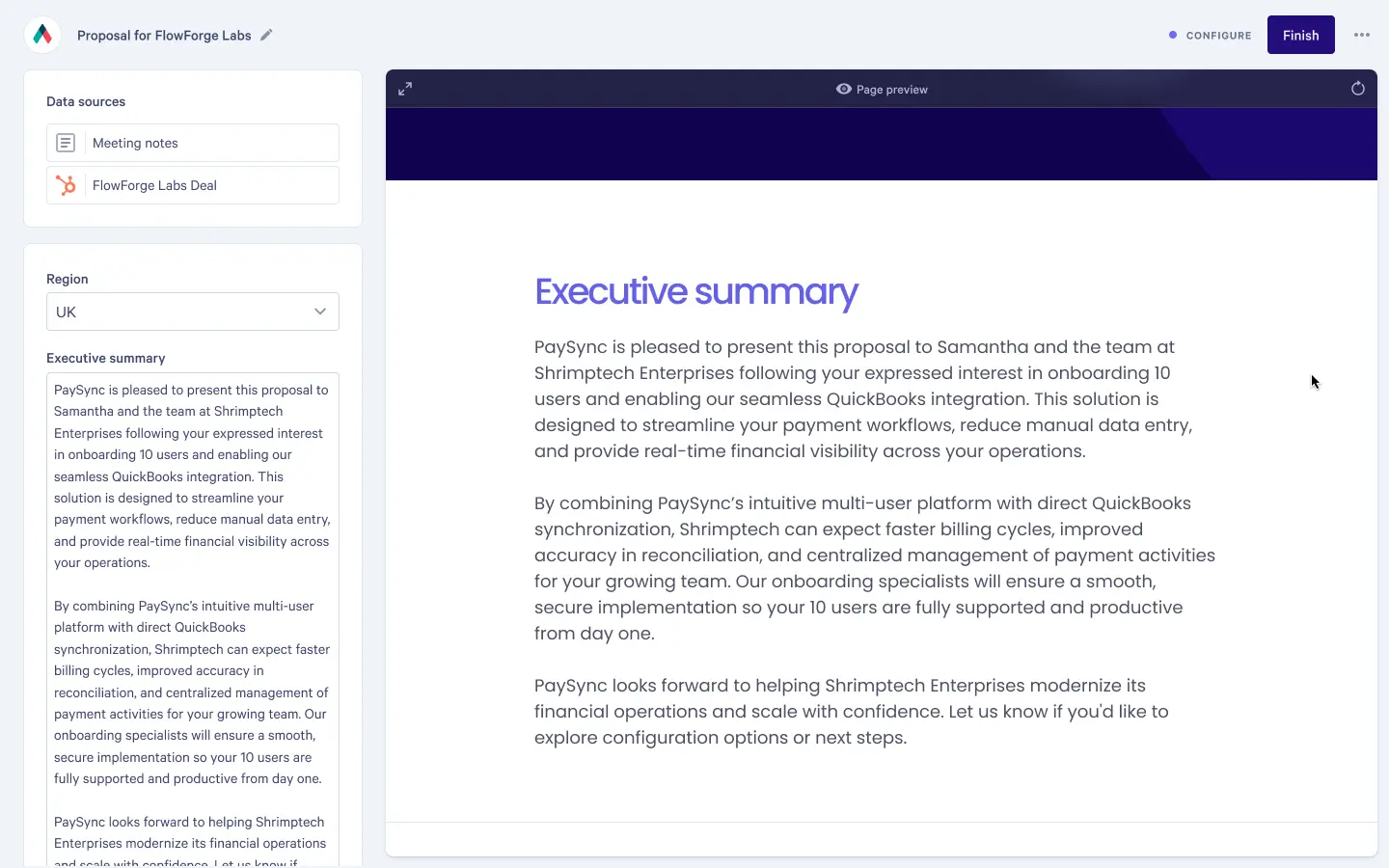
- Prompt Qwilr's built-in AI to generate tailored content, e.g. a 3-line executive summary that surfaces the specific pain points the buyer raised on your calls
- Use conditional logic so the right case studies, pricing, or objection-handling content shows up automatically based on what's in the transcript
Benefits
Effortless personalization
Automatically pulling over deal info means sellers no longer have to choose between speed and quality when it comes to their proposals.
Zero context loss
Context from your deal actually makes it into your proposal, without the need to digging back through transcripts or meeting notes.
Fewer manual errors
Pulling straight from the transcript instead of copying and pasting or relying on memory cuts down on mismatched details, typos and missed context.
FAQ
A Gong technical administrator connects Gong to Qwilr once, for the whole Qwilr account. Individual users do not sign in to Gong through Qwilr. On the Qwilr side, only an account administrator can set up or remove the connection.
Only calls not marked private in Gong. Qwilr confirms each call's privacy status before showing the call. Pasting a link to a private call returns the same "no call found" as a link that does not exist.
Integration Diagrams
Data
Call transcripts
Call transcripts

Data
Call picker
Call picker
Proposal page content
Proposal page content
Requirements
Subscriptions Required
Requires the Qwilr Scale plan, which includes the Smart Proposal Engine, and a Gong plan with public API access.
Authenticating User Requirements
Connecting Qwilr to Gong must be done by a user with the Technical Administrator permission in Gong.
Connect
- In Qwilr, open Settings → Integrations and choose Gong.
- Select Enable Gong. A Gong window opens.
- Sign in to Gong as a Technical Administrator if you are not already signed in.
- Review the permissions Qwilr requests and select Allow.