






Connect
Provision team members from Sigil.
About
Sigil helps companies authenticate and provision their teams into applications.
This integration enables syncing users, and groups from Sigil into Gong.
This integration enables syncing users, and groups from Sigil into Gong.
Media
Features
Provision Gong Users from Sigil
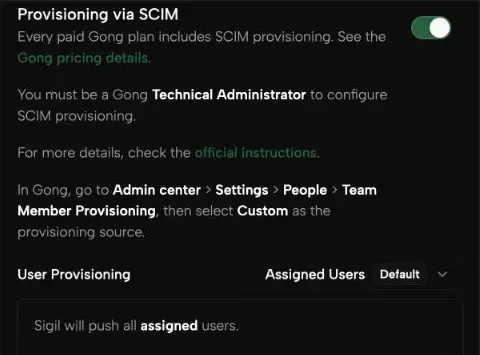
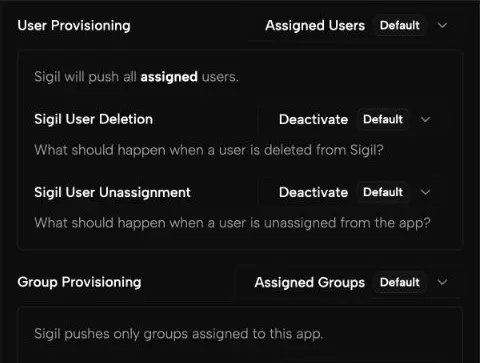
In Sigil, add Gong, enter the Gong provisioning token, and choose which users and groups to sync. Sigil uses SCIM to create Gong team members, keep their profiles and group memberships up to date, and deactivate users when access is removed, according to your provisioning settings.
Benefits
Simplify user and group management.
Streamline onboarding and off-boarding between Sigil and Gong.
FAQ
If you decide you no longer want Gong to be connected to Sigil, you can disconnect it.
From the Sigil admin dashboard, go to the Gong app, and disable the SCIM feature.
From the Sigil admin dashboard, go to the Gong app, and disable the SCIM feature.
Integration Diagrams
Data
Users and Groups
Users and Groups

Data
Sigil
Sigil
Requirements
Subscriptions Required
None. Available to all Gong and Sigil customers
Authenticating User Requirements
To authenticate this integration for the first time, a user must be a Gong Tech Admin and have admin permissions in Sigil.
Connect
Connect in the Sigil dashboard here.