








Deck | Customer Intelligence for Product Builders
Deck is an agentic customer feedback platform that allows product teams to consolidate and analyze user data to build better software.
About
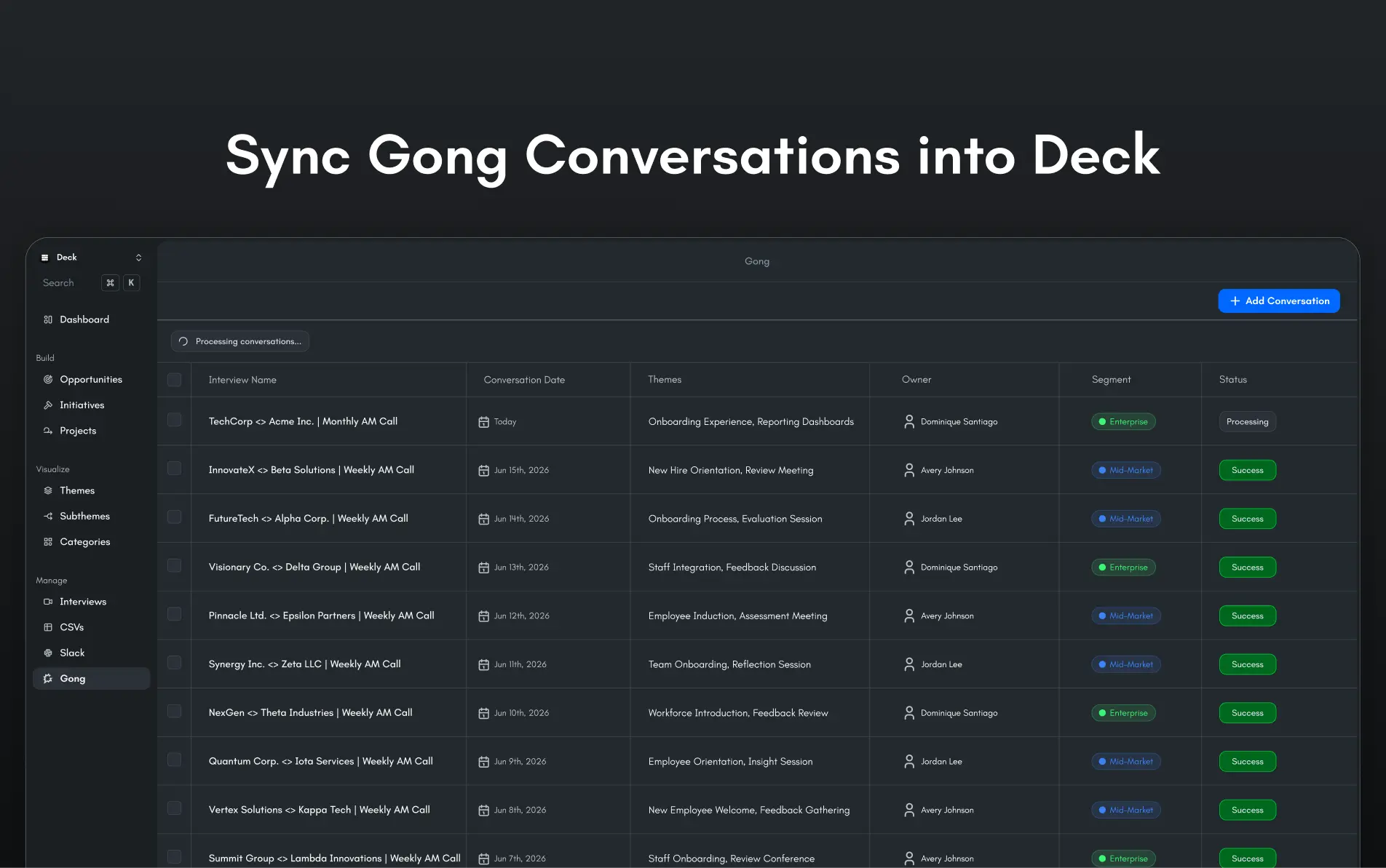
With Deck and Gong, you can auto sync Gong conversations into Deck to enable your product team to prioritize, build, and measure success on your customers' feature requests.
Media
Features
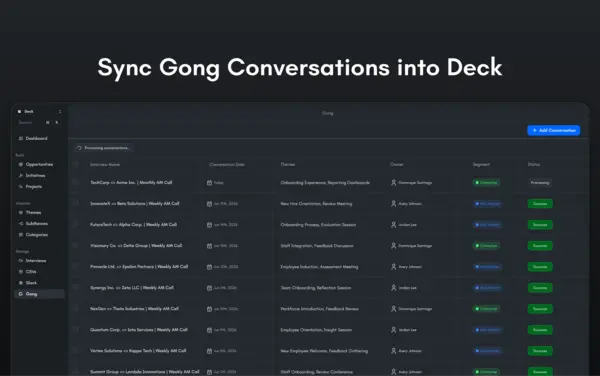
Sync Gong Calls into Deck
Sync Gong Conversations into Deck to provide your product team with customer intelligence to solve your customer's feature requests.
Benefits
Add Customer Requests to Deck Insights
Deck will surface customer insights across all your organization's customer feedback for easier prioritization.
Create Opportunities
With Gong data, Deck will surface actionable product improvement opportunities.
FAQ
Deck imports Gong call transcripts and relevant call metadata so product teams can turn sales conversations into source-backed insights, themes, quotes, and customer evidence.
Yes. You can configure defaults such as owners, workspaces, folders, and historical backfill windows so Deck only imports the Gong conversations that matter to your team.
Deck analyzes imported Gong conversations alongside your other feedback sources, such as interviews, support tickets, Slack, surveys, and NPS. The output appears as insights, themes, quotes, sentiment, and segment-aware customer evidence for product decisions.
Deck organization members can view the insights generated from imported Gong Conversations, such as customer pain points, feature requests, and related synthesized feedback.
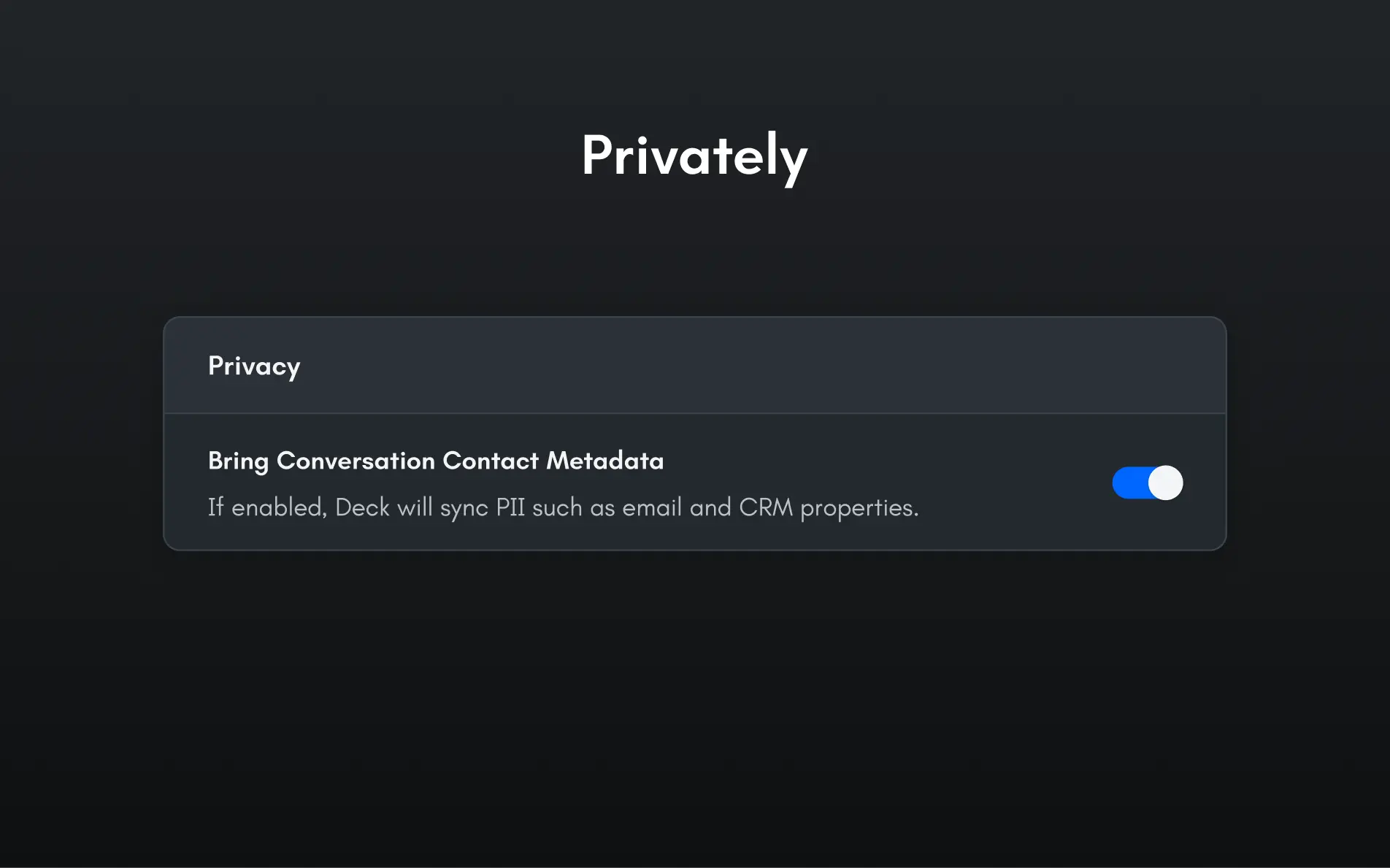
Only Deck organization admins can manage Gong import settings. This includes choosing the Gong workspace, deciding whether media or customer metadata is imported with transcripts, selecting which calls are imported, and accessing raw transcripts and customer metadata.
Integration Diagrams
Deck pulls Conversations from Gong to synthesize and add to the rest of your Customer Intelligence.
Data
Conversations
Conversations

Data
Sales Calls
Sales Calls
Requirements
Authenticating User Requirements
To authenticate this integration for the first time, a user must be a Gong Tech Admin and have admin permissions in Deck.
Syncing Conversations
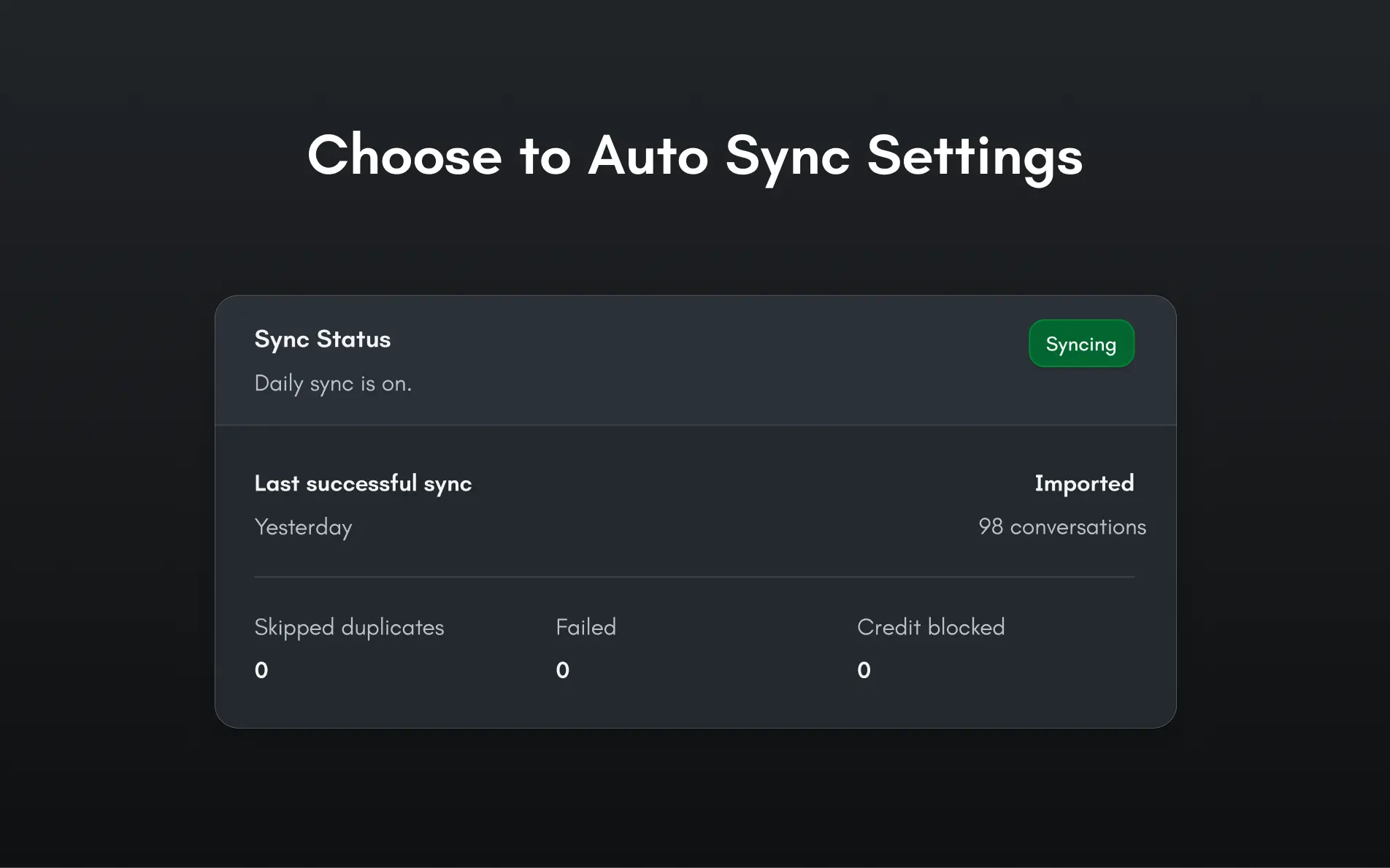
Once connected, you'll be enabled to sync Gong Conversations into Deck to get all your customer's feedback in one place.
Connect
To start connecting Deck and Gong, you'll need a Deck account to connect with Gong. Once done, you'll be able to sync conversations, analyze intelligence, and more.