








Symbe
Build deal-winning business cases in seconds.
About
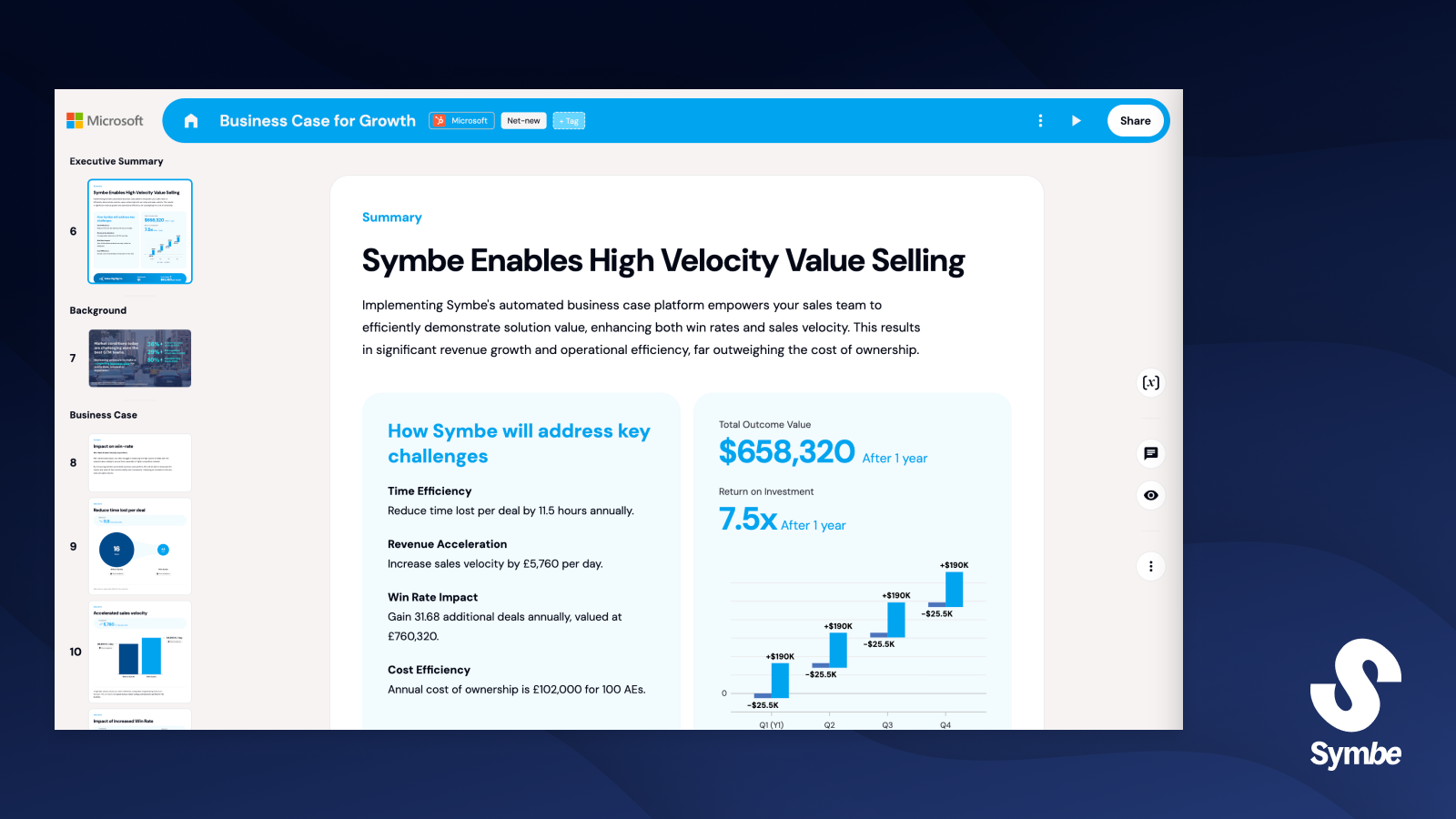
Symbe lets you create deal-winning business cases in seconds. Applied across all stages of the sales cycle, Symbe business cases help sales teams deliver value-selling at scale.
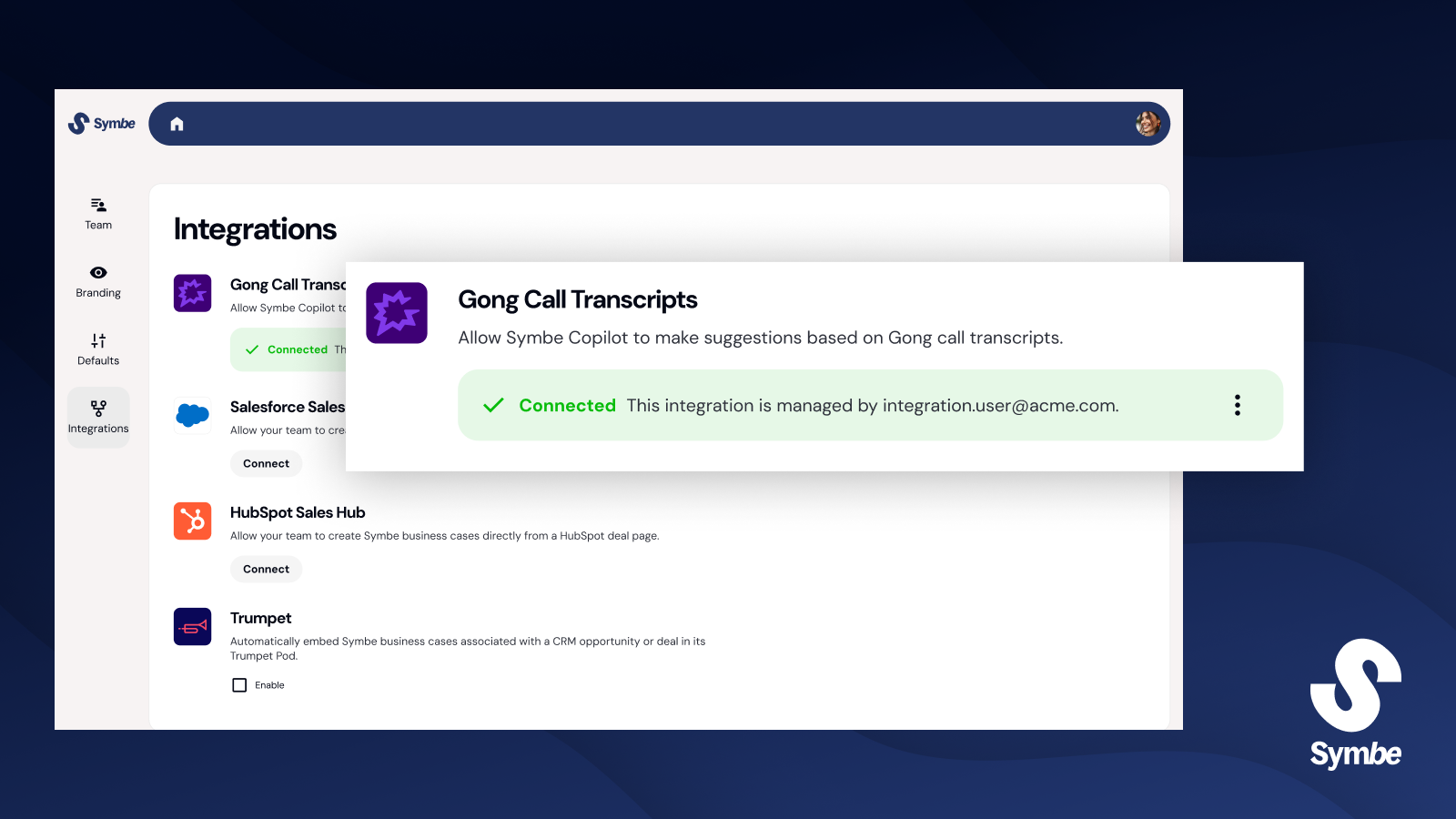
The Symbe–Gong integration lets you send recorded discovery calls from Gong into Symbe Copilot, which then can automatically populate your business case. This saves you time and improves the accuracy of your business cases!
The Symbe–Gong integration lets you send recorded discovery calls from Gong into Symbe Copilot, which then can automatically populate your business case. This saves you time and improves the accuracy of your business cases!
Media
Features

Use Gong Data in Symbe
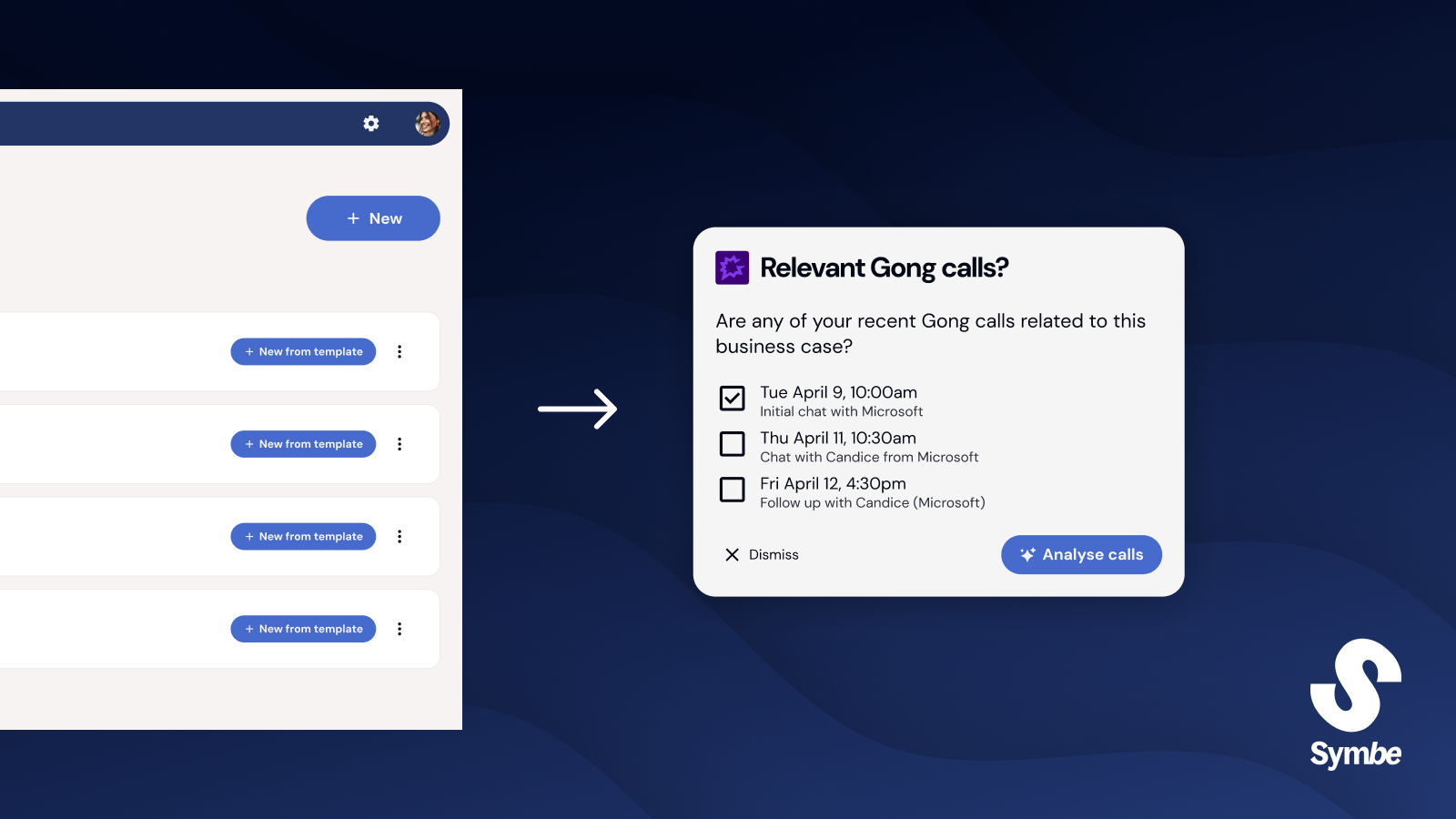
Allow Symbe Copilot to automatically populate your business cases by analysing your discovery calls from Gong.
Benefits

Automatically populate your Business Cases
Symbe Copilot will populate your business cases automatically from your Gong calls.

Collaborate with your Prospects
Invite and collaborate with your prospects on the business case, enabling you to align on the outcomes that matter most to them and help showcase maximum value from your solution.

Customize the Business Case for each Deal
Intuitively customize each business case to support Discovery. From your prospect's branding to specific outcomes, each business case adapts to each one of your prospects.
FAQ
Symbe uses Gong call transcripts alongside call information, namely the call title, url, date, and the names and emails of attendees. Call metadata is used to detect what the customer has said, and to reference when Gong calls have been used to populate business case data.
When generating a business case, Symbe filters Gong calls to use only those originating from the emails of the business case owners. No other Gong calls are considered.
Symbe uses OpenAI models via the OpenAI API to analyze call transcripts and generate structured outputs used in business cases.
Aside from OpenAI’s default data retention window, none of your Gong transcripts are stored or outputted by Symbe - neither in databases, analytics platforms, logging or any other service. Neither are any of your Gong transcripts used to train AI models.
Aside from OpenAI’s default data retention window, none of your Gong transcripts are stored or outputted by Symbe - neither in databases, analytics platforms, logging or any other service. Neither are any of your Gong transcripts used to train AI models.
See OpenAI’s data controls: https://developers.openai.com/api/docs/guides/your-data
Integration Diagrams
Data
Gong Call Transcripts
Gong Call Transcripts

Data
Symbe Business Cases
Symbe Business Cases
Requirements
Subscriptions Required
- Must have a Symbe subscription with CRM integration enabled
- Must have a Gong subscription
Authenticating User Requirements
To authenticate this integration for the first time, a user must be a Gong Tech Admin and have admin permissions in Symbe.
Connect
- In Symbe, go to Settings > Integrations
- Find the Gong integration and click ‘Connect’
- You can now select relevant Gong calls for Symbe Copilot to use when populating your business cases