









Userled MCP Client
Turn what buyers say on Gong calls into ABM content that lands with every target account.
About This MCP Connection
Userled is the AI-native ABM activation platform. B2B marketing teams use Userled to launch account-level LinkedIn ads and microsites for every target account, and to see which accounts engage and move into pipeline.
By connecting Gong to Userled, Userled AI can ask Gong what's been said on calls and emails with each account and deal, then use those insights to choose the angle for the content it creates, so every ad and page reflects what the buyer actually cares about.
Media
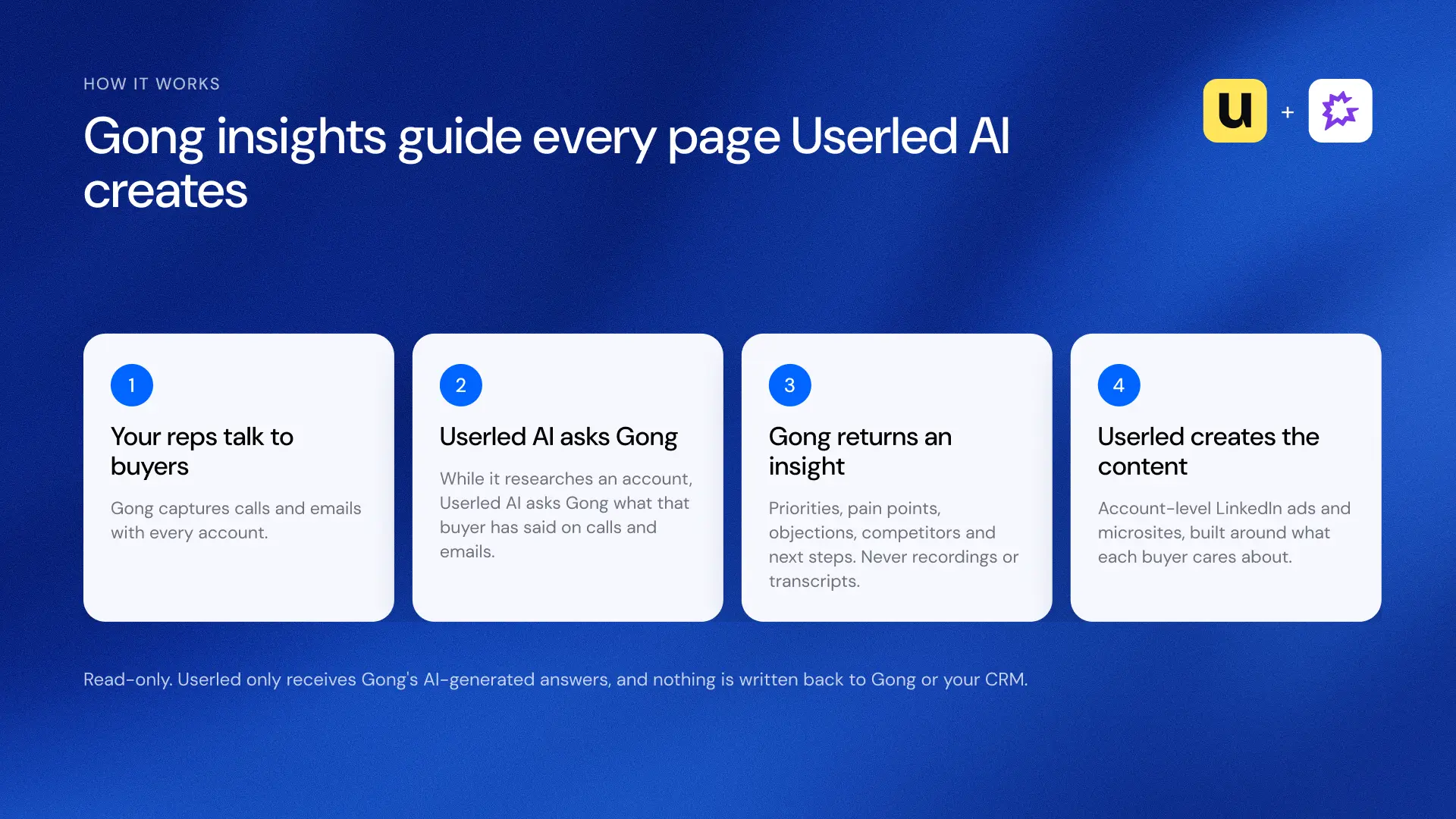
How Userled uses Gong: User...
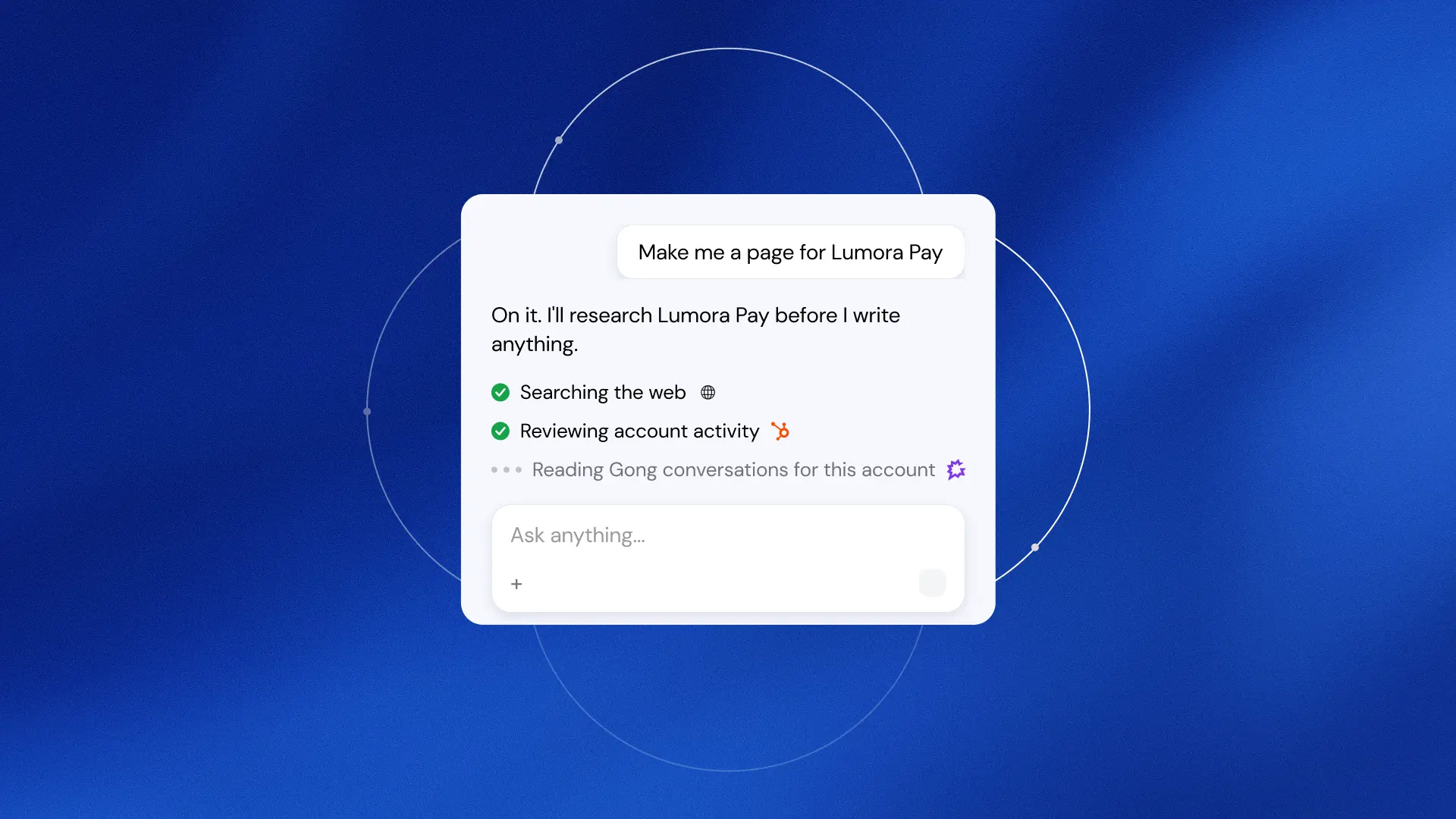
A marketer asks Userled AI ...
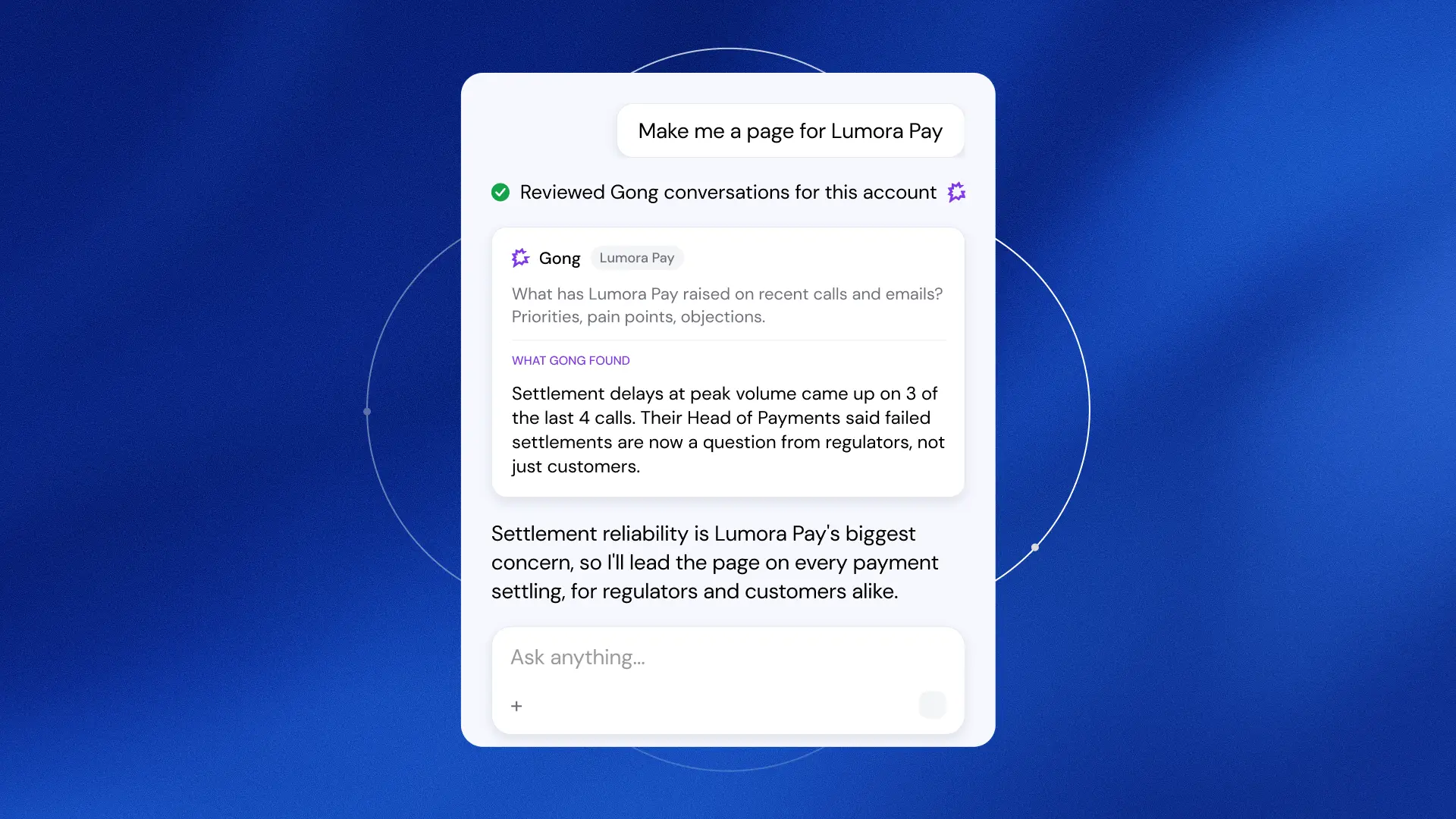
Userled AI asks Gong about ...
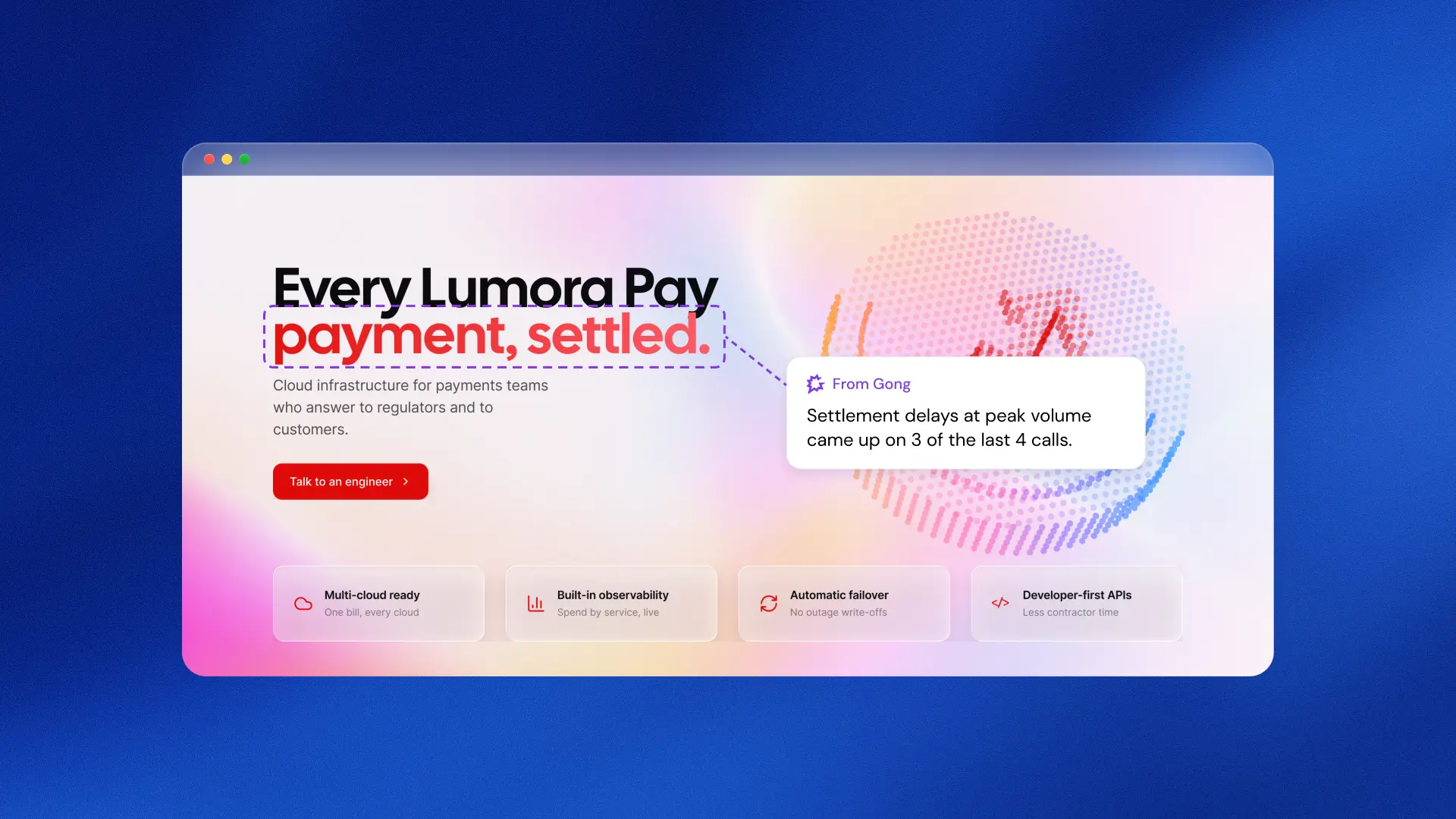
The finished Lumora Pay pag...
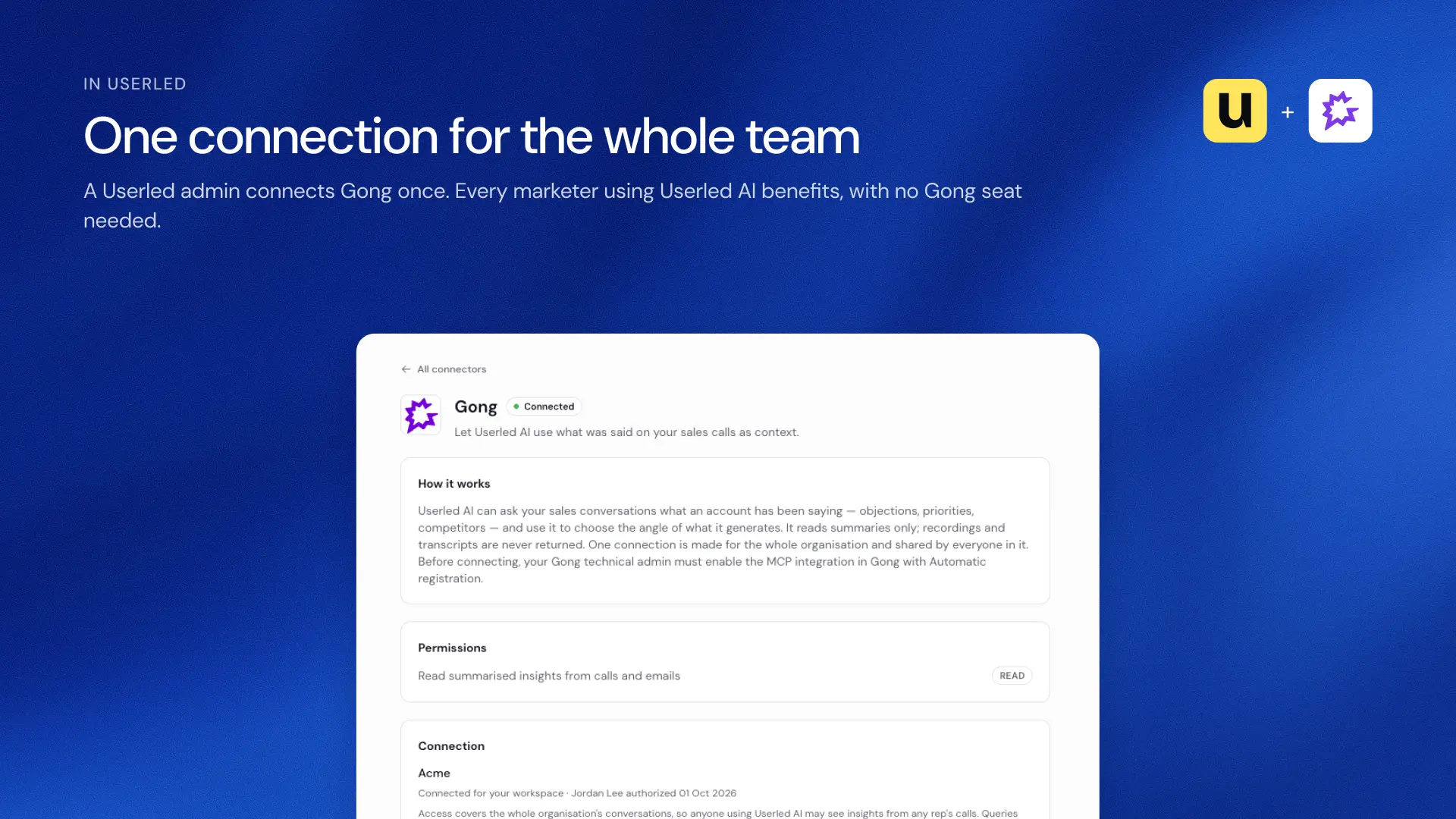
The Gong connector in Userl...
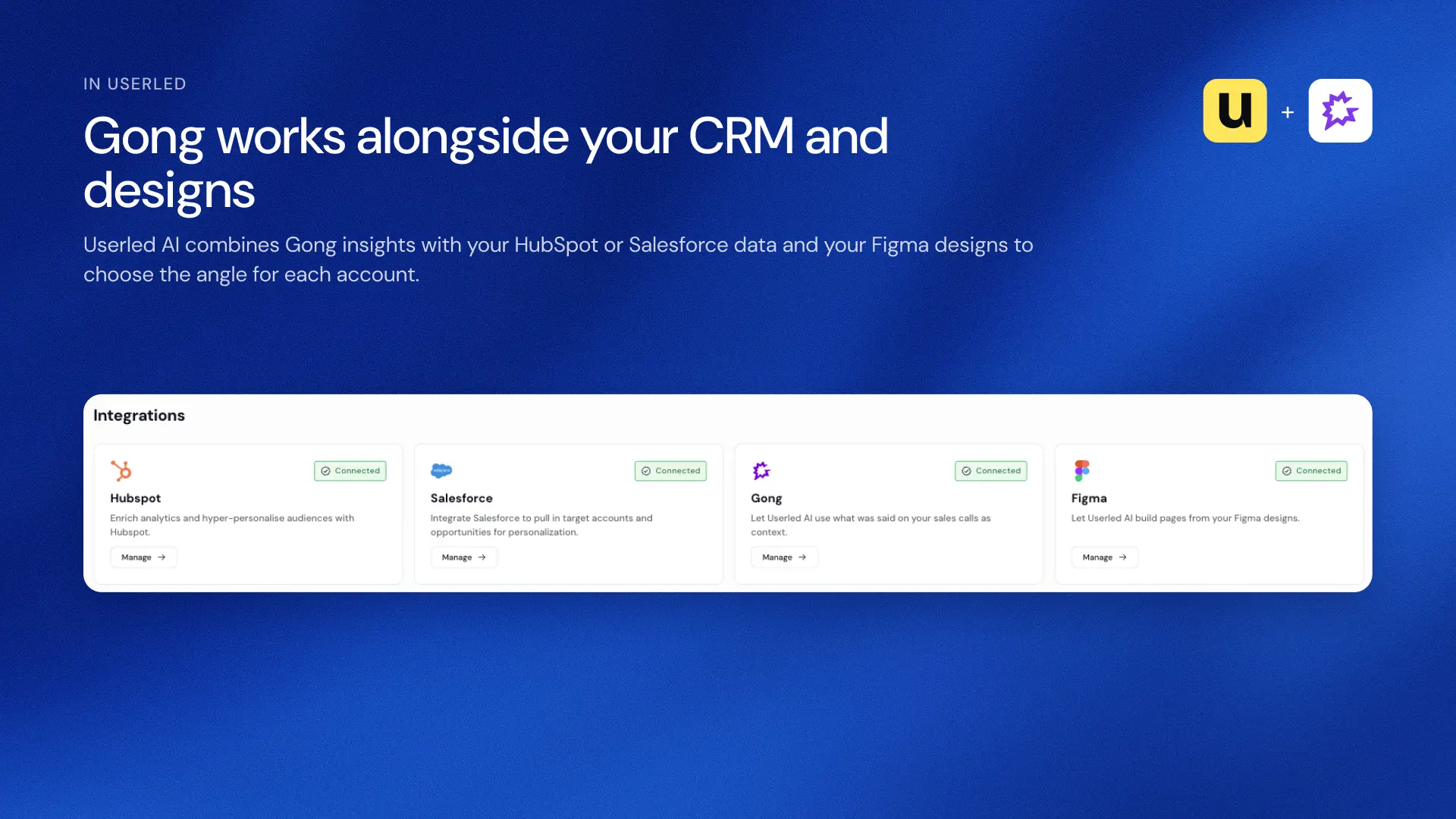
Gong connected in Userled a...
Available Tools
Userled uses two of the Gong MCP Server's read-only tools:
- ask_account: answers natural-language questions about a single account, based on the calls and emails linked to it.
- ask_deal: answers natural-language questions about a single CRM deal, based on the calls and emails linked to it.
Userled only receives AI-generated answers. Recordings, transcripts, message bodies and private calls never leave Gong, and nothing is written back to Gong or your CRM.
What You Can Do with this MCP Connection
- Create account-level ads and microsites that reflect what each buyer has raised with your sales team: their priorities, pain points, objections, the competitors they mention and agreed next steps.
- Skip the manual research. Userled AI checks Gong automatically as part of its account research, so marketers don't dig through call notes or chase reps.
- Keep sales and marketing telling the same story, with messaging that follows what reps hear on calls.
- Connect once for the whole workspace, so marketers don't need their own Gong seats.
Try: "Create a microsite for Acme Corp that speaks to what they've raised with our sales team."
Requirements
Gong Requirements
- A Gong Tech admin with a paid Gong seat approves access the first time. Collaborator seats can't connect.
- Access to the Gong MCP server, with Gong credits available in your company's credit pool. Each lookup uses credits based on how much conversation is analyzed.
- Your CRM connected to Gong, so calls and emails are linked to accounts and deals.
Userled Requirements
- An active Userled subscription.
- A Userled admin starts the connection in Userled. One connection covers the whole workspace.
Connect
- In Userled, an admin goes to Integrations > Gong and clicks Connect.
- A Gong Tech admin with a paid Gong seat signs in to Gong and approves read-only access.
- Gong shows as Connected, and Userled AI uses Gong insights for everyone in your workspace. There's nothing to set up in Gong first.